
Participating Frequently
June 25, 2024
Question

Creative Cloud Application Update page not found

  • June 25, 2024
  • 2 replies
  • 2283 views

Hi!

When I go to the Creative Cloud Application, i can't update my Photoshop/lightroom

(Traduction: Page not avaible, Try again) 


I see this page since 5 days. 
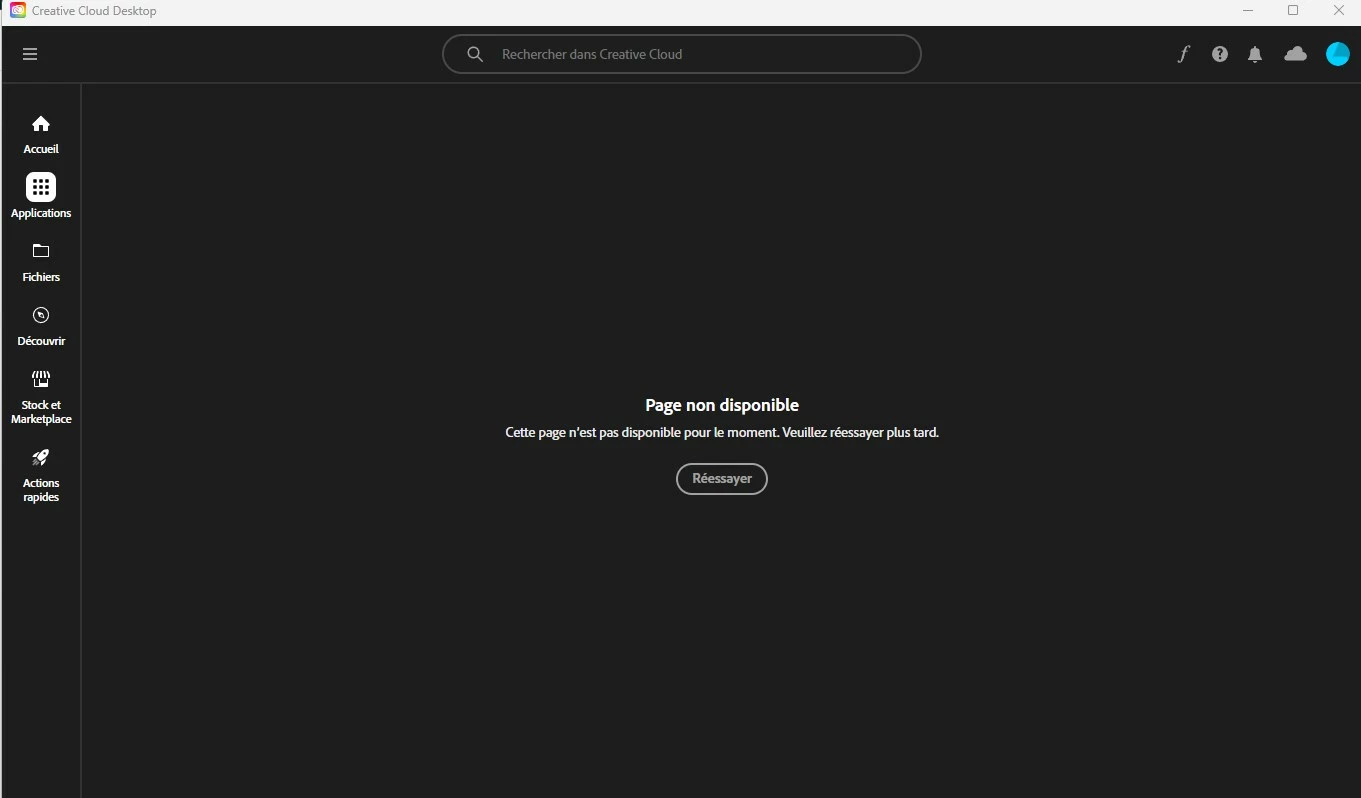
I've tried to repair/reboot/logout -> login/reinstall CC....  Everything else work, I can see my account, I can see/use my stored work on the cloud, my account is paid but I can't update!?!?!? 


What's wrong with CC ??? 


Thanks you ! 

This topic has been closed for replies.

2 replies

Ruchika Wadhawan
Adobe Employee
Adobe Employee
June 27, 2024

Hi @Francois23066746hyvw ,

To investigate this issue, we would require the creative cloud logs. Kindly click on the hamburger menu icon (3 lines on the top left) -> Help-> Create log file. 

Please follow the steps to collect and share the log files with us.


Regards,

Ruchika Wadhawan

Participating Frequently
June 27, 2024

Thank you @Ruchika Wadhawan for helping me,  II've made what you ask but i can't share with you here because the file is way too big. My zxp file is over 70MB and reddit accept only 47MB or less and even zxp extension is not accepted here.... 

Ruchika Wadhawan
Adobe Employee
Adobe Employee
June 27, 2024

Hi @Francois23066746hyvw , That's alright. If you've uploaded the file on the log collector tool, then you can just share the file name with me and I can retrieve it.


Regards,

Ruchika Wadhawan

kglad
Community Expert
Community Expert
June 25, 2024

freset the cc desktop app by making sure it's in the foreground, then press:

Win: Ctrl + Alt + R
Mac: Cmd + Opt + R


if that fails, repair per https://helpx.adobe.com/download-install/kb/creative-cloud-install-stuck.html


if that fails and you have windows, open your control panel > add/remove programs > cc desktop app > repair

if that fails, uninstall using the correct uninstaller from https://helpx.adobe.com/creative-cloud/help/uninstall-creative-cloud-desktop-app.html#sa_src=web-messaging and then reinstall using*


if that fails, do a clean cc install carefully following each applicable step:

uninstall every cc app including preferences per https://helpx.adobe.com/creative-cloud/help/uninstall-remove-app.html

then uninstall the cc desktop app, again using the correct uninstaller per https://helpx.adobe.com/creative-cloud/help/uninstall-creative-cloud-desktop-app.html#sa_src=web-messaging

clean your computer of cc files per http://www.adobe.com/support/contact/cscleanertool.html

check for, and if available, update your os

if windows is your os, repair all ms visual c++ versions that can be repaired (use google if you don't know how to do this)

if windows is your os update your ms visual c++, if it can be updated (use google if you don't know how to do this)

restart your computer (don't skip this)

reinstall the cc desktop app using the "alternative download links" at the bottom of the page at https://helpx.adobe.com/download-install/kb/creative-cloud-desktop-app-download.html

use the desktop app to install your cc programs/trials>

if that fails, you probably have a corrupt user account. google your os and how to create a new one.

Participating Frequently
June 26, 2024

HUmm maybe trying to read the question BEFORE awnsering scrap will help !!!  Your response is pre-formated and useless...