

Question
Creative Cloud blank screen not because of the special characters (?, /, $, #, %, &)
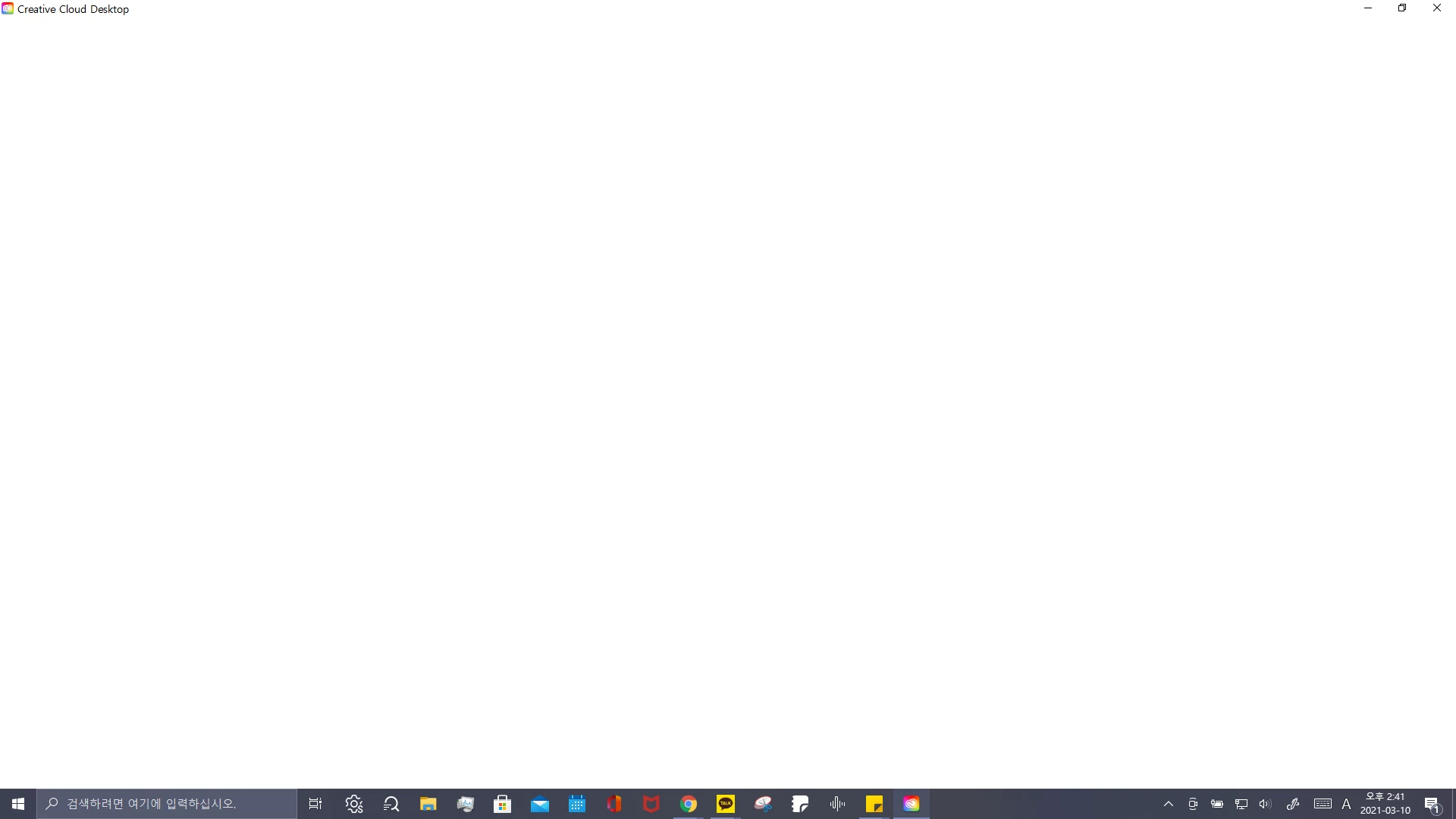
I checked my profile, and it wasn't because of the special characters.
How can I solve this problem?
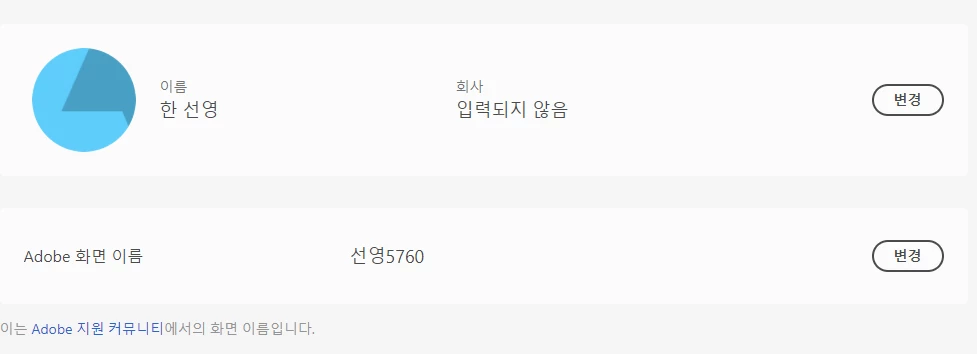

I checked my profile, and it wasn't because of the special characters.
How can I solve this problem?
Already have an account? Login
Enter your E-mail address. We'll send you an e-mail with instructions to reset your password.
 AdChoices