
Participating Frequently
February 16, 2022
Question

Creative Cloud Client stuck on loading applications

  • February 16, 2022
  • 1 reply
  • 275 views

Hello


Since I switched to my new MacBook with M1 on Monterey 12.1/12.2/12.2.1  I have the same problem again and again. When  I activate the client over the menubar, it is hanging in "Loading Applications". Restarting the client does not solve the problem. The spinning circle is rotating endless.
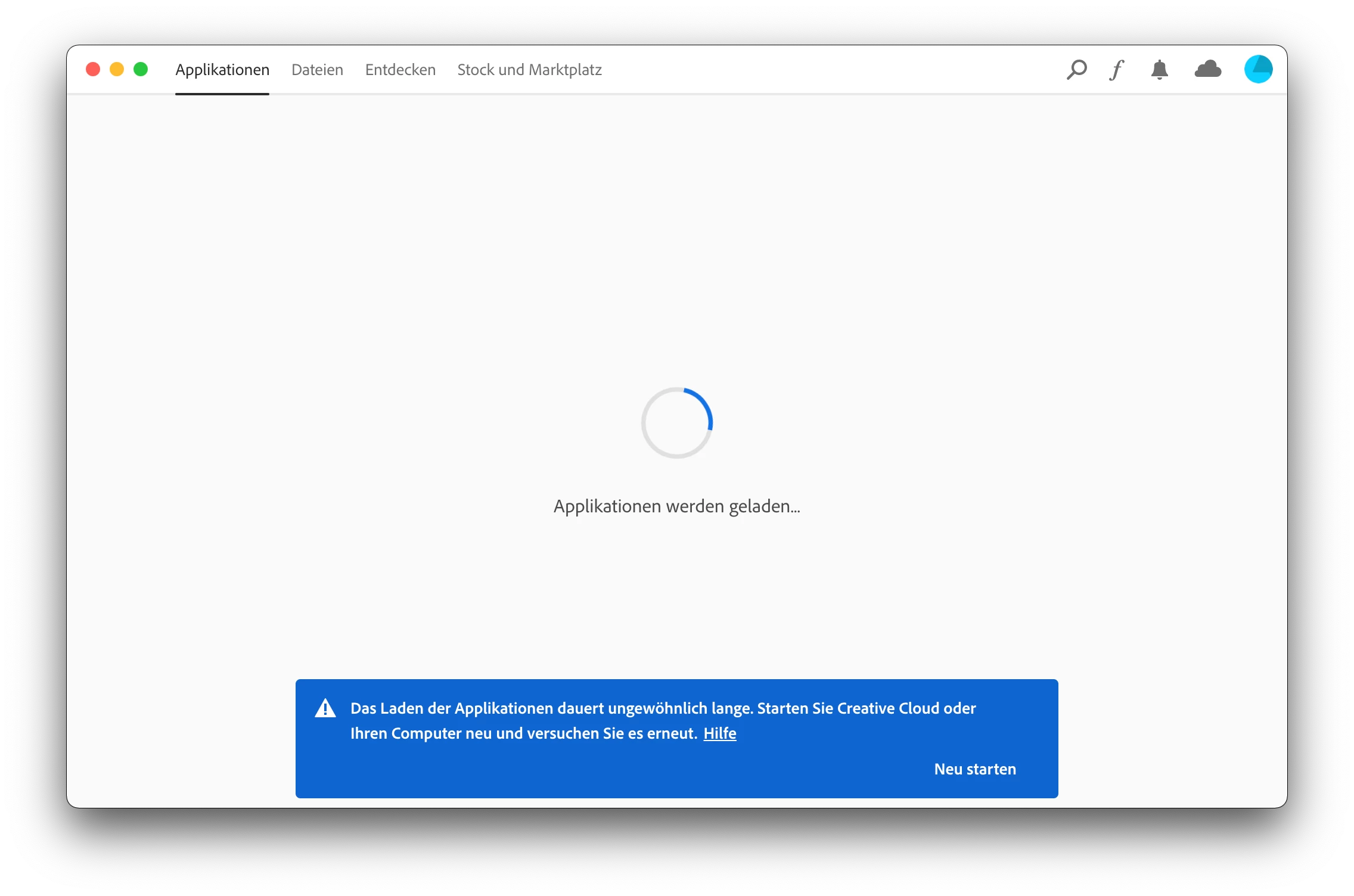
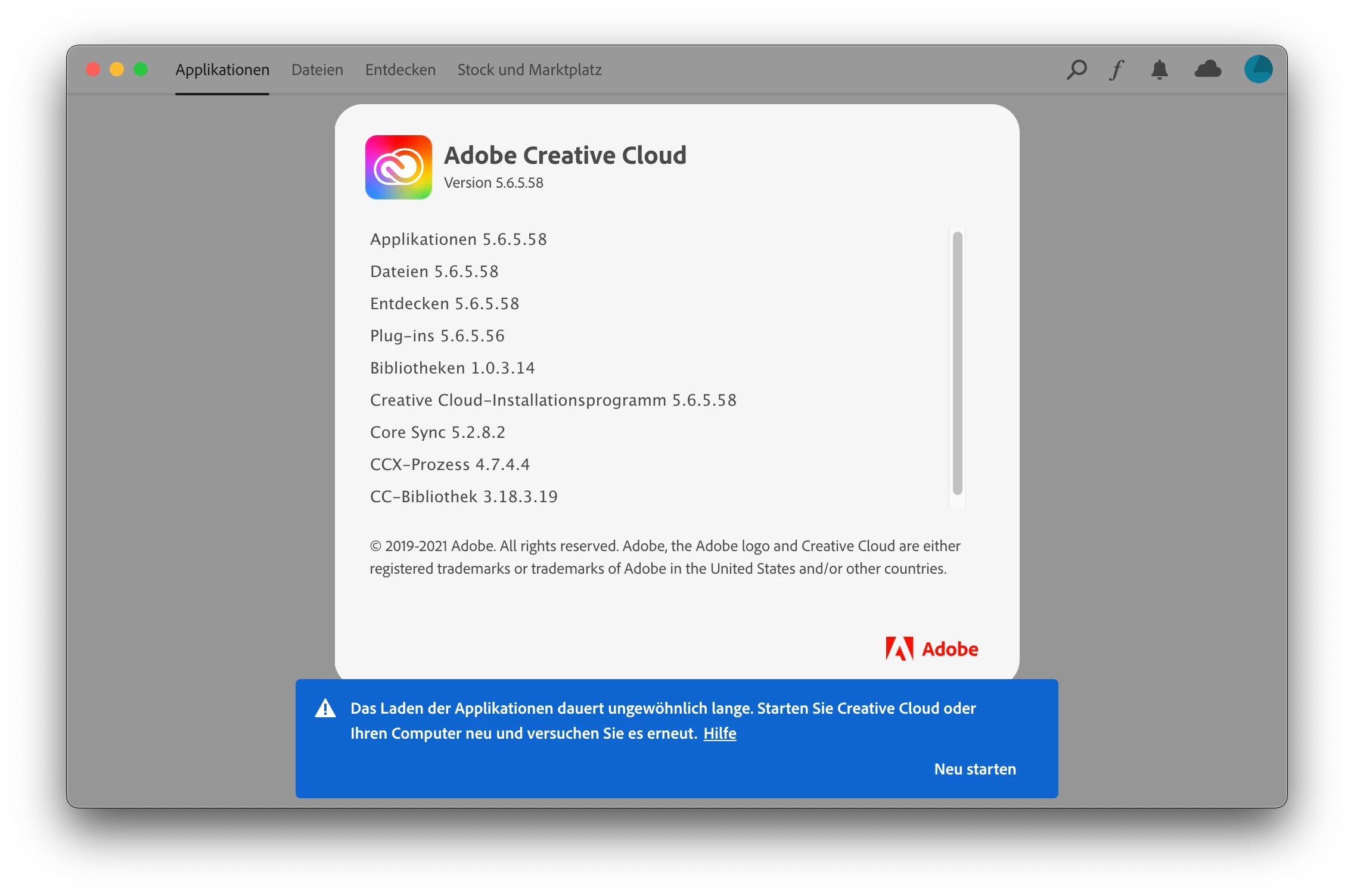
 

Only a complete reboot is solving this behavior for some hours. But it will reappear again.

I have tried several solutions like removing special folders in the directories. A complete uninstall with the uninstaller. Nothing helps. The issue survived several OS or Client updates.

I'm writing this in the hope somebody has a solution or someone at Adobe will investigate this.

Bye
Marcus

This topic has been closed for replies.

1 reply

Jeffrey_A_Wright
Community Manager
Community Manager
February 16, 2022

Marcus, what process did you use while setting up the MacBook Pro?  Did you transfer any files from an old computer, or is this a brand new computer with nothing migrated from a different computer?


Please see https://helpx.adobe.com/download-install/kb/apple-silicon-m1-chip.html for information on successfully using Adobe applications on computers using Apple's new processor.

Participating Frequently
February 17, 2022

Hello Jeff
It's a brand new installation because I've switched from Windows to Mac. So I think we can exclude to have any old Intel stuff causing this problem.

Jeffrey_A_Wright
Community Manager
Community Manager
February 17, 2022

Thanks, Marjue, in that case, please begin a secure chat session at https://helpx.adobe.com/contact.html?rghtup=autoOpen so a support team member can assist you with discovering why the software is not functioning properly.