
Creative Cloud desktop (on macOS) & web apps incorrectly displays cloud storage overfull.
Hello,
Adobe Case ID: ADB-15501225-T2M4 CRM:00887000004039.
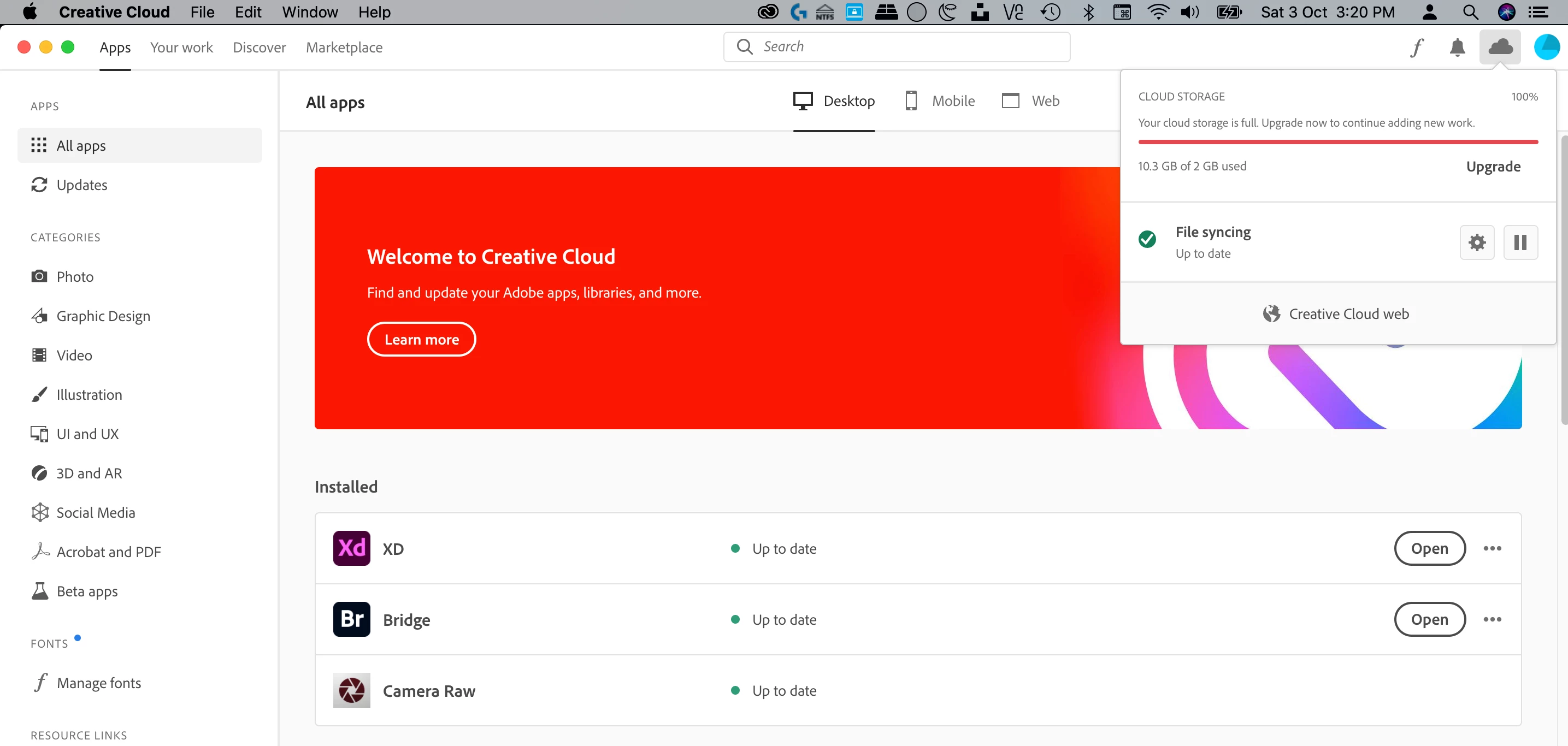
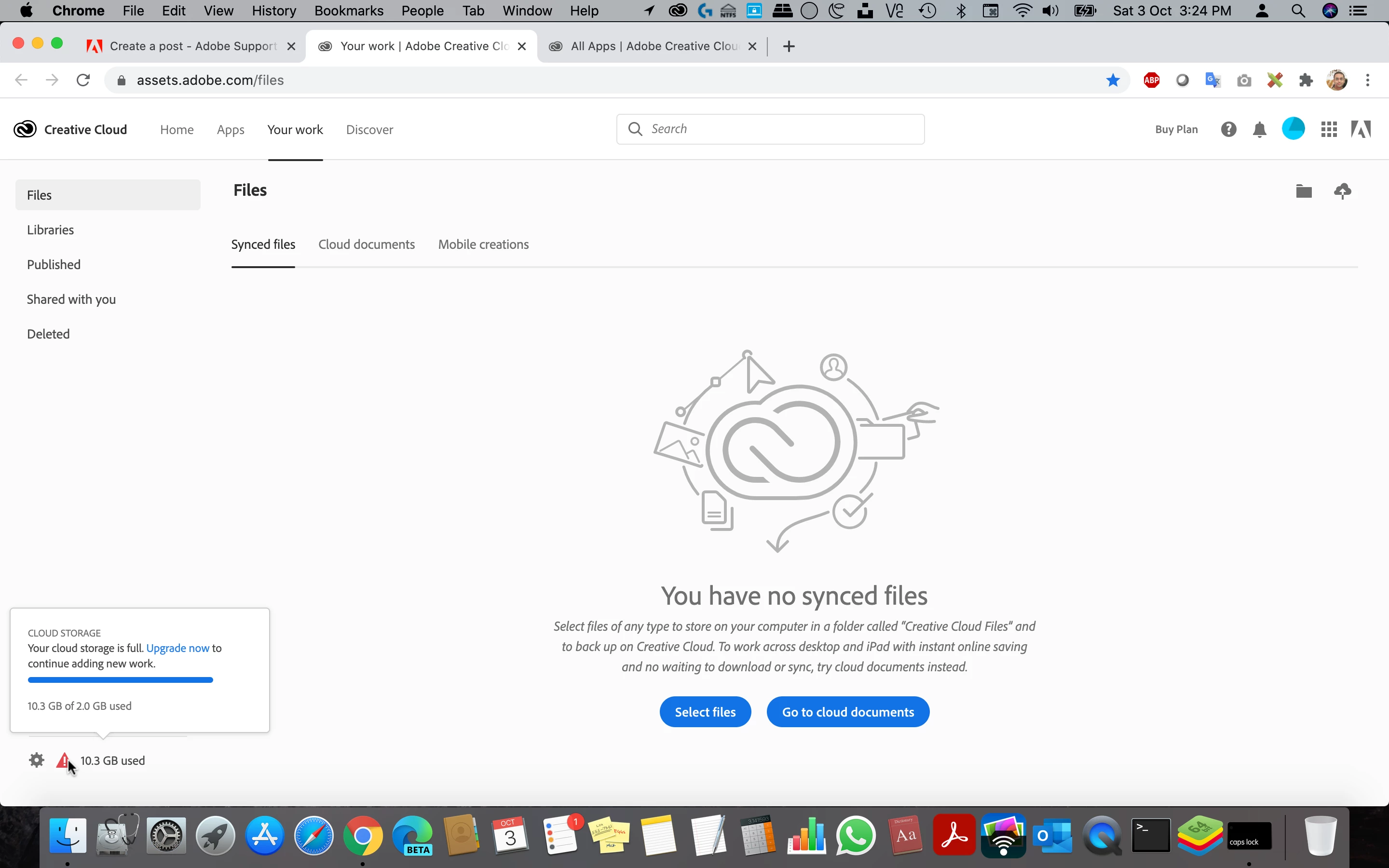
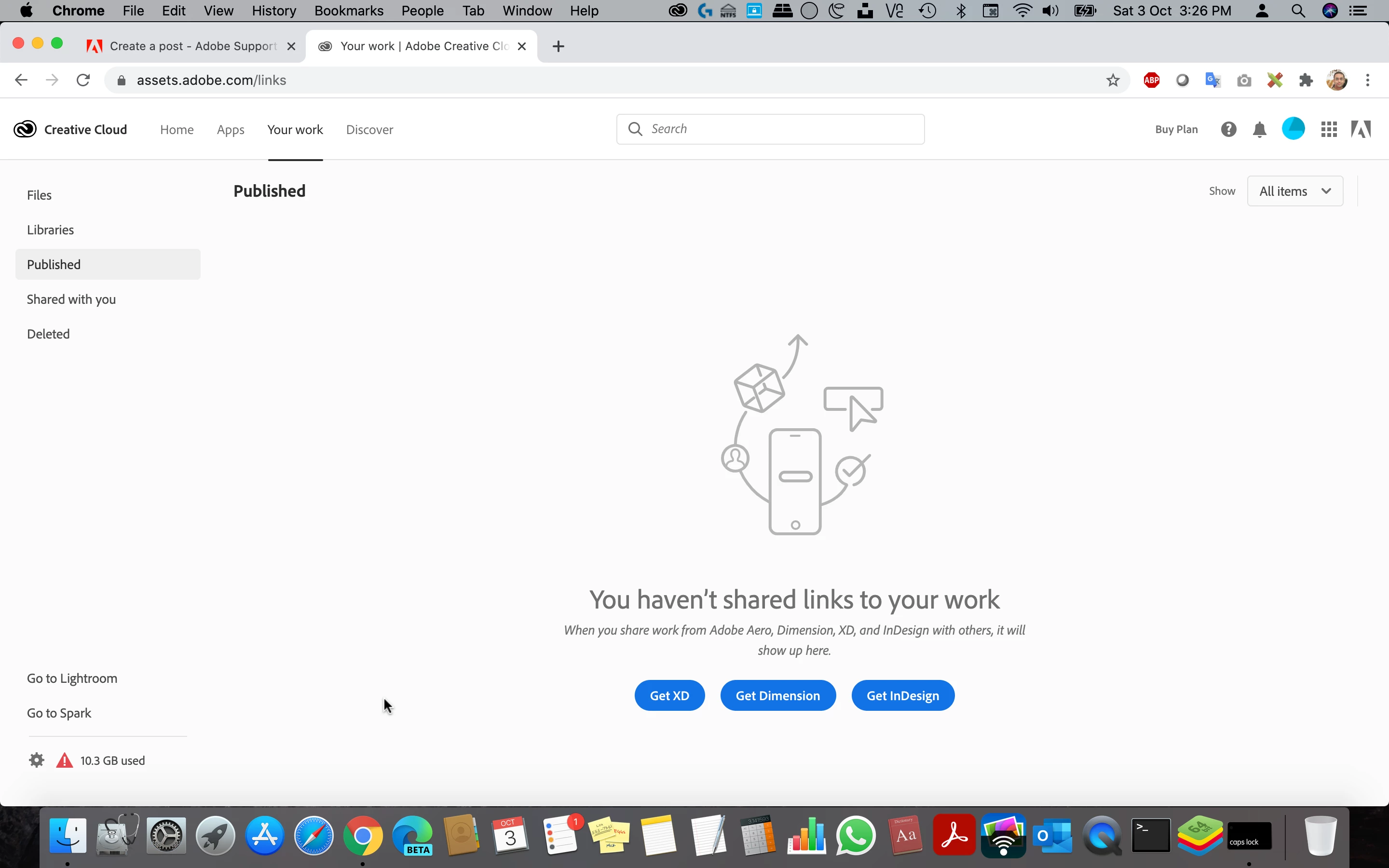
I'm using the Creative Cloud desktop app in macOS and it shows me that 10.3 GB of 2 GB is used and full. How can that be possible? How can I use 10 GB when I've been only provided 2 GB of cloud storage with my Adobe free account?
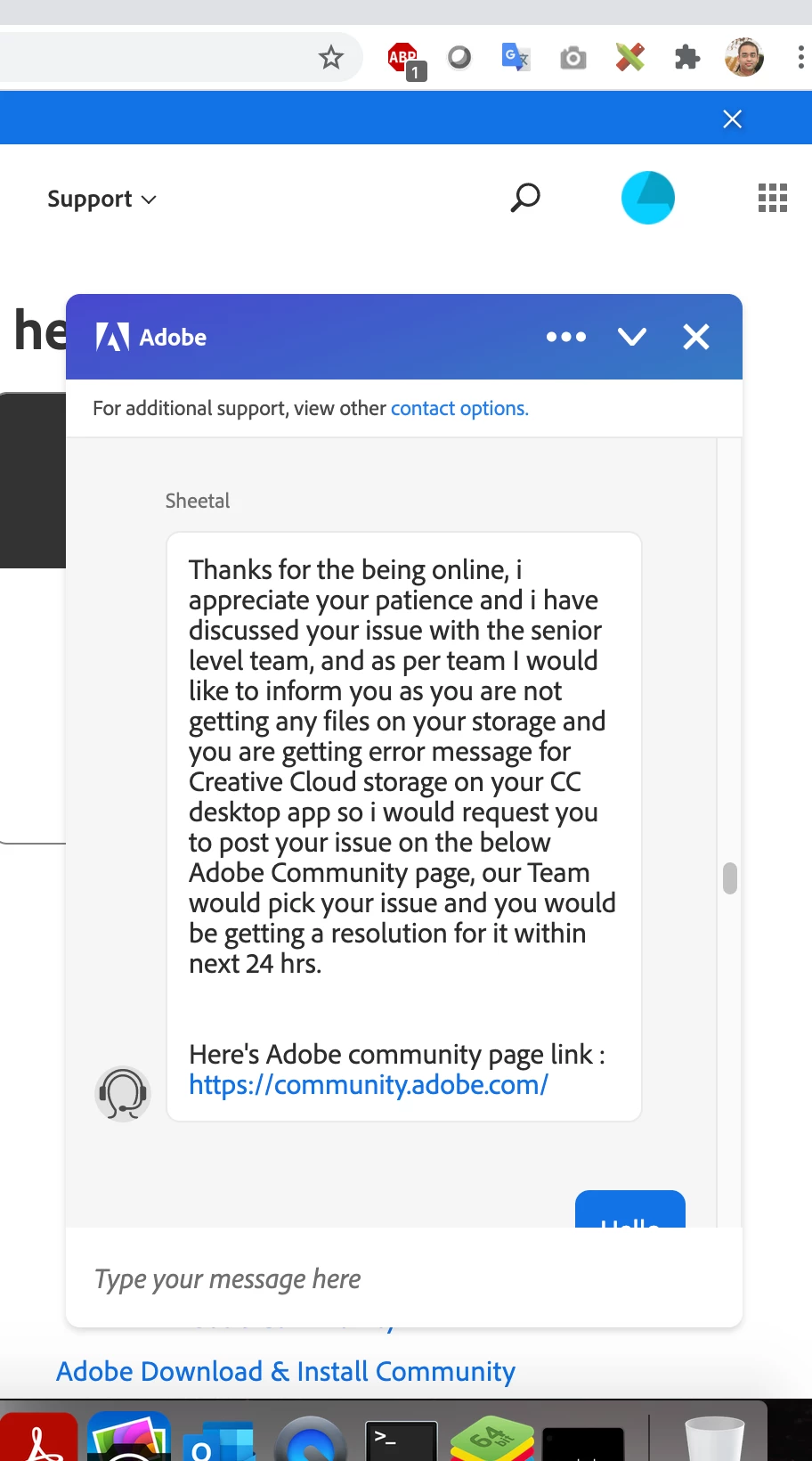
I asked Adobe Chat Tech Support and they couldn't exactly tell me why is this being shown to me.
They spoke with their high supervisor team and asked me to post here in the community to receive a reply from their higher specialist team, who would be looking at it,
I've also signed out of the Creaive Cloud desktop app and website and restarted my Mac and signed- back in and even then seeing the same overfull status.
I don't have any paid active subscription of any creative cloud apps either, except Adobe XD Starter edition is what I have, for which the Creative Cloud desktop app gets automatically installed, becaue it's required for Adobe XD to work and contains this very app.
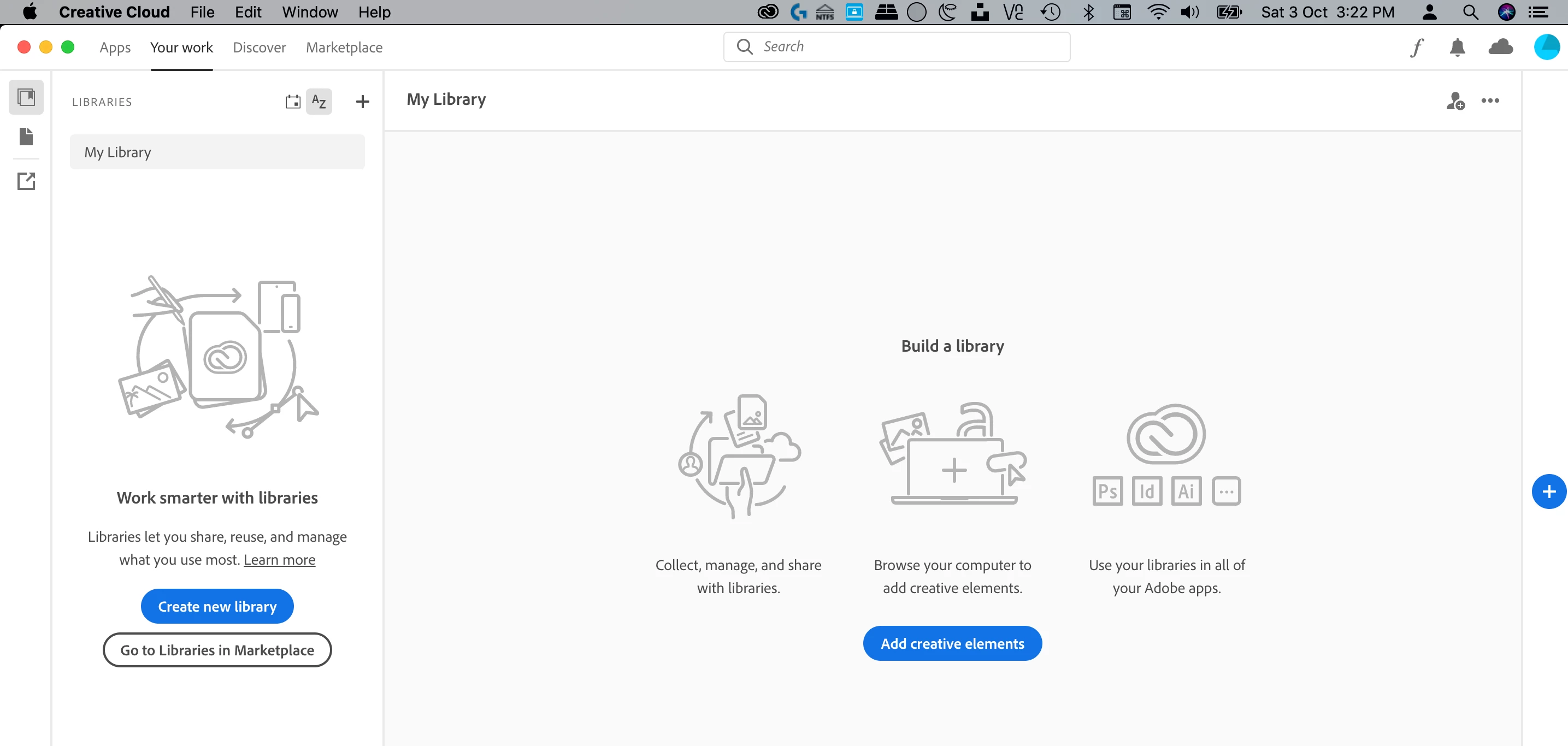
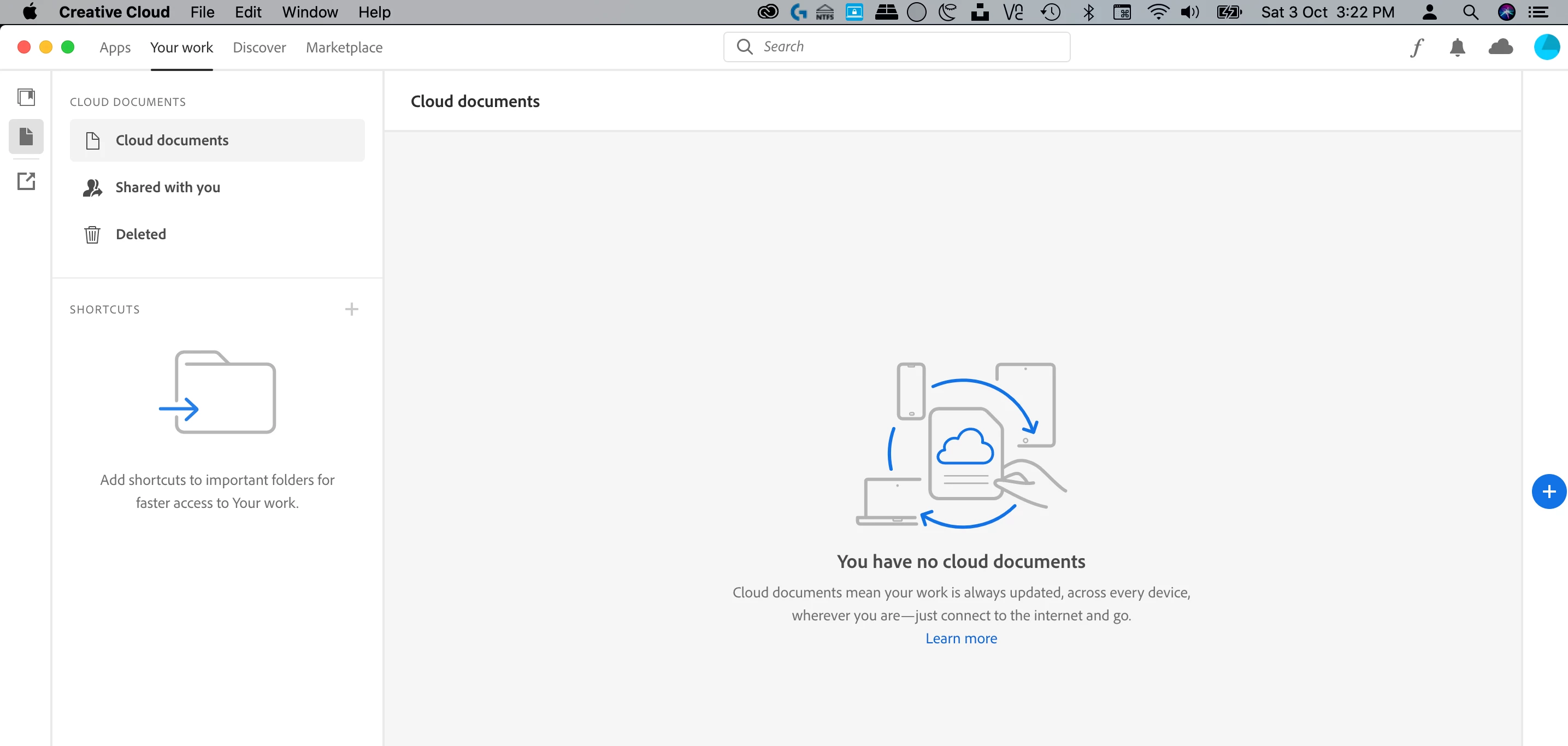
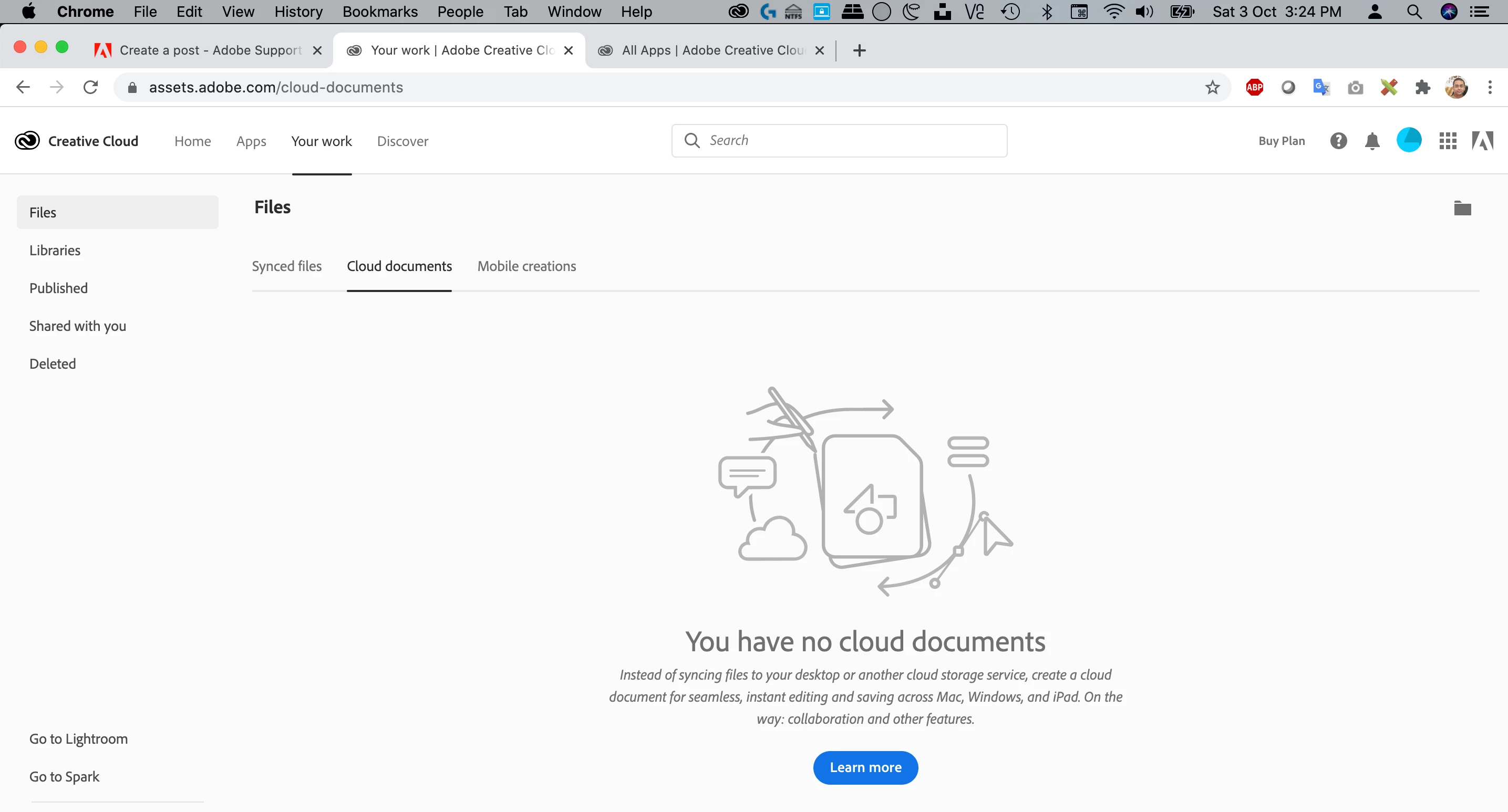
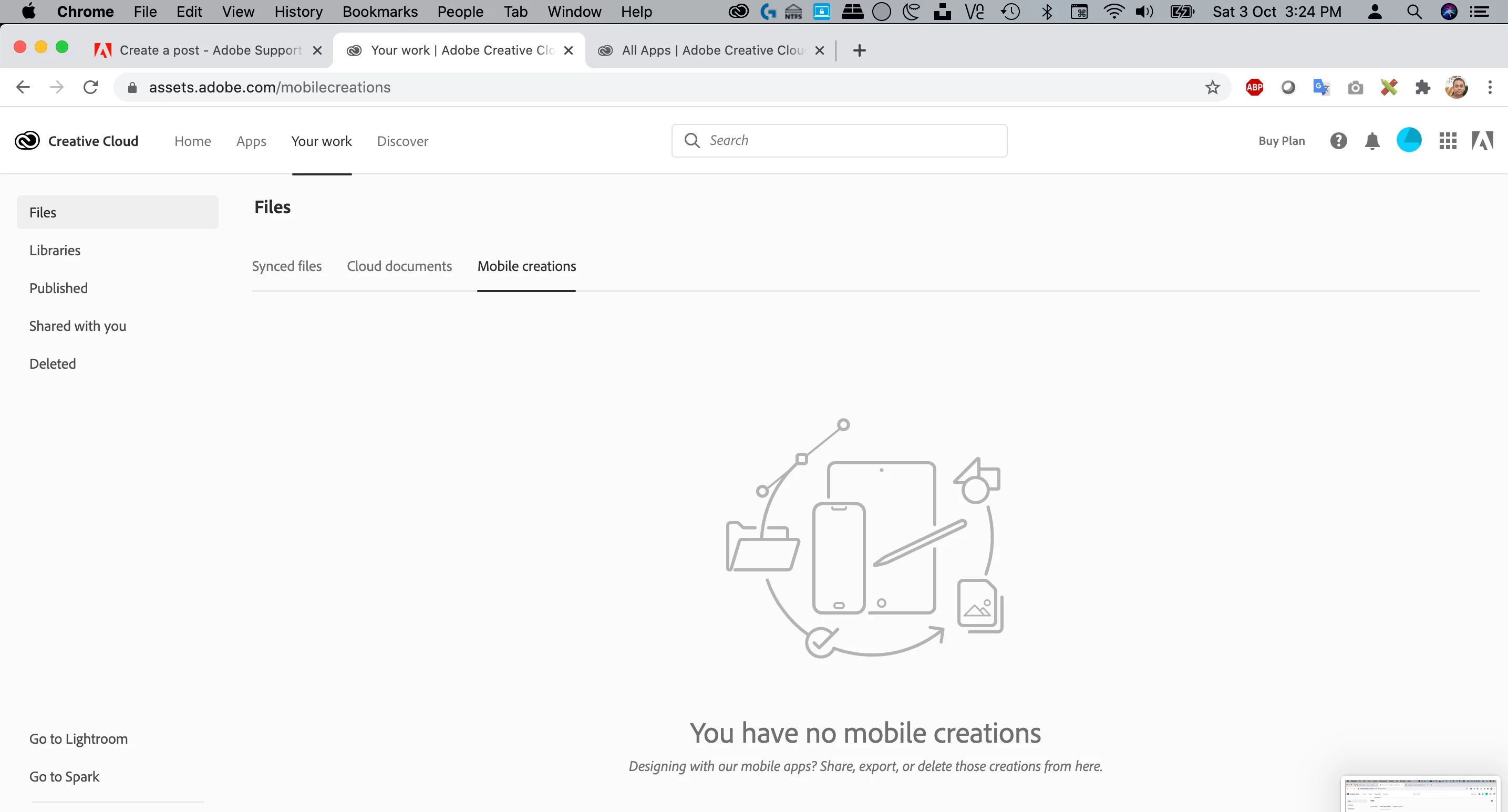
Also, I don't have any design files uploaded to my Creative Cloud storage as well. It's blank, as I haven't uploaded any files to the cloud either. So how or why should the Creative Cloud desktop app show me that my cloud space is full and over full?
I've attached some screenshots below, as well to illustrate.
Can someone please let me know what's the issue here and how can I get this fixed?


 AdChoices