
Question
Creative Cloud failing to sync for whole team
Hi,
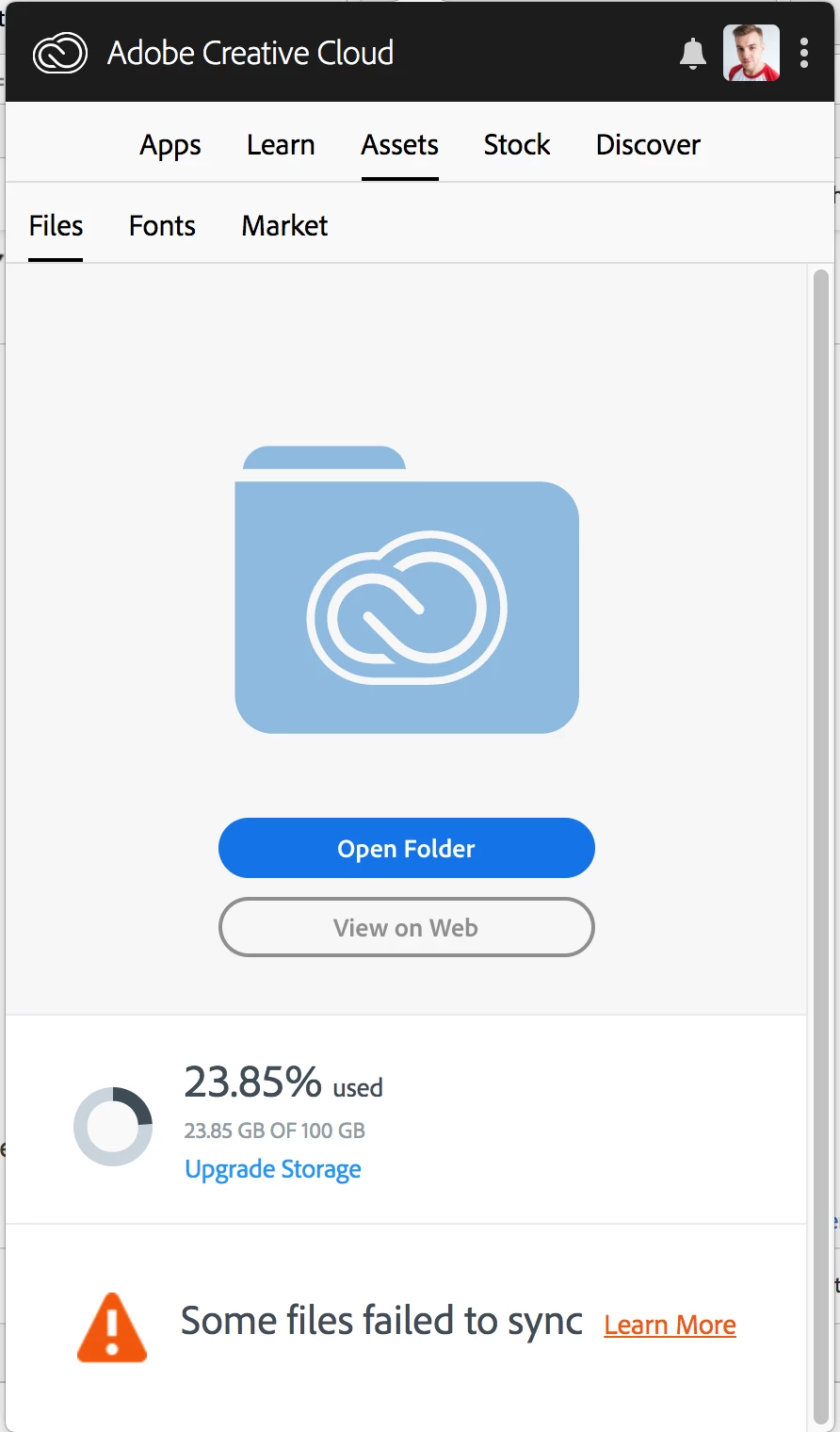
Since some time now (don't know exactly when it started) the files of me and my teammates are failing to sync. Someone who has just started to use a new Macbook is failing to even retrieve a single file or folder. We get the error message "some files failed to sync". I've tried numerous solutions found online and in the forums, and found this list so I thought I'd start with that.
- Is the Adobe ID you use here on the forums the same which is experiencing the issue (Y/N)?
- Yes
- Do you have multiple Creative Cloud Accounts?
- No
- Do you use the same Adobe ID on multiple workstations?
- No
- Number of machines affected:
- 5 atleast
- Internet connectivity info (Ethernet/WiFi):
- Tested on multiple WiFi networks (corporate, home and mobile hotspot)
- What is your upload/download speed (can you run a speed test via www.speedtest.net)?
- Tested 150 down /15 up atleast on one of the networks
- Are you using a proxy (Y/N):
- No
- Are you using Firewall (None/Corporate/Local):
- Various, but Typekit network test had no issues even on corporate network (if this is of any relevance)
- Do you log onto a domain?
- No (I think? Don't exactly understand this question)
- Location where issue occurred (City, Country):
- Tilburg, The Netherlands
- Timezone of your computer:
- Central European Summer Time
- Creative Cloud App Version:
- 4.5.0.331
- Operating System:
- MacOS 10.13.4
- Name of affected File(s)/Folder(s)
- All of them
- Does the issue seem related to a specific file type or file size?
- No
- Are the File(s)/Folder(s) having the issue part of a collaboration?
- Yes, if you mean shared with multiple people
- If the issue is related to a folder, is it shared?
- Yes the files and are shared
- Exact Error message - Please provide screen shot if possible
- What file operation were you trying to perform when the error occurred (please document each step)?
- Syncing


 AdChoices