
hyuny_ko
Participant
November 18, 2020
Question

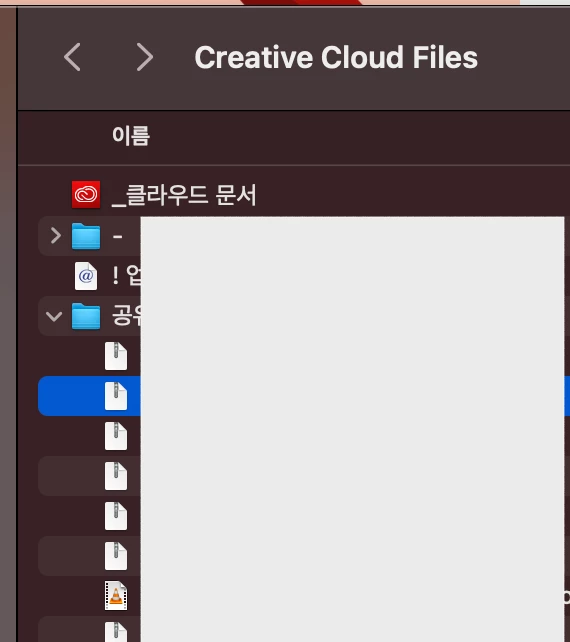
"Creative Cloud Files" no option in macOS Big Sur

  • November 18, 2020
  • 2 replies
  • 585 views

I'm using now macOS Big Sur. 

After the update. upload check icon is not visible in Finder's Creative Cloud Files Folder.

no option to share the link too. 

please let me know when the update! 
This topic has been closed for replies.

2 replies

Participant
November 20, 2020

Same Problem here. But no idea how to fix it?....

John T Smith
Community Expert
Community Expert
November 18, 2020

You should always wait to update your Mac operating system until you verify that the non-Apple programs you use are going to work properly... not only Adobe programs, the 2nd link below is about Avid... aimed at video editing, but it is a warning for ALL non-Apple program users
https://community.adobe.com/t5/download-install/can-i-run-my-adobe-applications-in-macos-11-big-sur/td-p/11586901?page=1
https://ymcinema.com/2020/11/15/premiere-pro-and-avid-editors-do-not-upgrade-to-macos-big-sur-yet/
https://tidbits.com/2020/11/13/big-sur-is-here-but-we-suggest-you-say-no-sir-for-now/


I do NOT know if these links will work with sur
https://macpaw.com/how-to/downgrade-from-catalina or
https://www.macworld.co.uk/how-to/mac-software/downgrade-macos-3581872/
