
Question
Creative Cloud Files Not Syncing
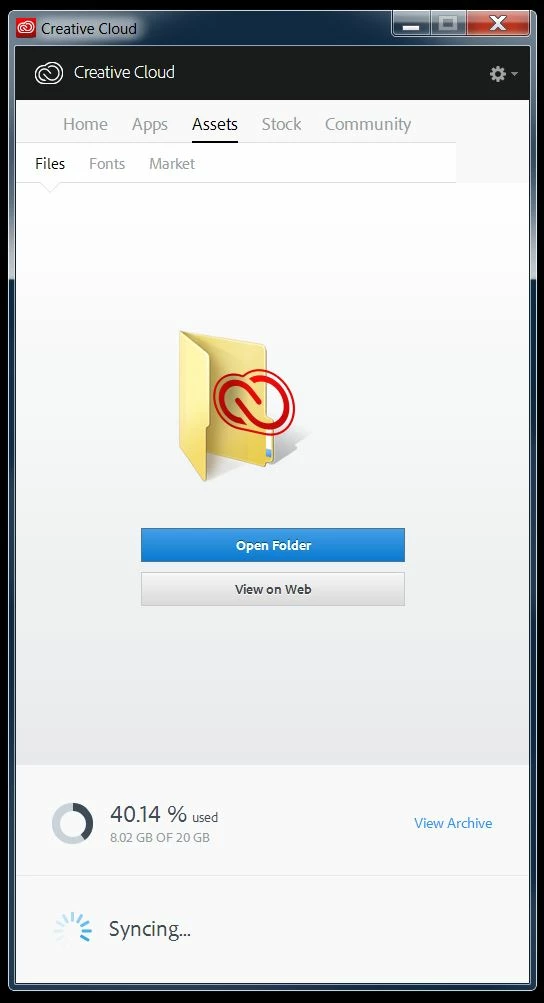
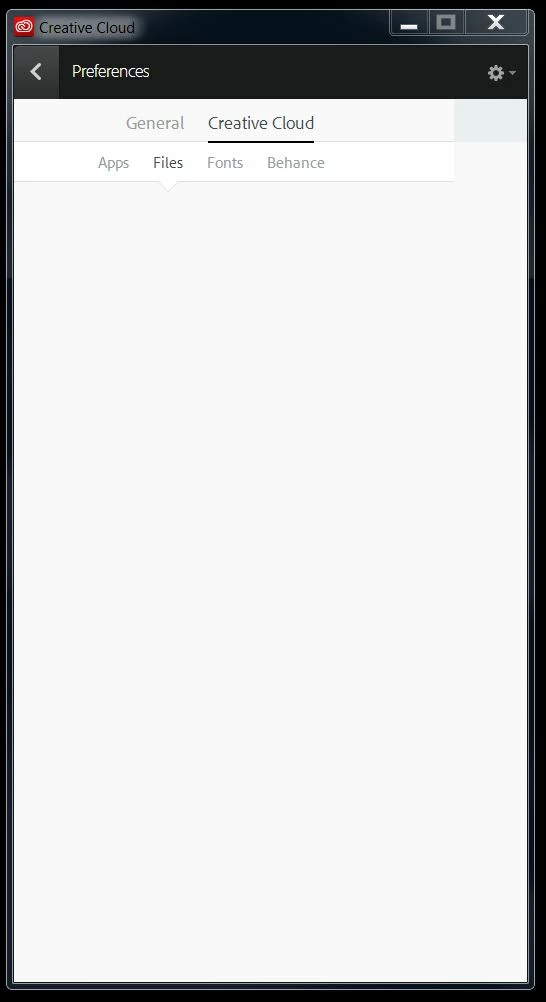
Recently following an update to my CC app, my shared folder disappeared. It contained 8GBs of assets and I am curious to what happened. I created another folder for the shared service and started the sync, but nothing is syncing. It did copy my directory over, but none of the actual assets. It constantly says that it is syncing, but never syncs anything. I have located my files via the browser, but can only download them one at a time. Where did my files go? I also cannot change anything in my preferences. I have tried the following in order:
- Double checked to make sure that I have Sync turned on.
- Signed out and back in.
- Powered down the PC and restarted.
- I have deleted the Core Sync files as recommended in a previous forum.
Win 7 - Creative Cloud 2.2.0.129


 AdChoices