
Creative Cloud Folder doesnt works right.
Hello community
Im new to adobe's CC. I found the sync folder feature very useful, so i decided to upload a project.
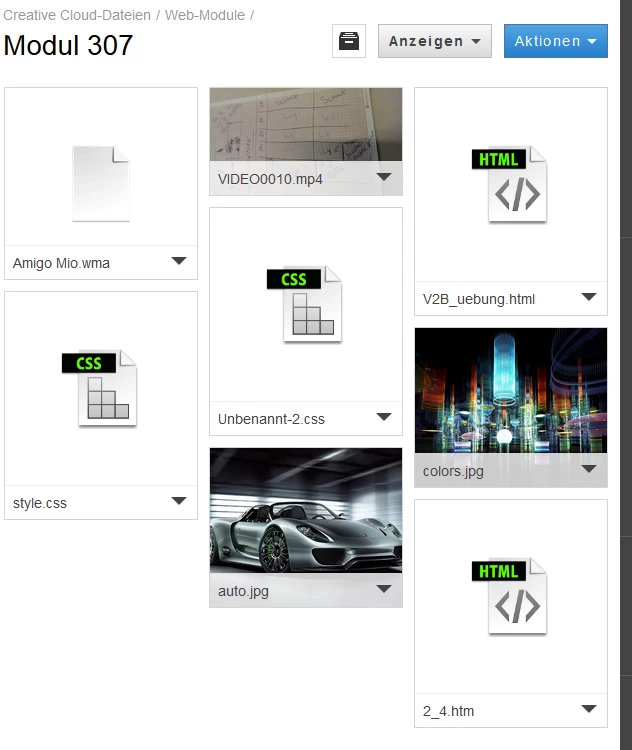
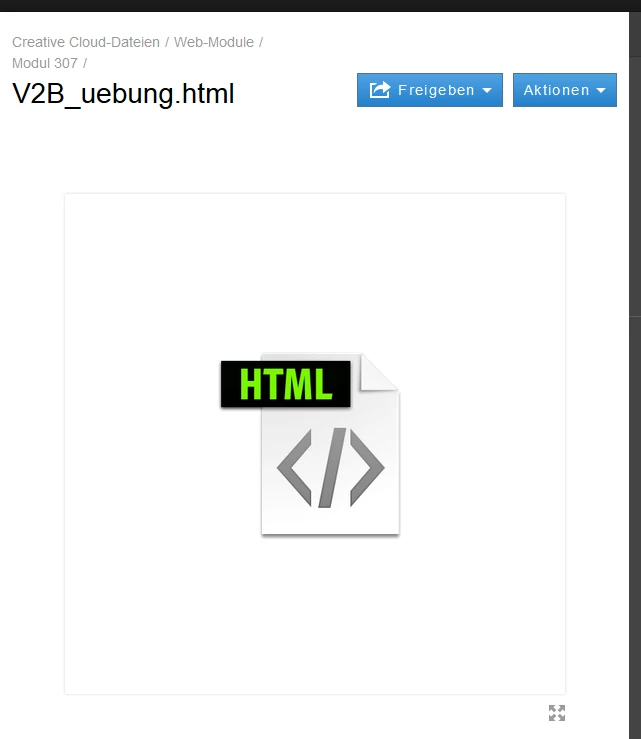
I placed various files from dreamweaver(.jpg, .mp4, .html, .css)in my CC folder((pic 1) they are in a subfolder). The files seem to be there(local i can use them), but when i try to use them from my other device, there are not there. On the browser interface, the html file for example, is just a picture, but it shows me not the content, it shows me the icon(pic 2). And there is another problem. I use a Laptop and a desktop. The files i place with laptop are not visible on the CC folder in the Windows Explorer and vice versa. The upload from laptop worked(showing pictures of what should be code...(pic 3 )), but the desktopfiles are not synced to cloud.
When i download a file, the content is what i expect. But the integrated network drive is useless for me.
I use win 8 on desktop, and win 7 on laptop.
Hope someone can help me. (english is not my native language, thank you for understanding)



 AdChoices