


Inspiring
November 10, 2025
Answered

creative cloud frozen

  • November 10, 2025
  • 2 replies
  • 70 views

Hello


- I'm trying to launch illustrator (cc 2017). A screen saying  "Please wait a few moment" for more than 10 minutes without the software be launched.


- Other softwares like Animate are correctly launched.
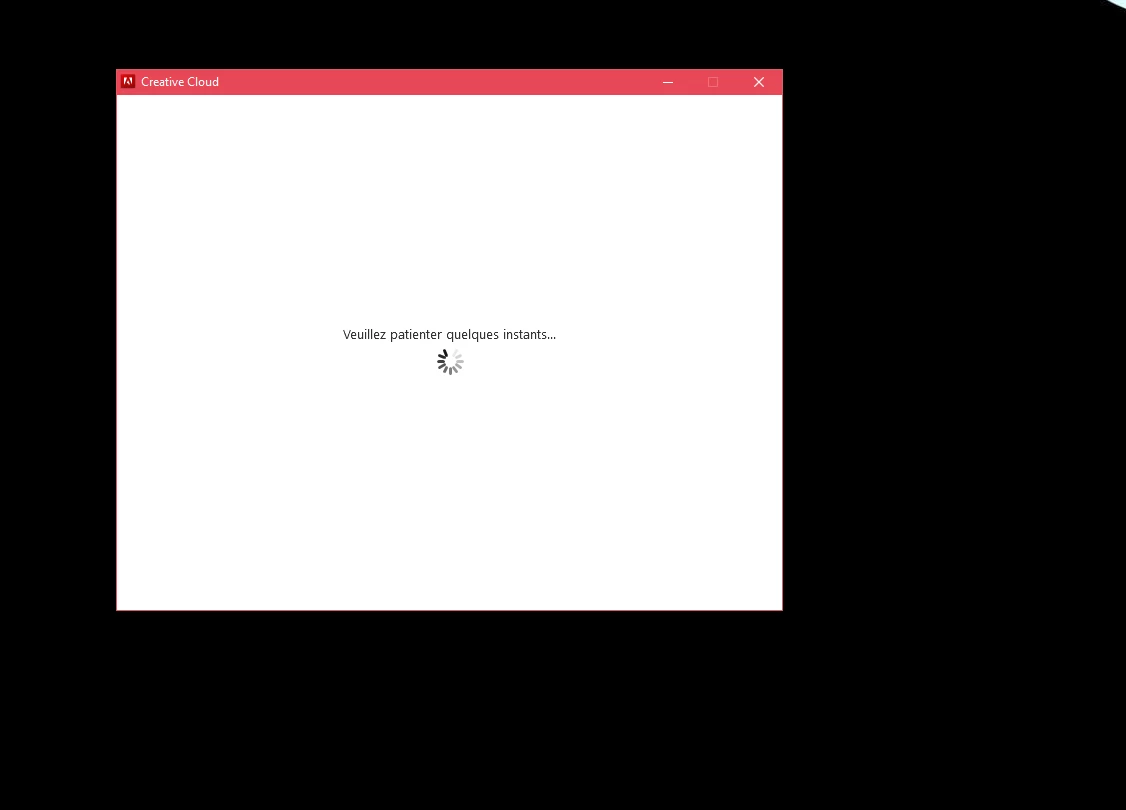
 

- Need a fix to launch all Adobe softwares.

Correct answer gabriel_adobi

Finally can launch the app after :

- disconnecting adobi account from creative cloud.

- restarting pc.

- reconnecting adobi account on creative cloud.


This problem happened after getting a new formula subscription.

2 replies

gabriel_adobiAuthorCorrect answer
Inspiring
November 11, 2025

Finally can launch the app after :

- disconnecting adobi account from creative cloud.

- restarting pc.

- reconnecting adobi account on creative cloud.


This problem happened after getting a new formula subscription.

kglad
Community Expert
Community Expert
November 11, 2025

for others, check your account, https://account.adobe.com and verify everything is what you expect.


then sign out and then back in to the cc desktop app using the same adobe id/password used to check yoru account, https://helpx.adobe.com/download-install/kb/activate-deactivate-products.html

kglad
Community Expert
Community Expert
November 10, 2025

restart your computer and retry whatever you are doing.

Inspiring
November 11, 2025

Thanks for the answer but still have the problem.