RubiPM
Participant
November 29, 2022
Answered

Creative cloud is telling me my storage is full but I have almost nothing stored in the cloud

  • November 29, 2022
  • 2 replies
  • 1403 views

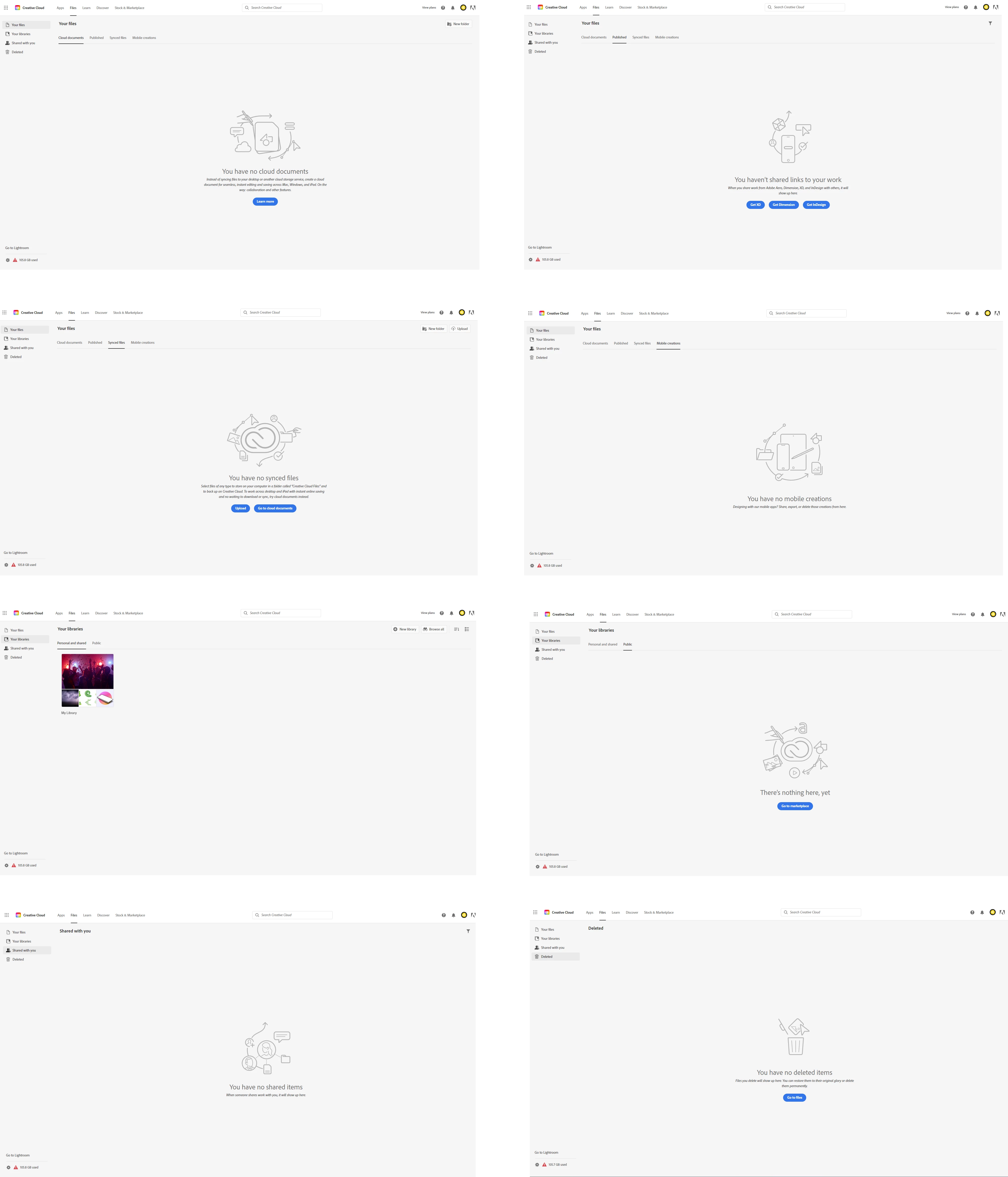
Creative cloud is telling me my storage is full but I have almost nothing stored in the cloud... what should I do?

    This topic has been closed for replies.
    Correct answer kglad

    lightroom???


    In order to free up storage, you have to disable the photoshop presets feature as described here (chose NO when asked to keep the data in the cloud): https://helpx.adobe.com/ie/photoshop/using/sync-presets.html


    then go to your cc web site by opening cc desktop app>clicking cloud icon>cc web empty all 8 folders (4 in your files, 2 in shared with you, 1 in shared with you, 1 in deleted).


    note: if you delete from your sync folder, your local files will be deleted, too. this is the only folder that affects your locally stored files.


    click the lightroom link at bottom left of your cc web page and delete files from there.


    lastly, recheck your deleted folder and delete whatever is there.

    2 replies

    Peru Bob
    Community Expert
    Community Expert
    November 29, 2022

    I've moved this from the Using the Community forum (which is the forum for issues using the forums) to the CC forum.

    kglad
    Community Expert
    kgladCommunity ExpertCorrect answer
    Community Expert
    November 29, 2022

    lightroom???


    In order to free up storage, you have to disable the photoshop presets feature as described here (chose NO when asked to keep the data in the cloud): https://helpx.adobe.com/ie/photoshop/using/sync-presets.html


    then go to your cc web site by opening cc desktop app>clicking cloud icon>cc web empty all 8 folders (4 in your files, 2 in shared with you, 1 in shared with you, 1 in deleted).


    note: if you delete from your sync folder, your local files will be deleted, too. this is the only folder that affects your locally stored files.


    click the lightroom link at bottom left of your cc web page and delete files from there.


    lastly, recheck your deleted folder and delete whatever is there.

    RubiPM
    RubiPMAuthor
    Participant
    November 30, 2022

    Thanks, kglad. I am not syncing presets in Photoshop and I do not use Lightroom. But while going through this process, I found that there is a shared project for which a collaborator of mine was using Lightroom online and sharing images with me. I'm not sure why these images did not show up in the screens for my cloud usage (as in my previous post)... I will look into this and let you know what I discover.

    kglad
    Community Expert
    Community Expert
    November 30, 2022

    thanks for the follow up.


    p.s. you should be able to clear your storage of those lr photos.