

Creative Cloud Libraries have disappeared
Hi,
After upgrading some apps to the latest (2019) version, in Windows 10, my libraries have disappeared. From ALL the programs.
The Libraries section is empty, and there I only see this message:
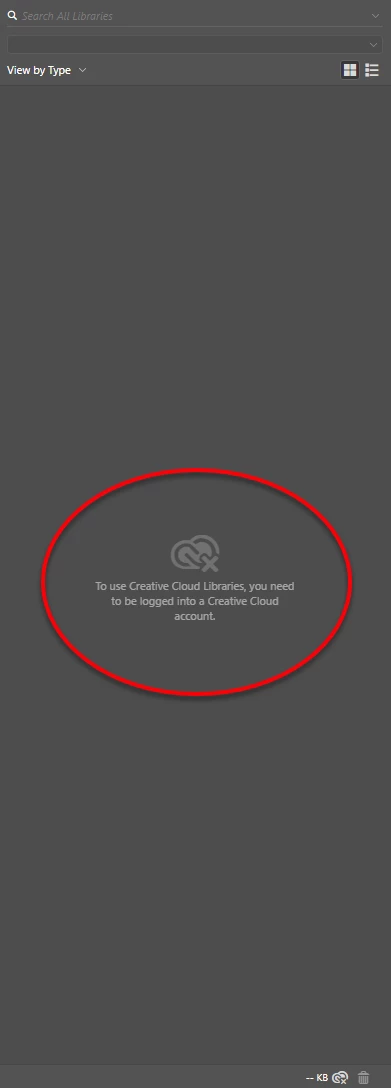
I have tried a hundred suggestions I've found on the Internet, including all the ones mentioned in these two documents:
Solution to the issue: Adobe Creative Cloud Libraries panel doesn't load in desktop products
Creative Cloud Libraries panel stopped working
Please nothe that I am not getting this 'something went wrong' message:
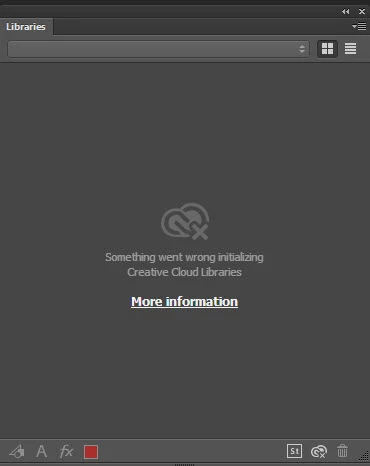
I have also logged out and in from the Creative Cloud Desktop app (in Windows 10), reinstalled the desktop app, cleaned all the CC programs and reinstalled them again, pressed CTRL + ALT + R for the desktop app, unchecked and checked again Creative Cloud Sync in Preferences > Creative Cloud, etc.
I have also checked if the Libraries folder if the Creative Cloud Folder still exists in C:\Users\User\AppData\Roaming\Adobe, and it does. And the files are still there.
The funny thing is that when I open Illustrator or Photoshop, the program shows that I am logged in, because my picture is there, but when I click the Help menu, I get this:
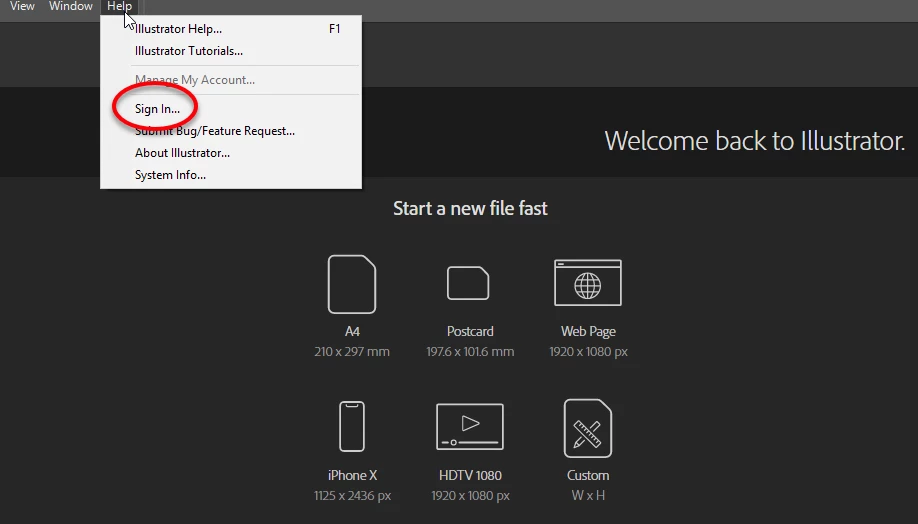
If I then click Sign In, nothing happens.
I AM signed in, both in the open program and in the Creative Cloud desktop app. But the Libraries section acts as if I would not.
Please help.
Thanks,
Henry


 AdChoices