
Participant
March 14, 2021
Question

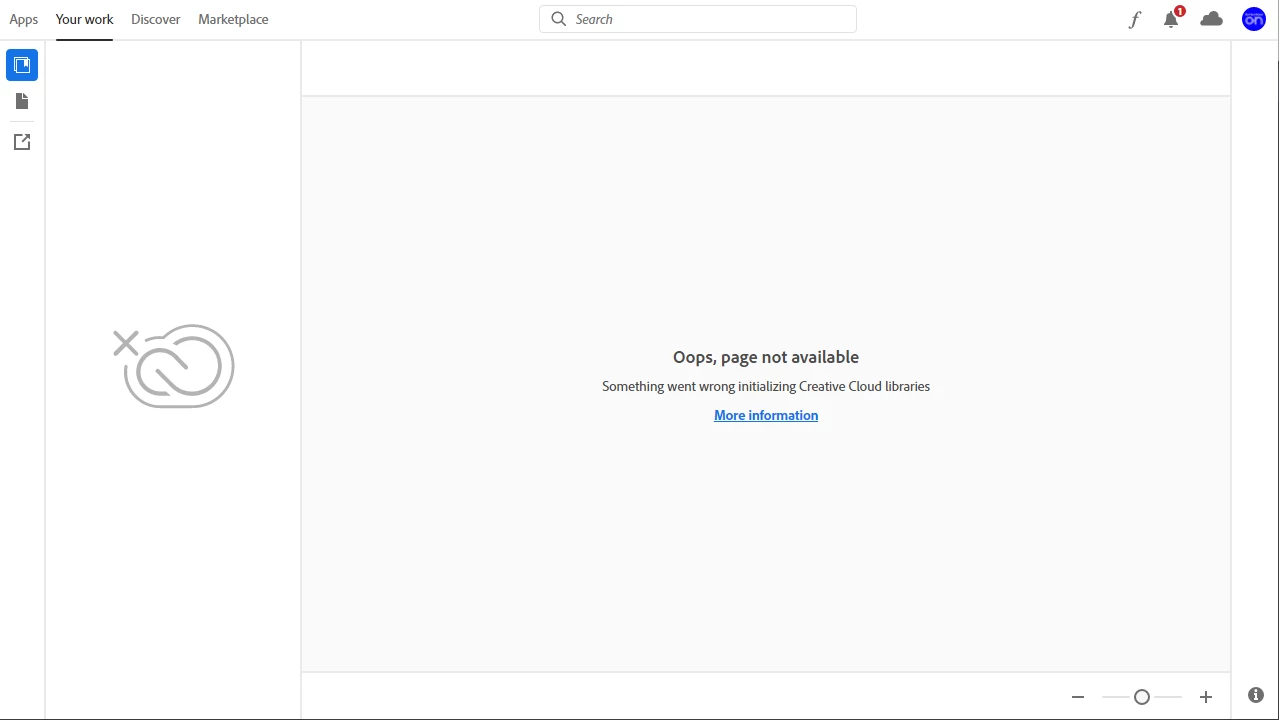
Creative Cloud Libraries no longer working in any software

  • March 14, 2021
  • 2 replies
  • 469 views

Simply put my Library panels no longer function, they can still be acessed online through browser. I have reinstalled, repaired and attempted all fixes provided on adobes help page. (also had an Adobe screenshare employee go through all these for me aswell.) If I had to guess this is a issue related to my wifi (router) settings or firewalls as not so long ago I was attempting to open a server through my PC for hosting a Videogame lobby. It may not be the cause but it seems likely and highly suspect, any tips? 


This topic has been closed for replies.

2 replies

Participant
March 24, 2021

I can access my Libaries through my mobile app on this same wifi connection, so there could very well be some firewall or setting on my pc that has limited the sync. Photoshop is also stuck when loading preferences 

kglad
Community Expert
Community Expert
March 24, 2021

see if there's a solution for your issue here, https://helpx.adobe.com/creative-cloud/kb/libraries-panel-not-working.html


ps may be a different issue.   you might want to try resetting your preferences, https://helpx.adobe.com/photoshop/using/preferences.html

kglad
Community Expert
Community Expert
March 14, 2021

try using a different computer or mobile on the same and (if that fails) a different network and see if you can access your cc web files thereby isolating the issue.

Participant
March 14, 2021

This is certainly my intention, Thanks!

kglad
Community Expert
Community Expert
March 14, 2021

you're welcome.


(and update this thread when you gather more info.)