
Question
Creative Cloud Libraries Sync Error
Hi
After the last Creative Cloud update, my Library folder within my documents folder (on my iMac) shows a red minus/stop/no entry sign on it. The operating system I am using is Big Sur 11.2.3. Now I also have an error message showing on Creative Cloud, the message is attached as a screenshpot. I cannot delete any apps either. Even though I have installed the apps, the cloud does not seem to recognise the apps on my computer. Please help, I am unable to complete my work without a resolution.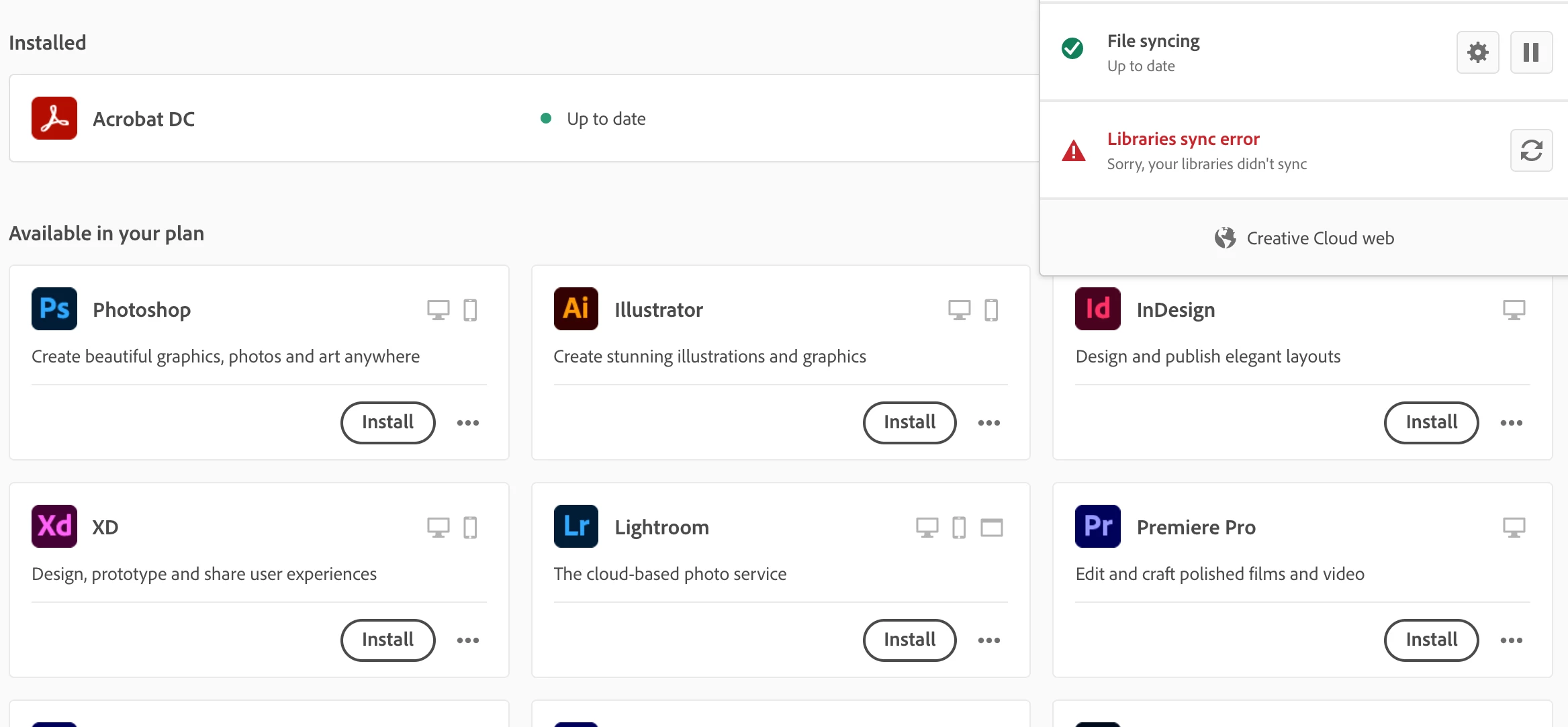


 AdChoices