

Swandive stream
Inspiring
May 11, 2021
Question

Creative Cloud Libraries taking up lots of space on C Drive

  • May 11, 2021
  • 1 reply
  • 3464 views

My C Drive isn't that big (I use other drives for most files) but a lot of programs try to save everything on there thus rendering it full. CC has many "renditions" files which seem to be various vector images. I don't know if these are graphics I saved to CC Libraries but why are they being stored locally? I thought they'd be saved on the cloud not taking up space on the local drive.
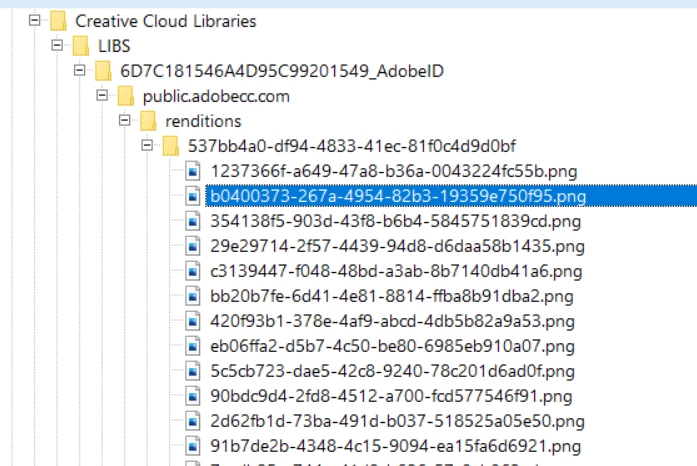
 

Folder as shown in WinDirStat

One of the files


This topic has been closed for replies.

1 reply

David__B
Adobe Employee
Adobe Employee
May 11, 2021

Hi Fastertrack,


Sorry to hear about your difficulties. A few additional questions

  • How large is your C drive?
  • How much drive space is being taken up by the Creative Cloud Libraries folder?


I'm not sure if I will be able to help but at least I can compare to usage my system.


Thanks,

- Dave


Swandive stream
Inspiring
May 12, 2021

It might be best if I show an overview of the drives:

C is 118GB as it's intended to be system only. A lot of programs don't allow for this multi-drives function though and I often have to re-route file saving. Libraries are taking up 3.95 GB. Adobe AppData total is 11.7 GB.

David__B
Adobe Employee
Adobe Employee
May 12, 2021

Thanks for the info. On my Windows 10 system the C drive is 2TB (M.2 SSD) with about 1.5TB free. What you show for usage is somewhat similar to mine. App data is using 41GB and the Creative Cloud Libraries is using about 400MB. Are the drives on your system separate physical drives or did you partitiion your drive(s) this way? Based on my personal experience, Adobe doesn't work well with the kind of system configuration you're trying to use. You can specify to install the programs on a separate partition in the Creative Cloud desktop app preferences but when doing so a fair amout of space is still used on the OS drive like you're describing. Having the Adobe apps installed on a drive other than the OS drive can also cause other issues too in some cases. When SSD drives first came out I had a 128GB SSD drive for just the OS and several additonal SATA drives for storage and ran into similar issues as what you're describing, after that on subsequent systems I've went with a large enough HD to install all apps on OS drive but will have my work/media/scratch disks on a separate drive.