


Participating Frequently
Mar 5, 2023 1:34 PM UTC
Question

Creative cloud no previews available online or desktop

Here is what I see online:
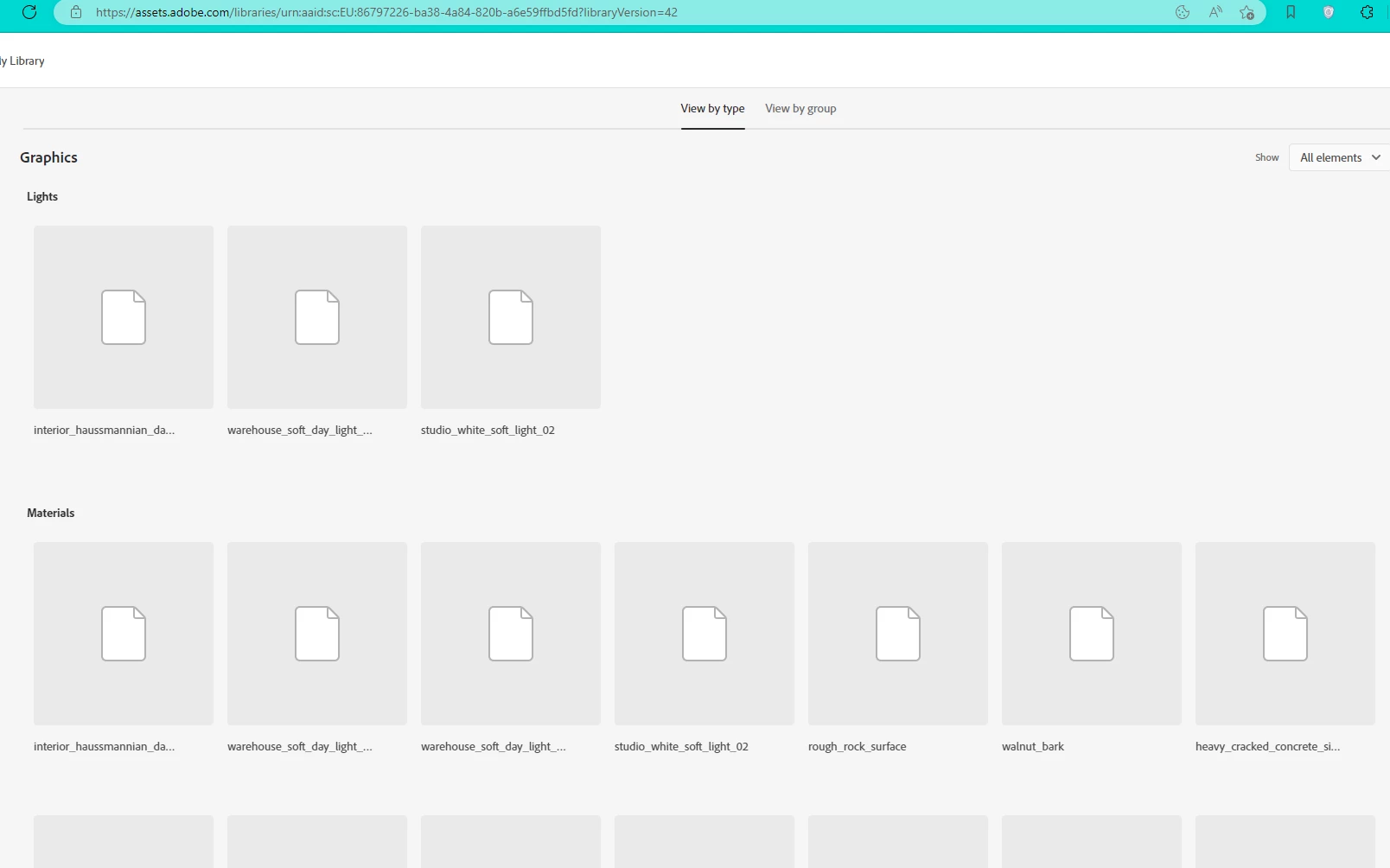
 

And here is my desktop app
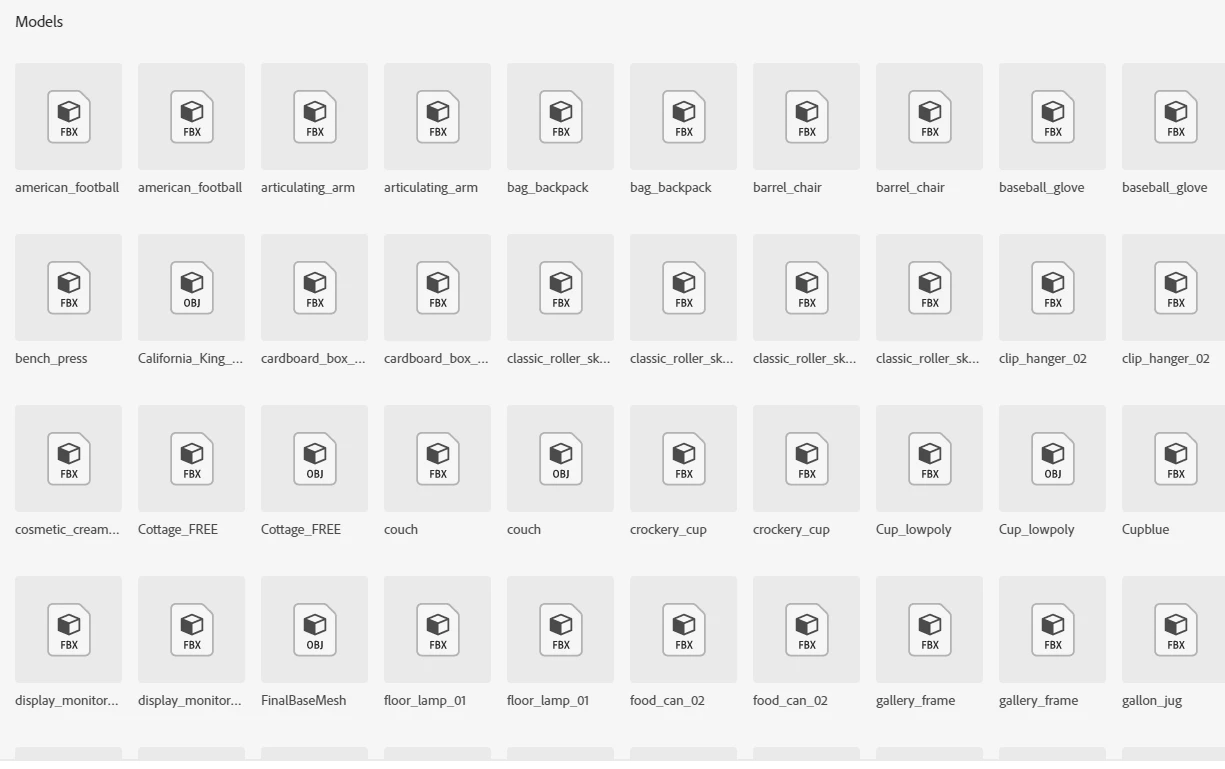
 

File formats: FBX / OBJ / SBSAR / EXR   which I think are supported.


I tried a fix mentioned by member here, inluded removing and reinstalling.


How to fix this>


[typo in title edited by moderator]

This topic is closed to new replies. Start a new post to keep the conversation going.

32 replies

Participating Frequently
Mar 10, 2023 12:36 PM UTC

Latest I got from Adobe help

"Thank You for your patience Moataz.
We got if confirmed from our engineering team that this is due to the unmatched version of Creative cluoud library in Dimension and Creative cloud desktop applicaion, in other words, this is an expected behaviour.
You can use the import option File > Open > Select the model to import models directly in Dimension or use the models from Dn library(without the previews).
Thank you for understanding.

Best Regards.
"


Translate
Participating Frequently
Mar 10, 2023 12:38 PM UTC

I am waiting and willing to help

I like Adobe suppert and products, let's see a a soloution.

Translate
kglad
Community Expert
Community Expert
Mar 10, 2023 1:17 PM UTC

they gave you a solution. "You can use the import option File > Open > Select the model to import models directly in Dimension or use the models from Dn library(without the previews)."

Translate
John T Smith
Community Expert
Community Expert
Mar 5, 2023 3:25 PM UTC

When you post a question you always need to tell the Adobe program you are using
There are MANY programs in a full subscription, plus other non-subscription programs
Please post the exact name of the Adobe program you use so a Moderator may move this message to that forum

Translate
kglad
Community Expert
Community Expert
Mar 5, 2023 3:46 PM UTC

@John T Smith 


the op is reporting their online cc files fail to show a preview.


@Moataz.ElSherbini 


try a different browser.

Translate