


Inspiring
October 28, 2025
Answered

Creative Cloud Not Allowing Login

  • October 28, 2025
  • 1 reply
  • 174 views

Hello,. Creative Cloud is not allowing me to login with my crendentials. The Creative Cloud app is forcing me to login in with a Google organization account, which doesn't work because that is not how my Adobe CC login was setup.
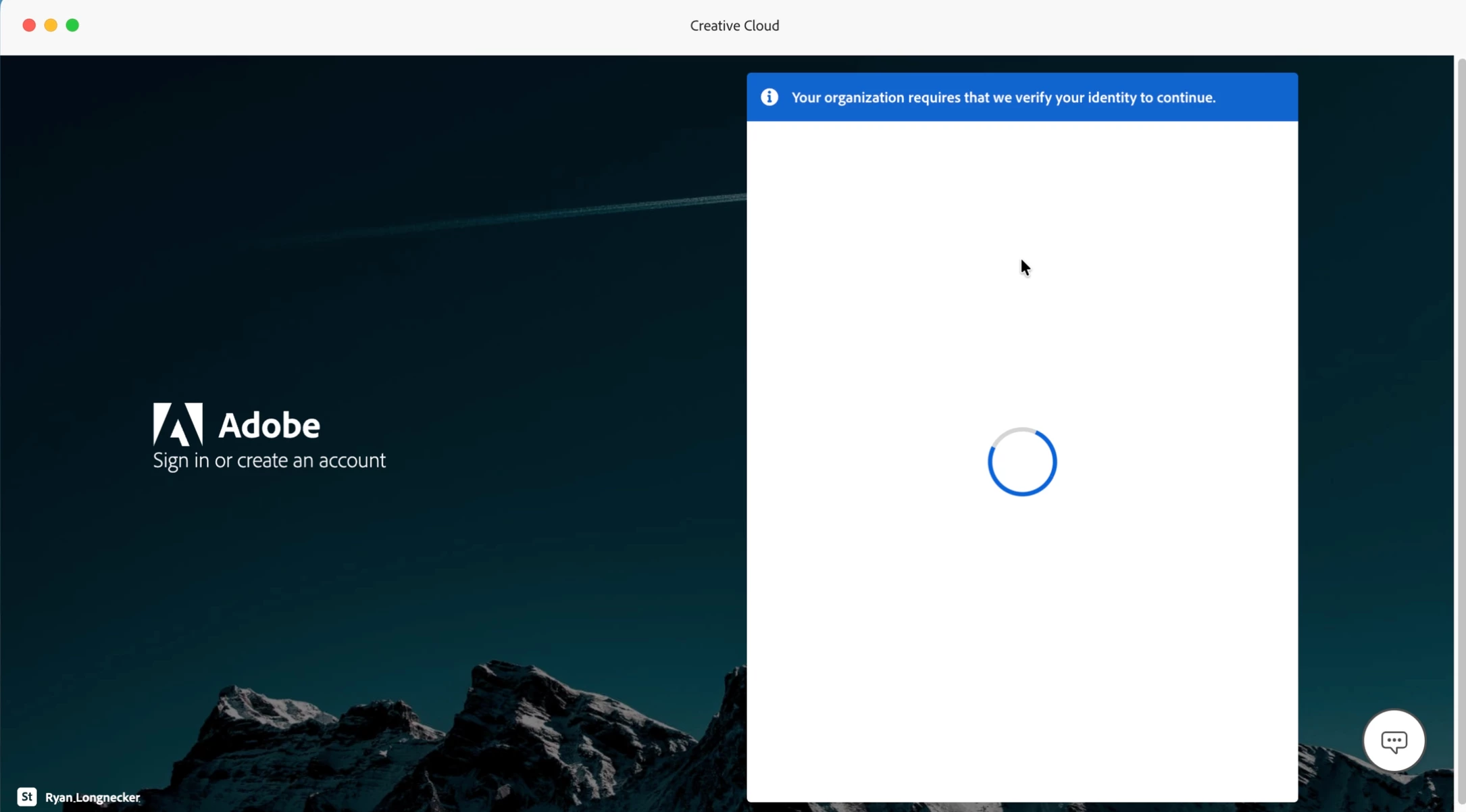
(I do not have an organization account, I do not know why it says this).
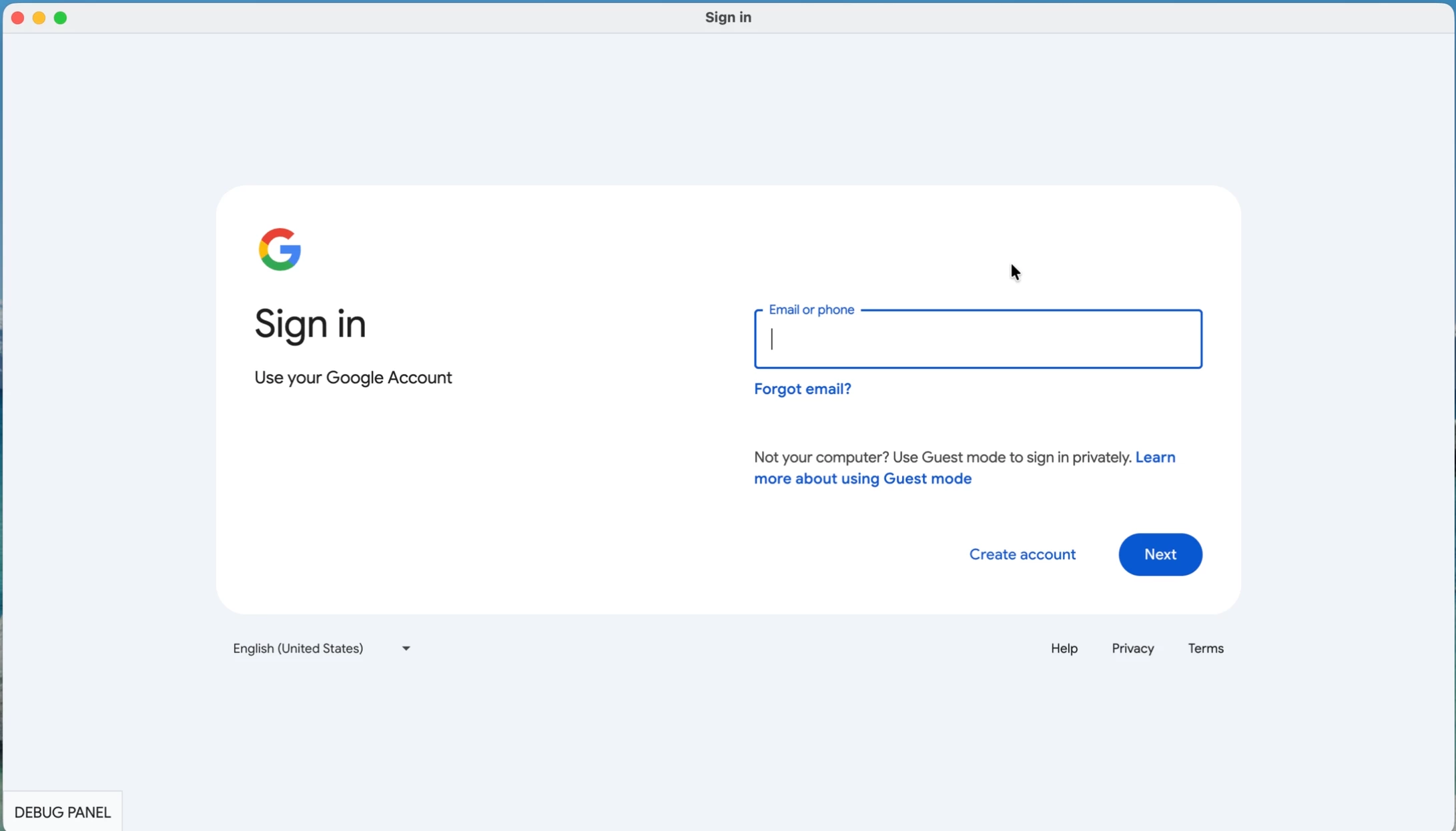
 

My credentials do not work from this page, because I do not use a Google organization account, but there is no option to NOT login with Google.

On top of this, Creative Cloud App will NOT uninstall because I have other Adobe applications installed. But the other apps cannot be uninstalled, because I can't login to my Adobe Creative Cloud account.
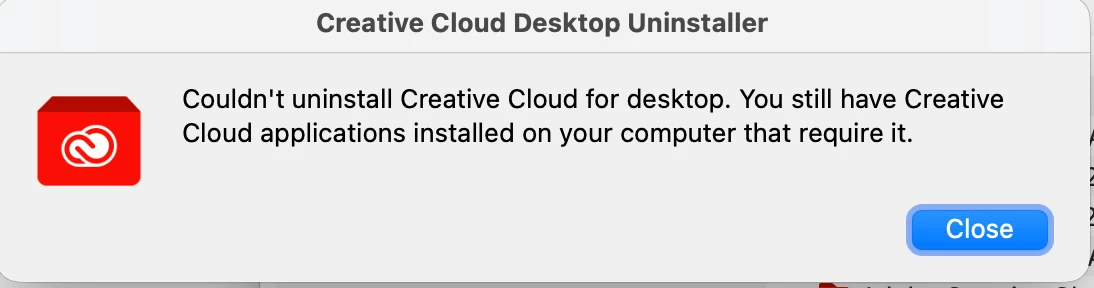
 

So, basically I cannot login or reinstall any software no matter what I try and I am completely locked out of my account.

Correct answer Steve Nelson Editor

Thanks guys, I ended up just wiping my computer and starting from scratch, but I will try these out if it ever happens again (which hopefully it doesn't).

1 reply

kglad
Community Expert
Community Expert
October 28, 2025

reset the cc desktop app by making sure it's in the foreground, then press:

Win: Ctrl + Alt + R
Mac: Cmd + Opt + R

David__B
Adobe Employee
Adobe Employee
October 28, 2025

Hi @Steve Nelson Editor


In addition to the suggestion from kglad I also wondered if these might help

Hope that helps,
Dave

Steve Nelson EditorAuthorCorrect answer
Inspiring
October 29, 2025

Thanks guys, I ended up just wiping my computer and starting from scratch, but I will try these out if it ever happens again (which hopefully it doesn't).