
Participant
May 23, 2018
Answered

Creative Cloud not trying to sync?

  • May 23, 2018
  • 1 reply
  • 714 views

Adobe Creative Cloud has just stoped syncing and given me an error saying that the files were unable to sync. So I tried restarting my Mac and now CC wont even try to sync. I just get this.
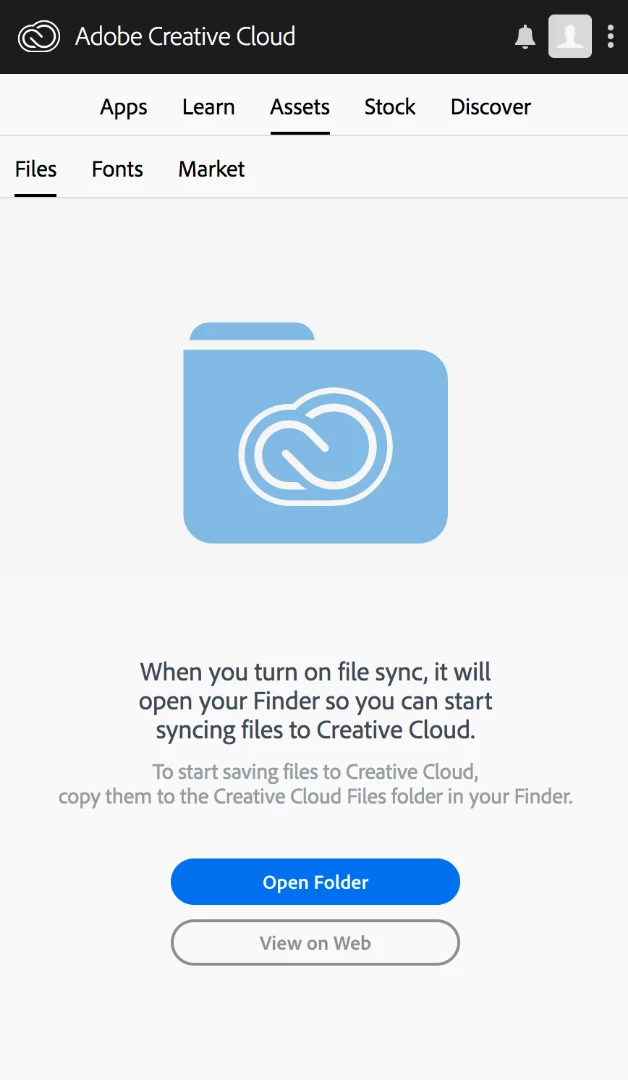
Auto sync is turned on and everything in the settings page is normal.

At the exact same time, the sync also turned off on my Windows PC.

Any idea how to fix this? Or is this a server side issue?

Thanks

This topic has been closed for replies.
Correct answer MrSimmons

I was able to fix the issue by pausing the sync then logging off creative cloud. Then re-logging in and starting the sync again. Do you still want the log files?

1 reply

Adobe Employee
May 28, 2018

Hi,

Thanks for reporting the issue.

Would you be able to collect and upload log files from your system?

Here is a link to an article about the tool with a link to download it.

Log Collector Tool

The tool will create a zip file on the desktop of all the log files. Please could you send us your logs (punaggar@adobe.com) using the tool.

Engineering may have some additional questions but this will help us get started.

Thanks,

Puneet Aggarwal

MrSimmonsAuthorCorrect answer
Participant
May 28, 2018

I was able to fix the issue by pausing the sync then logging off creative cloud. Then re-logging in and starting the sync again. Do you still want the log files?

Adobe Employee
May 28, 2018

Hi,

Glad it worked. Thanks for the confirmation.

In case the problem resurfaces, please share the log files.

Thanks,

Puneet Aggarwal