
EmergeMe
Inspiring
June 15, 2015
Answered

creative cloud server error

  • June 15, 2015
  • 2 replies
  • 1040 views

So, my CC tried to update itself 2 days ago. Since then, file sync has not been working. Whenever I try to start my file sync I get the following:
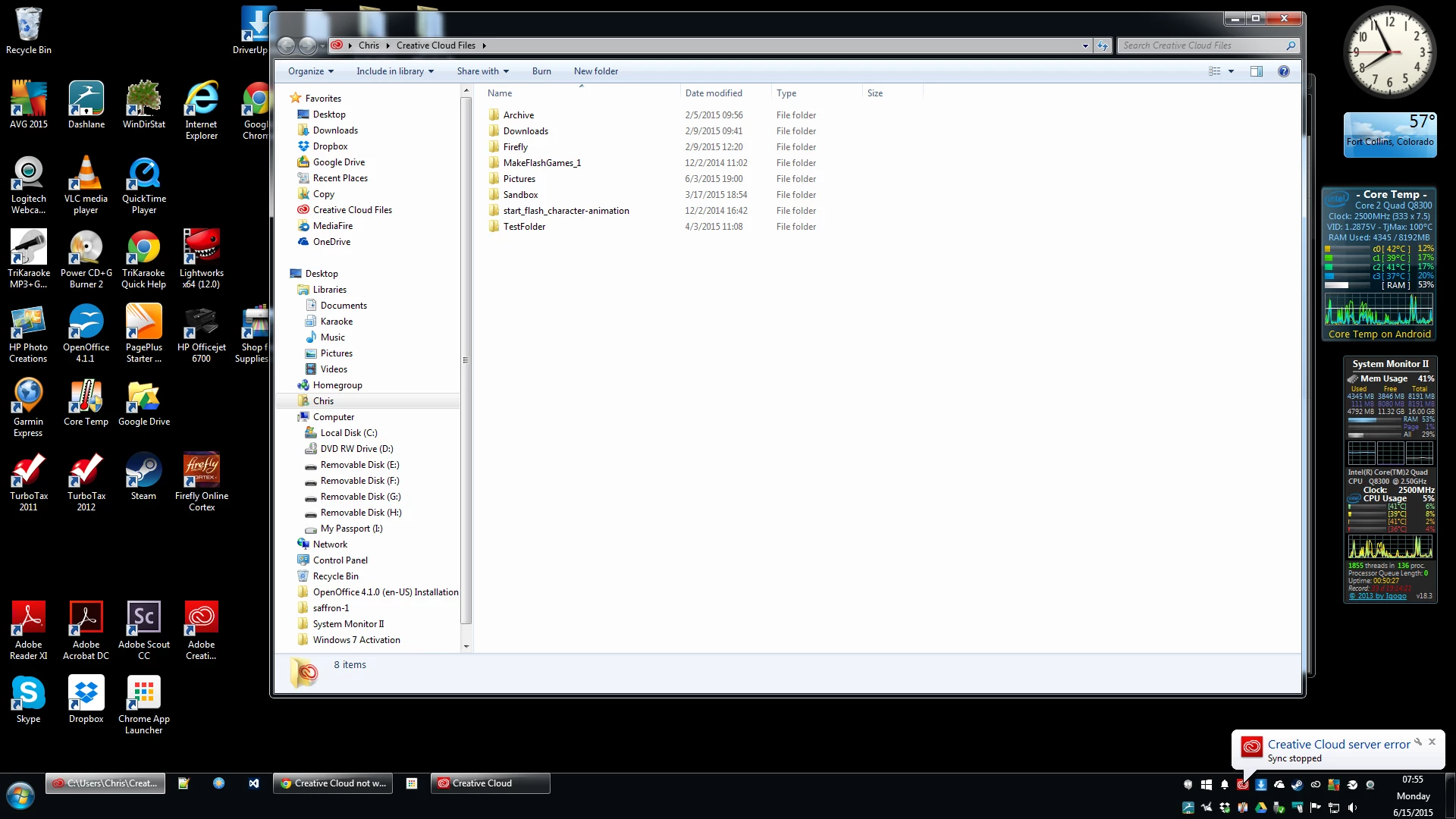
That is all that happens. The steps I have taken to try and correct the problem:

1. Quit and restart Creative Cloud desktop app.

2. Re-install the Creative Cloud desktop app.

3. Restart my computer.

So, far, nothing has changed and I have found no information in reference to this issue. So, how do I fix this?

This topic has been closed for replies.
Correct answer Sheena Kaul

Hi Christopher,

Please refer to the help document below:

https://helpx.adobe.com/x-productkb/global/creative-cloud-crash-core-sync.html

Regards,

Sheena

2 replies

Participant
June 16, 2015

I am getting the same error message!!!!!!!!!!!!!!!!!!!

Participant
June 16, 2015

I followed your recommendations to fix the problem by deleting the .db files in the core sync. I only had 2 that I could tell were .db there were some other files that said data base that I didn't delete. I still have the sync error. the cloud will not sync to my desktop, I get creative cloud server error! im frustrated, it was fine until I did the last update.

Participant
June 16, 2015

it sync the fonts, just not any of my files

Sheena Kaul
Community Manager
Sheena KaulCommunity ManagerCorrect answer
Community Manager
June 15, 2015

Hi Christopher,

Please refer to the help document below:

https://helpx.adobe.com/x-productkb/global/creative-cloud-crash-core-sync.html

Regards,

Sheena

EmergeMe
EmergeMeAuthor
Inspiring
June 15, 2015

Brilliant! That worked. Thanks Sheena.

On Mon, Jun 15, 2015 at 8:58 AM Sheena Kaul <forums_noreply@adobe.com>

Sheena Kaul
Community Manager
Community Manager
June 15, 2015

You are welcome!

P.S. when using the adobe forums, please mark helpful/correct responses of Staff or helper, if there are any.