Participant
October 23, 2021
Answered

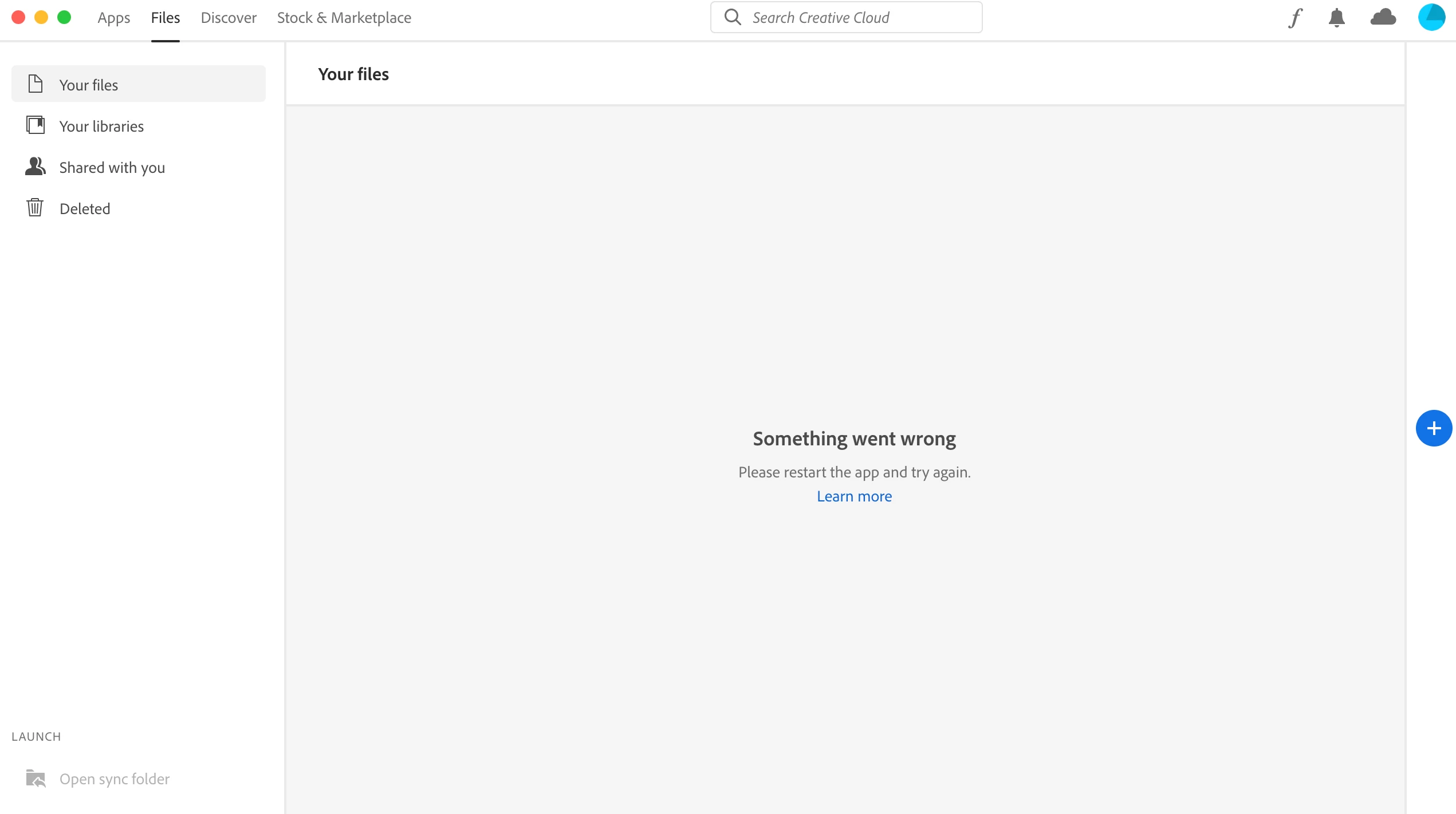
Creative Cloud - some thing went wrong, please restart the app and try again

  • October 23, 2021
  • 1 reply
  • 2937 views

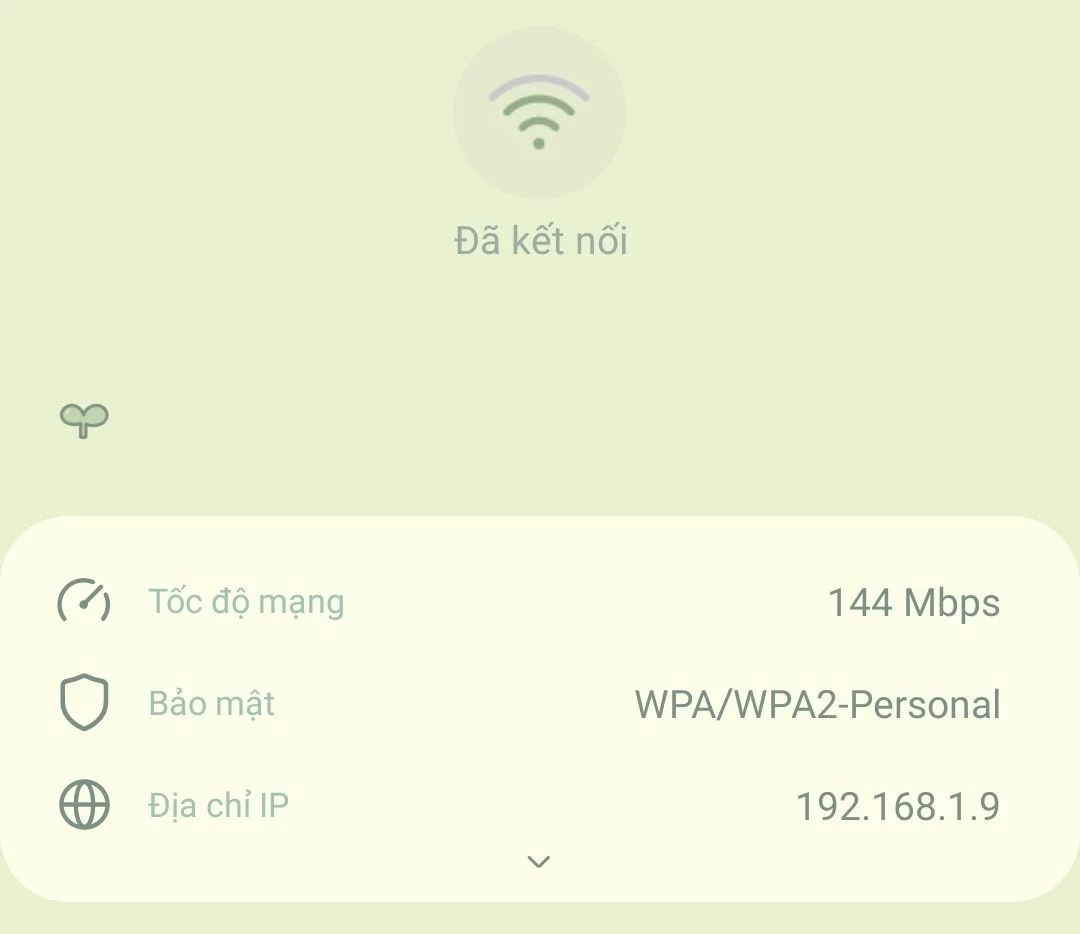
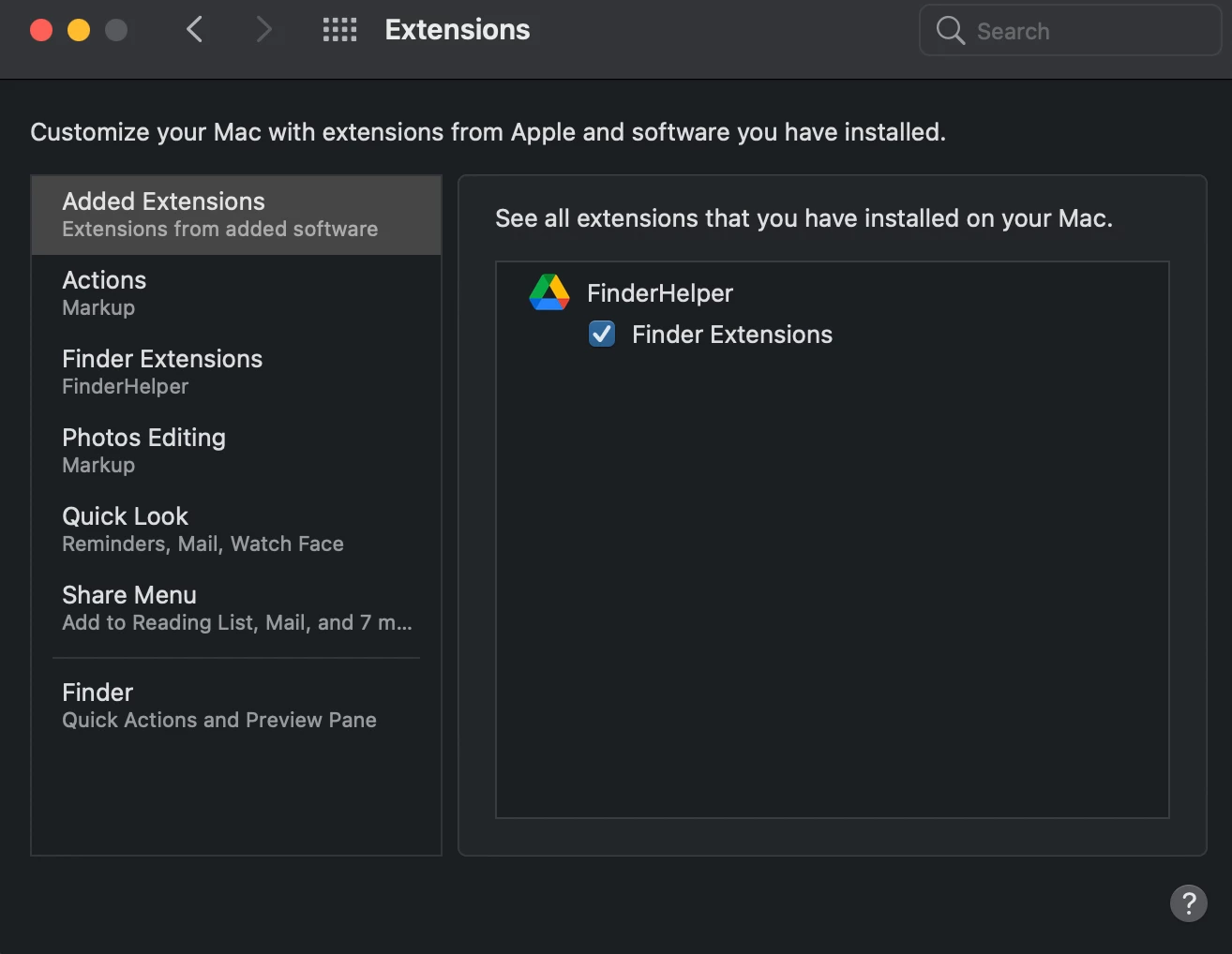
Hi all, my internet connection works well, but creative cloud keep being like this. I've uninstalled and reinstalled it but this problem keep happening. I tried to turn off core sync but the core sync doesn't appear in my extension. I attach my wifi information. Anyone can help?
 

This topic has been closed for replies.
Correct answer defaultg5pgucrq15nl

I realized that the problem happens when I use M1 chip device. I got multiples devices, so I need to sign in or sign out to use the lisense on my computers. The fault happens when I sign out from M1 iMac then sign in to it again. Recently, I've found a way to solve. When I open Photoshop from creative cloud, I tap three dots, choose open (Intel version), and the problem is solved! Very quickly and there is no need to uninstall all the apps. Hope it helps anyone with the same problem!

1 reply

kglad
Community Expert
Community Expert
October 23, 2021

first, reset the cc app:

to reset the cc desktop app, make sure it's in the foreground, then press:

Win: Ctrl + Alt + R
Mac: Cmd + Opt + R

if that fails, try to repair
https://helpx.adobe.com/download-install/kb/creative-cloud-install-stuck.html

if that fails go ahead and uninstall/reinstall per the above link

if that fails, do a clean cc install following each applicable step:

uninstall every cc app including preferences, https://helpx.adobe.com/creative-cloud/help/uninstall-remove-app.html
then uninstall the cc desktop app, https://helpx.adobe.com/creative-cloud/help/uninstall-creative-cloud-desktop-app.html
clean your computer of cc files per http://www.adobe.com/support/contact/cscleanertool.html
check for, and if available, update your os
restart your computer (don't skip this)
reinstall the cc desktop app, https://creativecloud.adobe.com/apps/all/desktop?action=install&source=apps&productId=creative-cloud
if you're unable to install the cc desktop app at this stage, use the link at the bottom of the page at https://helpx.adobe.com/download-install/kb/creative-cloud-desktop-app-download.html
use the desktop app to install your cc programs/trials

Participant
October 24, 2021

Thank you, amazing. It works for me after applying all those steps!

kglad
Community Expert
Community Expert
October 24, 2021

you're welcome, but sorry you had to go through all that.