Question
Creative Cloud Storage out of space even though no files exist
Hi,
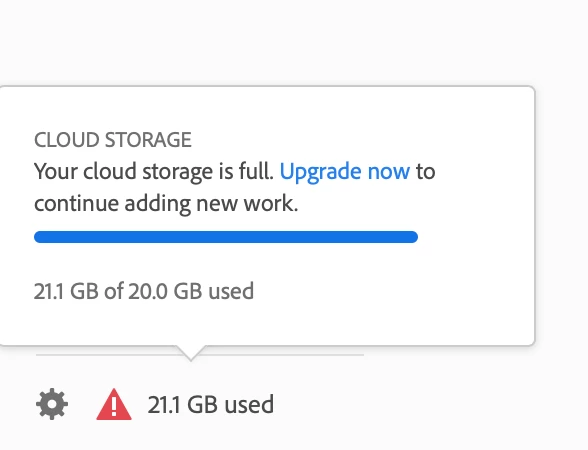
Creative cloud storage is reporting that I am out of space, but there aren't any files. I have deleted them all. Is there an issue with the service?

Hi,
Creative cloud storage is reporting that I am out of space, but there aren't any files. I have deleted them all. Is there an issue with the service?
Already have an account? Login
Enter your E-mail address. We'll send you an e-mail with instructions to reset your password.
 AdChoices