
Question
Creative Cloud stuck syncing after folder location change
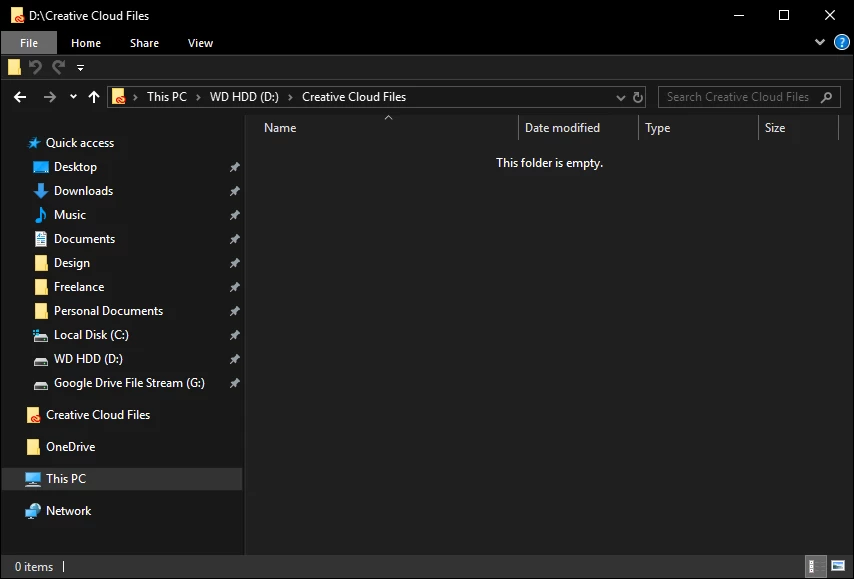
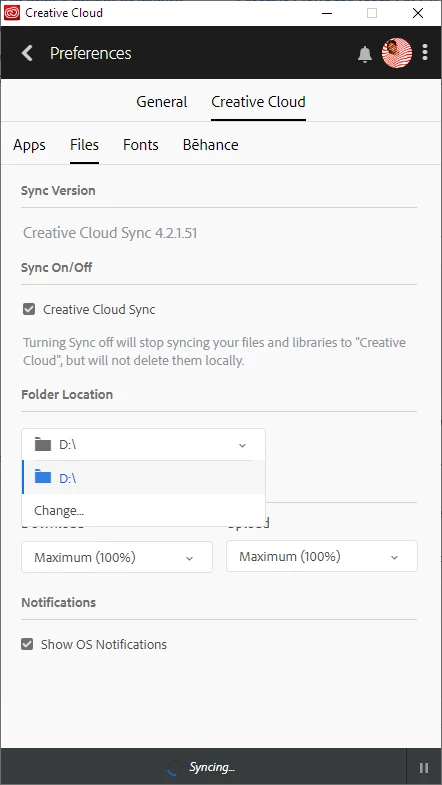
I recently moved the folder location for CC files from one hard drive to another (using the Creative Cloud app), and it appears my files are now syncing indefinitely. Creative Cloud was able to recreate the "Creative Cloud Files" folder on the new drive, but the folder remains empty and "Syncing" doesn't display a number of files or percentage (even after sitting idle for 2 hours). Here are a few things I have already tried that did not resolve the issue:
- restarting computer
- restarting Adobe CC
- ending all Adobe tasks and restarting Creative Cloud app
- pausing/resuming sync
- disabling and re-enabling sync (the check mark next to Creative Cloud Sync in Preferences)
- delete options.tix file (Command Prompt failed because file was missing from path)
Here are a few screenshots, but let me know if there's any additional information I can provide that might be helpful.


 AdChoices