Participant
August 27, 2016
Answered

Creative Cloud Sync Issues

  • August 27, 2016
  • 2 replies
  • 2976 views

I have been having file sync issues with Creative Cloud for almost a month. Figured an update would fix it, but never came. I have search many threads and tried many thing, but I have not come across a fix yet.

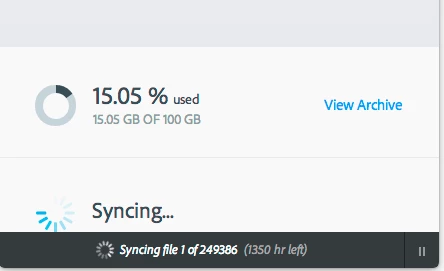
Basically, it just sits on "Syncing" and say it is on file 1 of 239486 or a huge number similar and tells me it will be like 1310 hours or something.

I could really use this sync to work, if anyone has any suggestions.
This topic has been closed for replies.
Correct answer Ken G. Rice

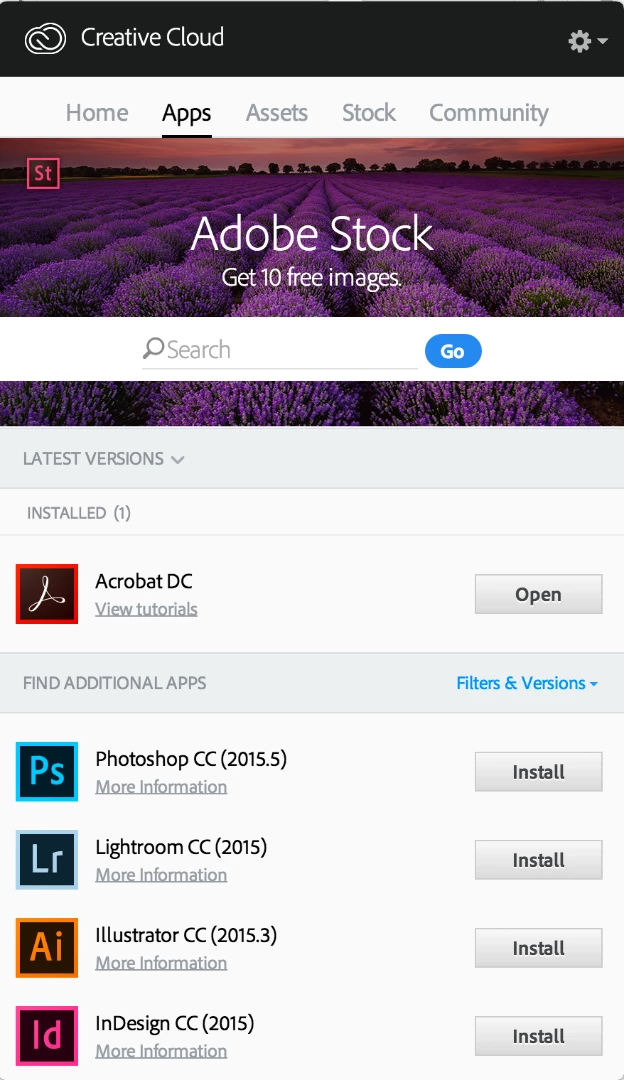
@P4ugusto - Not clear how this relates to file syncing and the CC Assets site at https://assets.adobe.com. The applications that are part of your Adobe Creative Cloud subscription should show as installed in the Creative Cloud desktop application. For example I have only 1 application installed per the screenshot.

Please explain the problem you are having with more detail.

2 replies

Ken G. Rice
Participating Frequently
August 29, 2016

The Adobe log files on your computer should be able to tell the Core Sync team why file syncing is not working for you.

Use the Adobe Log Collector Tool at https://helpx.adobe.com/creative-cloud/kb/cc-log-collector.html) and email the logs plus explanation of your problem to SyncForum-Communication@adobe.com. Provide the additional information outlined by Warner Harress in this Adobe forum post at https://forums.adobe.com/message/8385752#8385752.

Participant
September 7, 2016

I sent my log files to the Core Sync team and followed all instructions, but have not heard back. Is there a delay?