

Répondu
Creative Cloud "Unable to load Sync Location" on Windows 10
Hi everyone,
I originally had Creative Cloud file syncing working. I changed the syncing location and have had trouble since. I get the following;
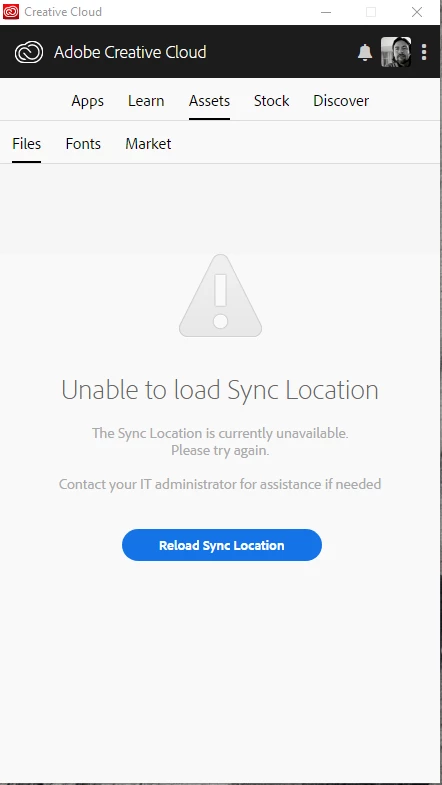
I went to this thread https://forums.adobe.com/thread/1868200 and did the uninstall of Creative Cloud and then the reinstall. However, this did not fix the problem.
I then tried deleting the options.tix file as per this instruction https://helpx.adobe.com/creative-cloud/kb/creative-cloud-desktop-app-spinning.html
Both these methods did not solve the problem. Can anyone help me please?
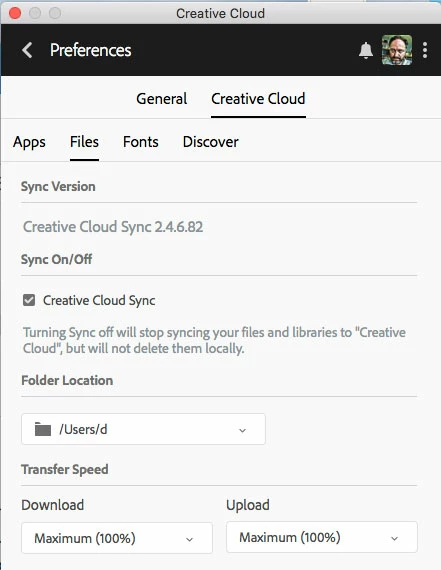
I also cannot see my CC files from within the applications, for example;


 AdChoices