
asalernoglamour
Participant
August 13, 2018
Answered

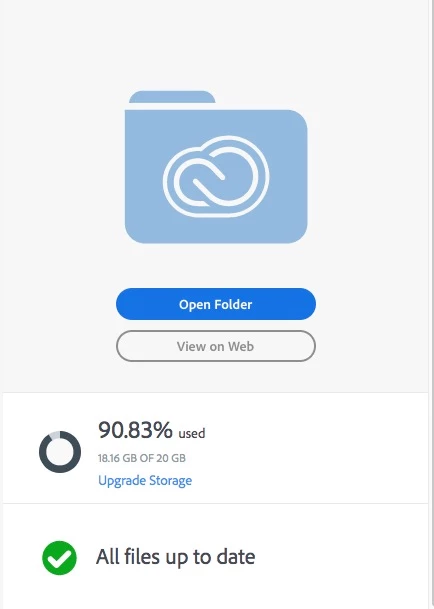
Creative Clous Storage doesn't adjust to current file sizes.

  • August 13, 2018
  • 2 replies
  • 639 views

I copied a bunch of images into Lightroom and placed the folders into the "Creative Cloud Files" directory.

"Mac HD/Users/username/Creative Cloud Files"

After realizing that my storage was almost full I decided not to keep the images there however the storage remains.

I also can't seem to export using the cloud option, I thought putting the files back would fix and the storage grew some more.
This topic has been closed for replies.
Correct answer David__B

Hi Asalernoglamour,

Are there any files in the deleted section taking up space?

Creative Cloud file storage and quota

Maybe try emptying the deleted files and see if the quota is more what you expect.

Best,

- Dave

2 replies

David__B
Adobe Employee
David__BCorrect answer
Adobe Employee
August 14, 2018

Hi Asalernoglamour,

Are there any files in the deleted section taking up space?

Creative Cloud file storage and quota

Maybe try emptying the deleted files and see if the quota is more what you expect.

Best,

- Dave

kglad
Community Expert
Community Expert
August 13, 2018