
Participant
June 4, 2021
Question

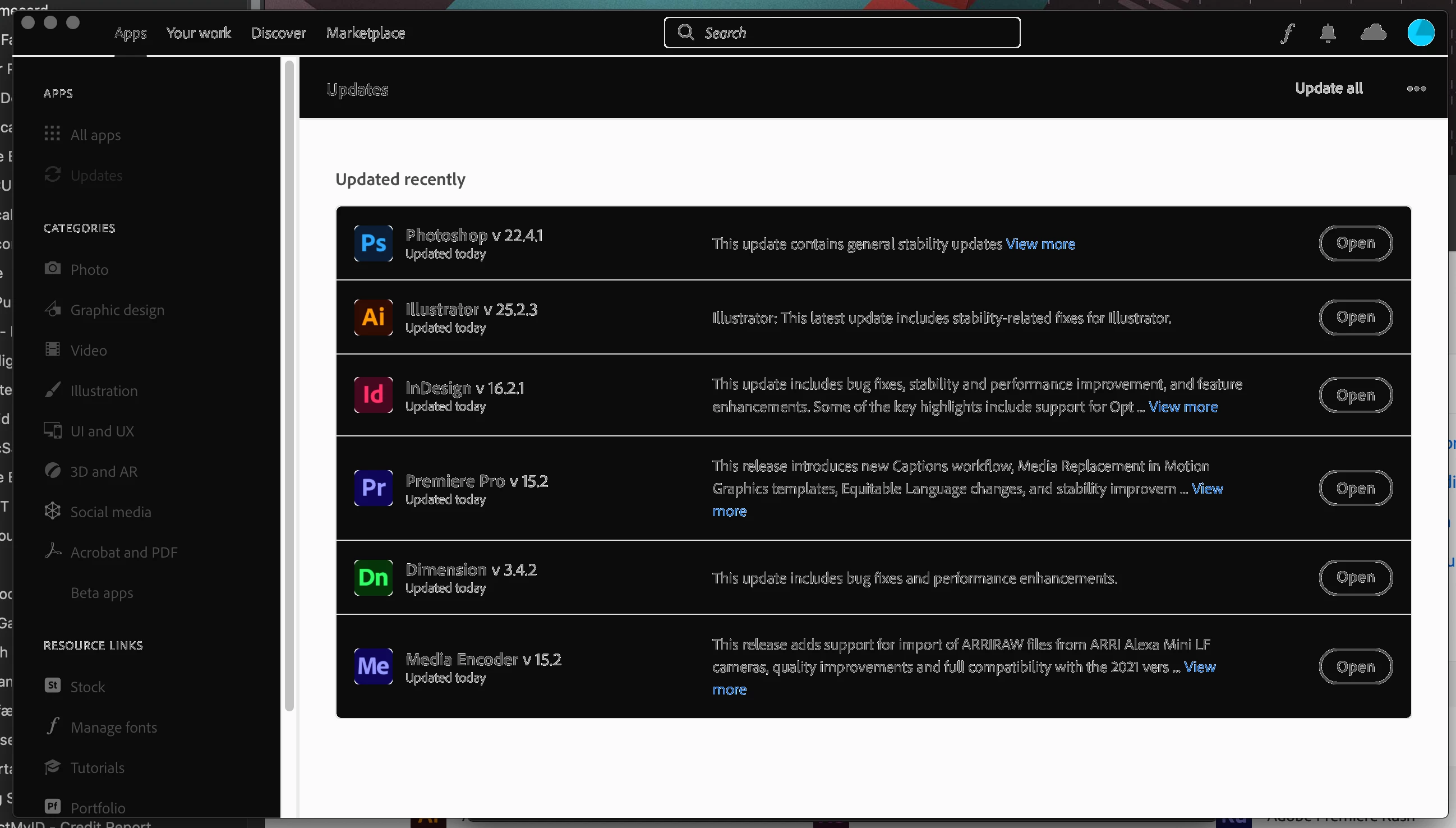
Creative could desktop seems to be in some bad version of dark mode, what did I click!?!

  • June 4, 2021
  • 3 replies
  • 626 views

Hello Community!

Not realluy about file synch, but the form made me chose something... nothing was applicable.

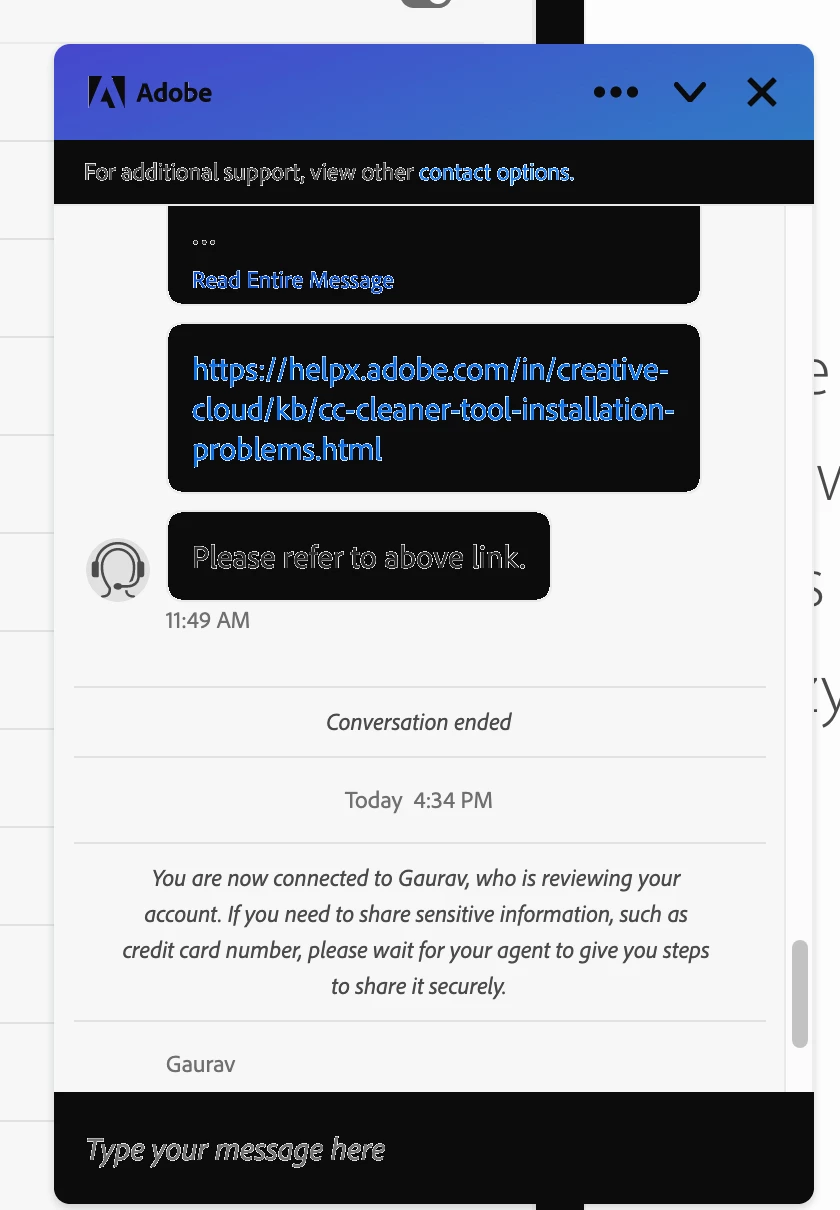
My Creative Cloud desktop app has looked like this for a little bit now, even in chat with tech support... screenshots below. It is not hindering functionality, but annoying to look at... there must be a way to fix it without spending half a day uninstalling every adobe app so i can uninstall creative cloud , run cleaner, and then spend the next half a day reinstalling apps and making sure everything is copacetic again... anyone seen this before? i cant see anything in CC settings that should cause this to happen, and is not corrected by switching my computer to light mode.
This topic has been closed for replies.

3 replies

drewb44814701
Participating Frequently
August 19, 2022

Yes, me too.  Light and dark modes display incorrectly.  My adobe apps hang or don't work.  Is this a Catalina problem?

kglad
Community Expert
Community Expert
August 19, 2022

i (and many others) have catalina a no problem, so it's not just an adobe/catalina problem.


otoh, if you were on the cusp of upgrading to big sur anyway, this would the time to uninstall everything cc, clean using the cc cleaner, upgrade your os and then install the cc desktop app.

Nancy OShea
Community Expert
Community Expert
June 6, 2021

Turn off Dark Mode in your OS settings.

Restart your computer.


Nancy O'Shea— Product User & Community Expert
Participant
June 10, 2021

My computer is not in dark mode, i have restarted, have cleared the nvram/pram, any other ideas?

Nancy OShea
Community Expert
Community Expert
June 10, 2021

Contact Apple.  It looks like you have a GPU problem.

Is this an M1 chip machine?

Are you running Big Sur with latest updates?


Nancy O'Shea— Product User & Community Expert
kglad
Community Expert
Community Expert
June 5, 2021

if it were just a cc app problem, why does your chat screenshot show the same problem?

Participant
June 10, 2021

That is a good question, it does not now, only at that point when i clicked over to it from CC Desktop, i cannot replicate the problem in the chat window.