
Answered
Deleting files from Creative Cloud
I recently bought the Photography plan with 20GB of storage, and already consumed my quota. I want to be able to view the files on the cloud in order to delete the ones I don't want.
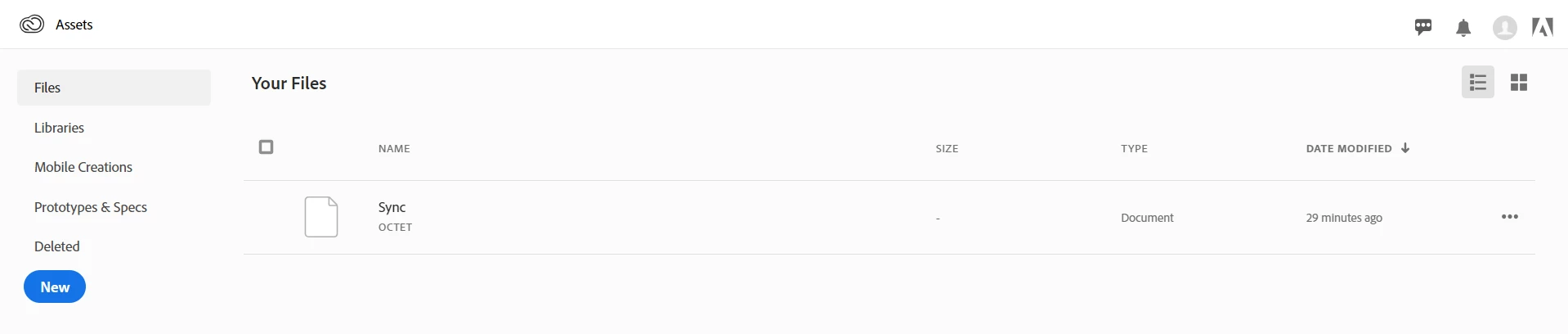
I have tried using the Assets tab on Creative Cloud, then View on Web, but none of my files are showing - only a "sync" file. Please see first picture below.
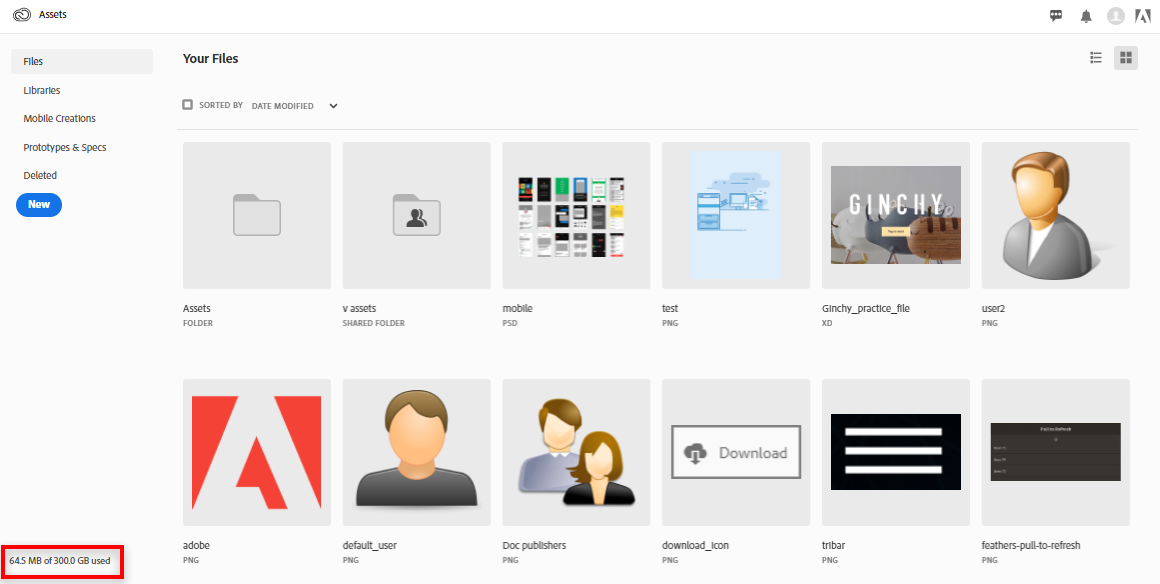
Ideally, I want to be able to see my files like this example below.
Could the solution be removing files one by one in Lightroom?
Thanks in advance!


 AdChoices