
Known Participant
Nov 22, 2021 4:53 PM UTC
Question

Downloading Shared Files from Adobe Creative Cloud

Hello,

There used to be an option to download files that were shared on Adobe CC, but I no longer see the button for it. The share options say that the ability to download is turned on, so I'm not sure if I'm just overlooking something.
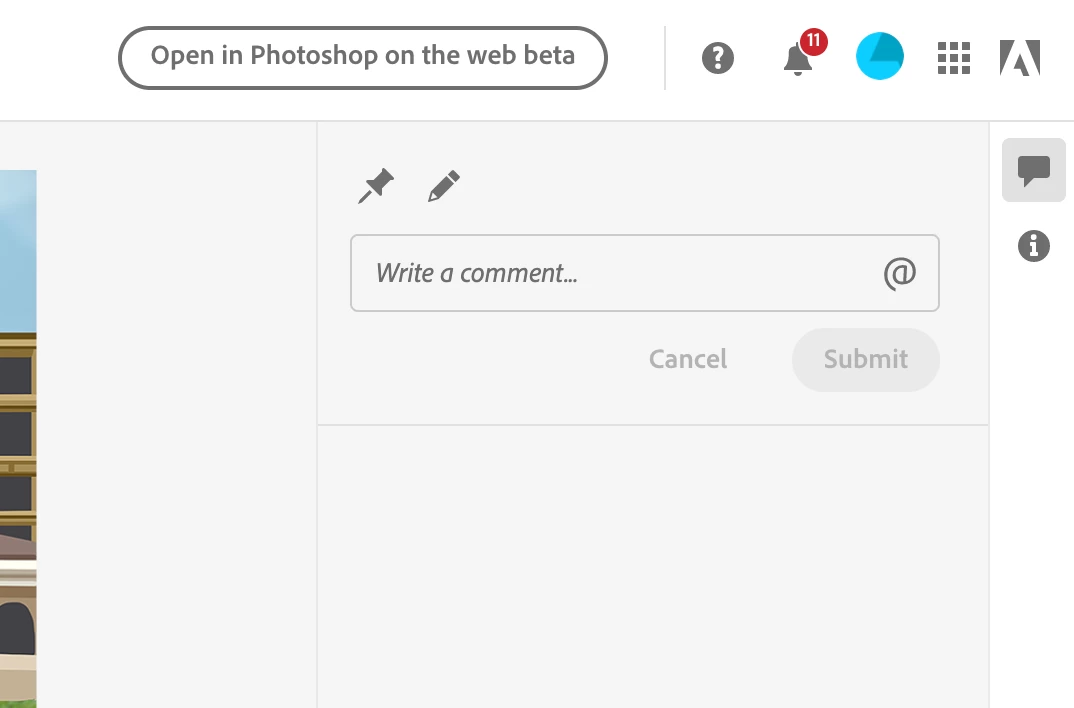
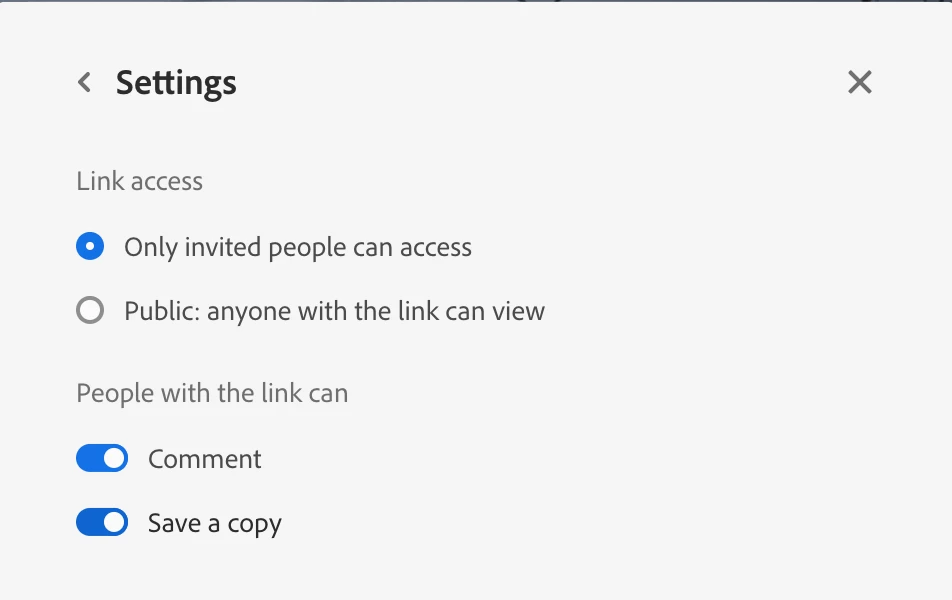
I need to be able to open the file in Photoshop, so being unable to download is an issue. 

This topic is closed to new replies. Start a new post to keep the conversation going.

3 replies

Tarun Saini
Community Manager
Community Manager
Mar 17, 2022 7:16 PM UTC

Hi there,


We're sorry for the delay. Are you still experiencing the issue? Have you tried using another browser? Try clearing the cache and cookies of the browser and check if that helps.


You may find the download option in the shared folder on the Creative Cloud website on the upper- right-hand side. Please check the screenshot attached for more info.


Let us know if that helps. We appreciate your patience.


Regards,

Tarun

Translate
viv1709
Participant
Dec 16, 2024 10:50 PM UTC

Hi, I have the same problem. A client has shared a library and I cannot find any way to download a file.

I don't understand why it's not just straight forward like any other library. Please help urgently!

Translate
kglad
Community Expert
Community Expert
Dec 17, 2024 2:15 AM UTC

use a browser. there are several tabs and link to check:


https://assets.adobe.com

https://lightroom.adobe.com

https://documentcloud.adobe.com

https://spark.adobe.com

Translate