
Question
Dropbox Smart Sync + Adobe Issues
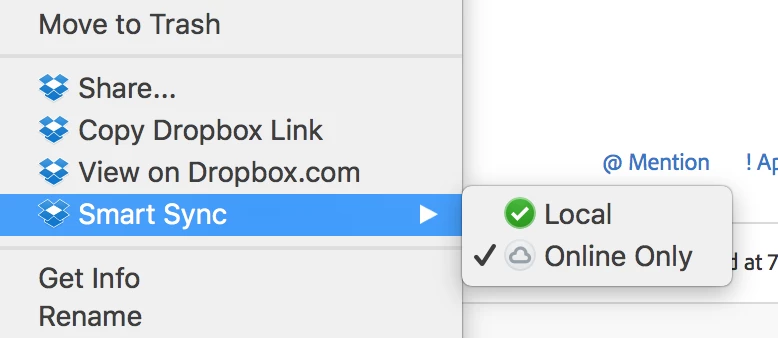
Looking for a bit of help around Dropbox's new 'Smart Sync'.
When I've worked on a file and then choose to have that file synced offline, reopening the likes of Illustrator or Photoshop will force that file to re-sync to my desktop before the application opens – meaning Adobe needs to basically make live recently used files.
Is there any way I can turn this off, so Adobe apps don't pre-load previous content? What it's doing is forcing me to wait 2-3 mins while files I've chosen to sync offline re-sync, and it's a pain in the ars.
Anyone with a solution?
Thanks!
Jason


 AdChoices