
Question
File Sync is stuck OFF. Unable to turn it ON.
I am trying to download some assets from the Creative Cloud desktop app. In order to download the assets, I must first enable File Sync.
I do so in the Preferences:
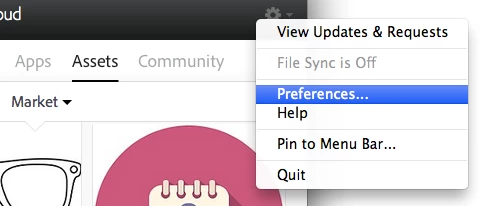
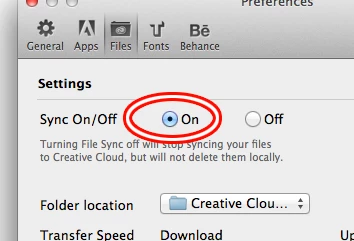
There we go. Lovely.
Now, I go back to the assets tab and try to download something. But nothing happens, because look: the File Sync is OFF again:
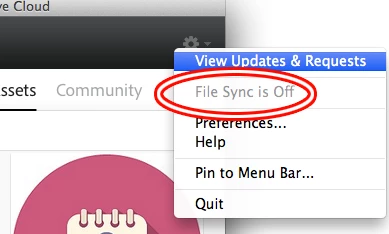
So, I go to the Preferences - lo and behold, the damn this is TURNED OFF again:
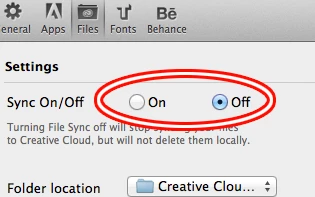
Wash, rince, repeat one hundred times. No dice.
What should I do?


 AdChoices