
File syncing error & Libraries sync error
Since yesterday the syncing in the CC doesn't seem to work.
Because of this, a font that I downloaded from Adobe Fonts doesn't work anymore and all my text in my project changed its font because of that.
In the Desktop App, I get following error messages:
"File syncing error (Some files failed to sync)"
And
"Libraries sync error (We're experiencing server problems)"
In the CC Web-App I get the following error message:
"Unable to load assets (Error occurred while loading assets. Try visiting this page later.)"
Screenshots: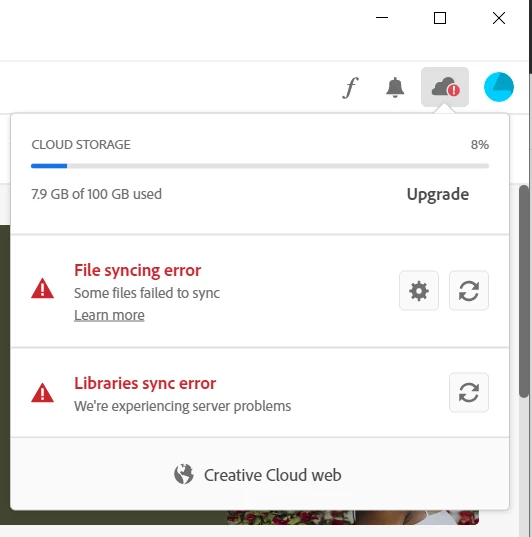
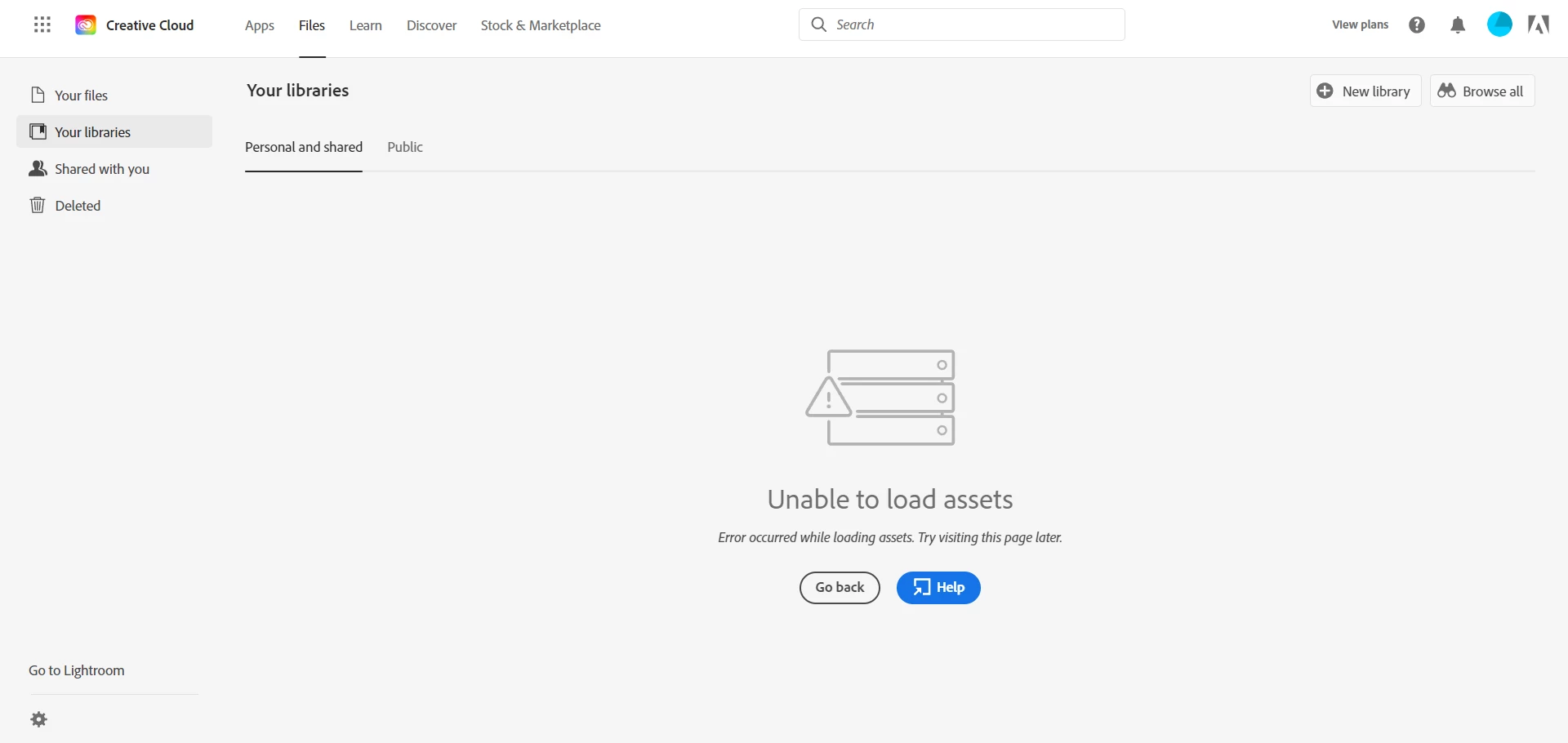
I already tried the following:
1. Pausing sync and resuming
2. Logging out of my account and log in again
3. Restarting my laptop
4. Killing the tasks "CoreSync" and "CCLibraries"
Nothing has helped.
What else can I do to fix this problem?
Thank you


 AdChoices