Inspiring
August 20, 2021
Question

Files are not syncing to the shared cloud

  • August 20, 2021
  • 1 reply
  • 274 views

I am having trouble syncing new files to the shared creative cloud folders.

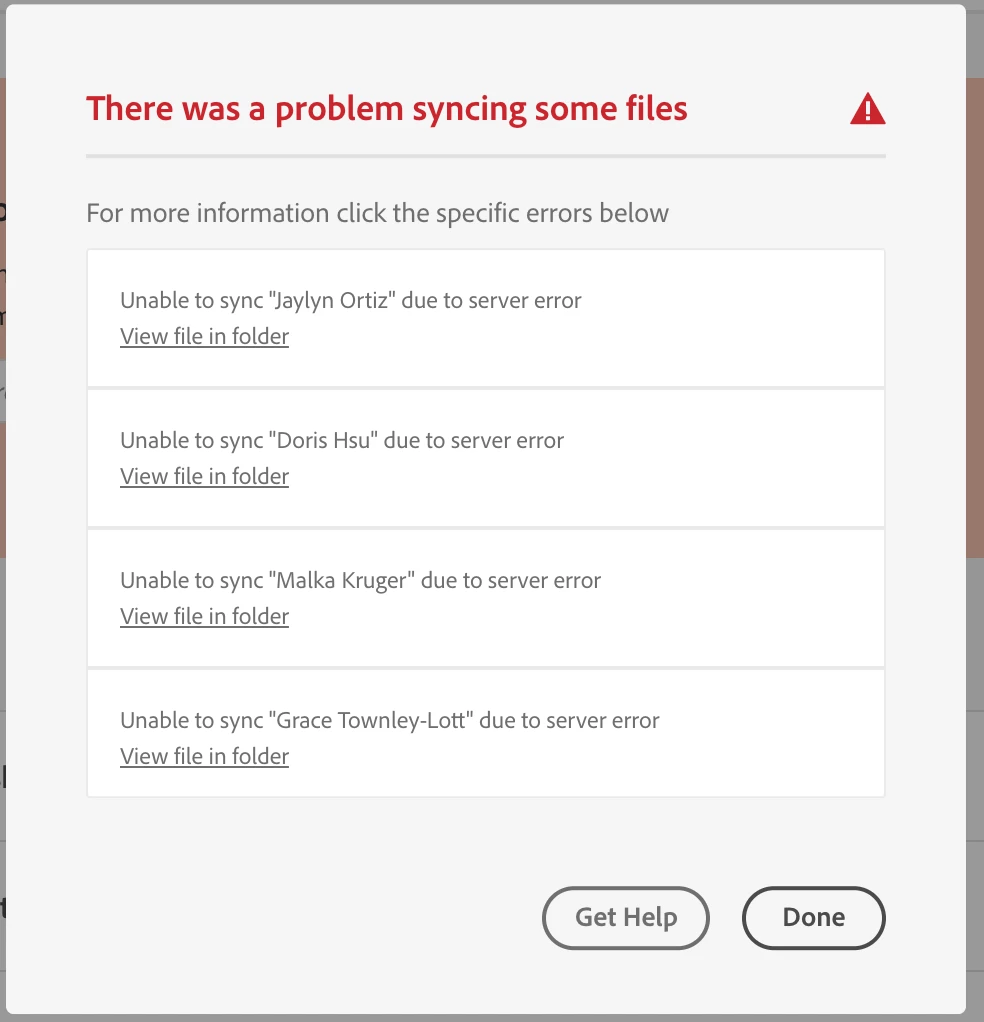
Any new files or folders or any previous folders with files that I move to another folder are not syncing to the creative cloud. 


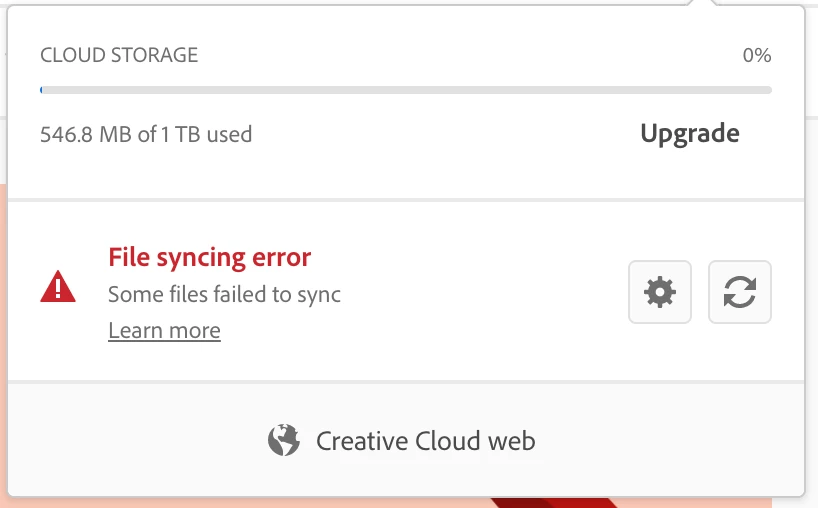
I am attached screenshots of the error messages I keep getting. 

Does any know how to fix this? As you can see, it's not a storage issue. 
 

This topic has been closed for replies.

1 reply

kglad
Community Expert
Community Expert
August 22, 2021

that generally means you have a corrupt file causing file syncing to hang.  you can test by moving all your local synch files to a safe folder.  retest syncing.  if it works, move about 1/2 the files back to your sync folder.  retest syncing.  if it works, the culprit is in the other half.  add 1/2 of them (or add them all to confirm the culprit's there). etc until you pinpoint the culprit or they all sync ok.