
files not syncing mac
So I have activated CC on 2 Macs (Mac Pro and Macbook Pro Retina) about 8 months ago. On my Mac Pro everything is working fine but on my Macbook Pro i have some issues since a few months. Creative Cloud Desktop won't sync files anymore (not upload not download). I uninstalled creative cloud desktop and reïnstalled it but that didn't work either. The loading indicator keeps spinning like shown below:
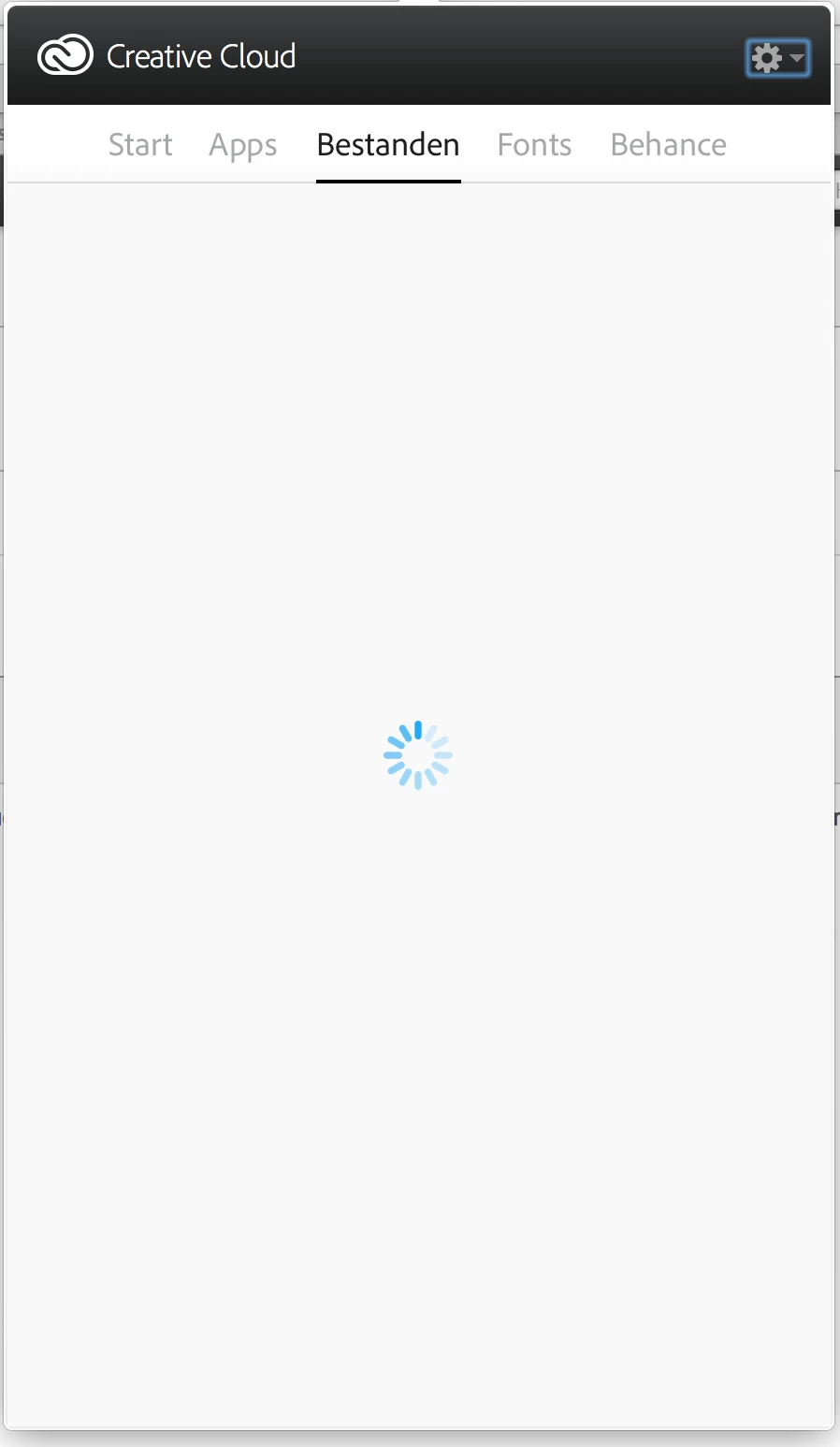
However it will sometimes shows that files are synced (which they are not).
I even tried removing every local creative cloud file in the creative cloud folder. But that didn't work either. Can someone please help me! It is very frustrating as i will always have to login on the creative.adobe.com website to acces my files.
Thanks in advance!
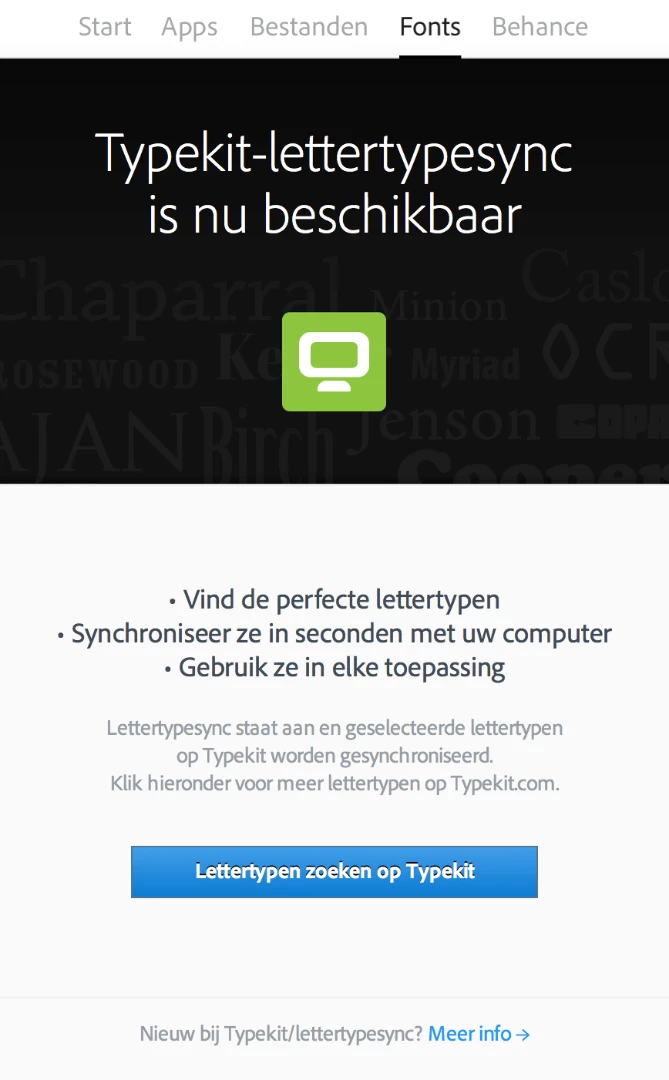
EDIT: After a little more research i saw that the process "Core Sync" is not responding in the Activity Console. I also have some typekit fonts which should be synced but aren't. I only get this screen in de CC for Desktop


 AdChoices