
Question
Fonts deactivate, but still show as active
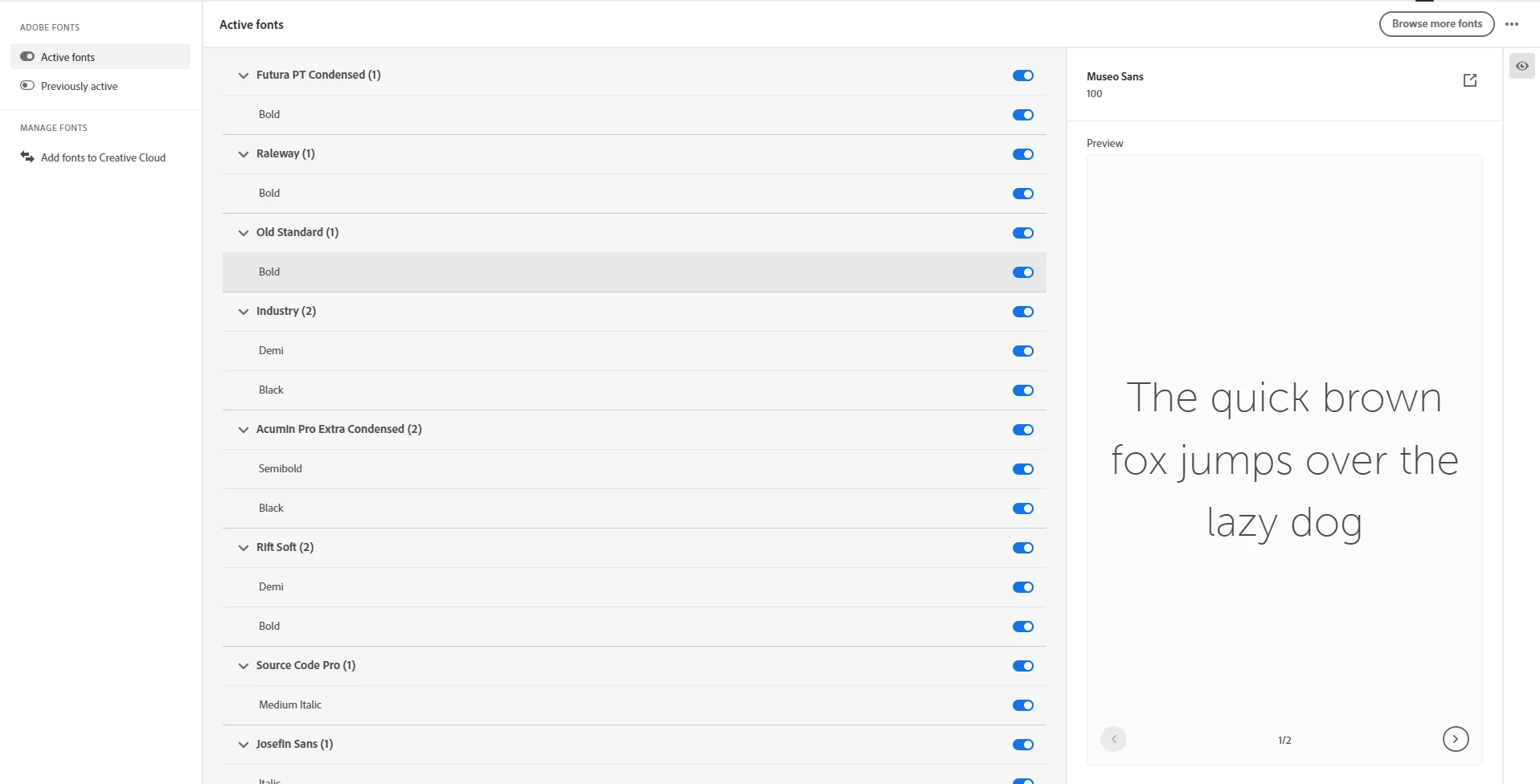
Any time I try to activate a font, it will say it's activated in Creative Cloud, but I immediately get this notification even though it shows up as active in Creative Cloud. I've tried restarting my computer, signing out of the account and signing back in, deactivating the fonts and reactivating them, and I have the most up to date version of the apps. Also, when I use a template from Adobe Premiere Pro, it will automatically deactivate the font. However, when I check the Creative Cloud it says the font is active. 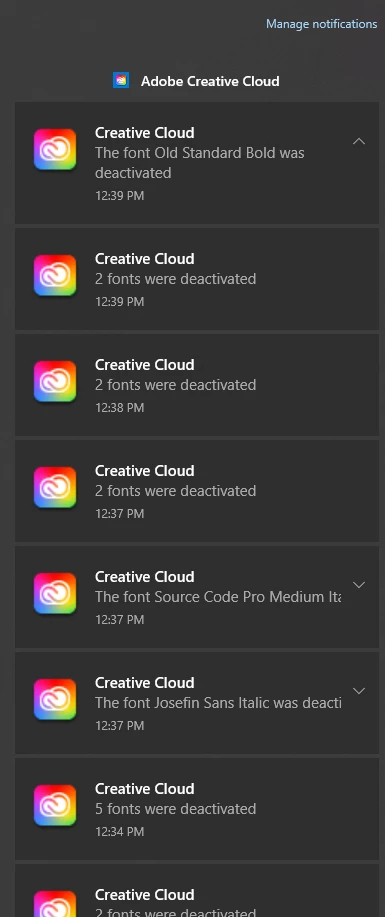


 AdChoices