
Participant
October 21, 2020
Answered
FORCE QUIT CC
- October 21, 2020
- 1 reply
- 543 views
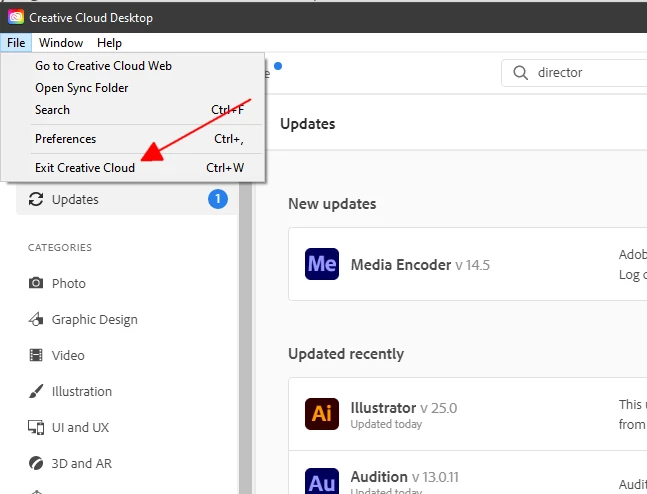
How come CC doesn't show up in the FORCE QUIT dialog on the MAC. I can't get it to quit or exit. I can't reboot as I have too much work and it's a stupid feature that Adobe wouldn't allow quitting an application or killing it. I am so tired of the operability issue with CC - the Platform is a pain in the rear and sucks up and hogs memory like a pig. The attached image is what it does all the time on a MACBook Pro with 16GB of RAM on Catalina. Why bother with all this when none of the applications work anymore.
What's also annoying is that there is no Forum for just CC - this one is for services and doesn't even have the right tags.
 AdChoices