

Answered
Getting this Error when I try to Sync files to Cloud...
Unable to create the Creative Cloud Files folder.
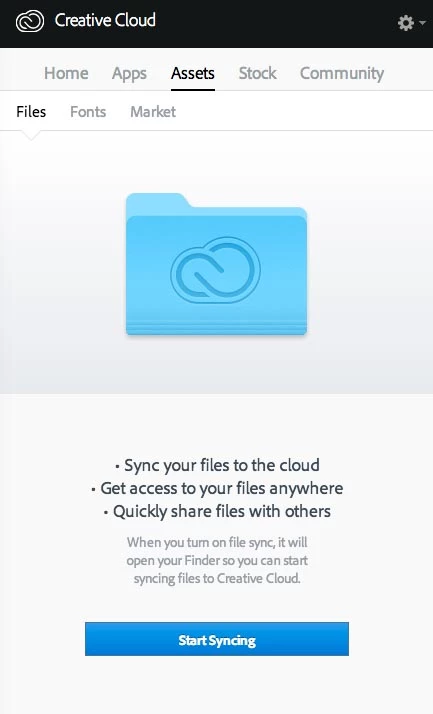
This is the place I go first. The on-line help says to go here and then under file I can enter location of the Creative Cloud Files folder, but as you can see I don't have that option. Only to hit the Start Syncing button.
The Creative Cloud File folder is not at the destination it is pointing to because that Hard Drive no longer exists.
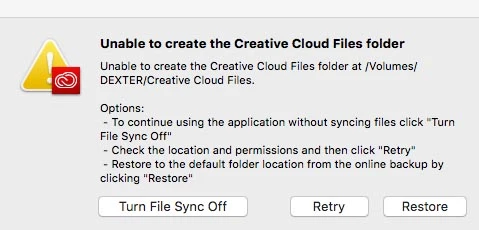
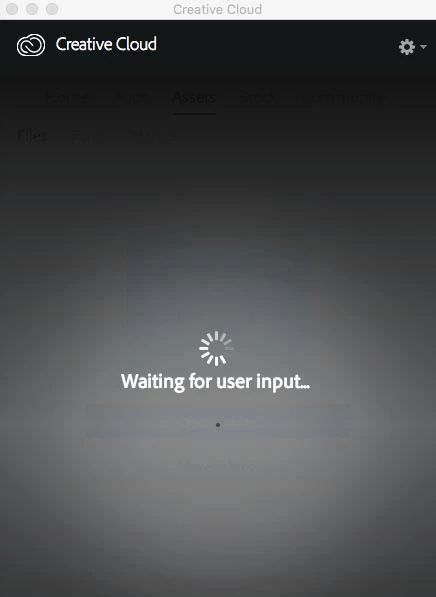
clicking Retry gives me the exact same error, clicking Restore does the same, but without the Retry button. Meanwhile my Creative Cloud App screen looks like this, (until I click Turn File Sync Off):
I know where my Creative Cloud Files folder is, I just don't know how to tell that to the CC app.
Thank you SO much for any help!
Michele


 AdChoices