
HELP! My school messed up and my CC Files are gone?
I need help!
I recently graduated from college (yay). During the last day of school, we were told that we would continue to have access to our adobe applications and everything until July 31. Surprise surprise, they messed up and terminated all accounts two days ago. I had thankfully downloaded all of my files before then, but of course, an .AI file I was working on - one that was for a client - was not downloaded since I had started it a few days ago and hadn't had the chance to save it to my harddrive. I've put hours of work into it already and I need it to send to my client. The good news is that
I contacted the school tech support, they apologized for the error, and reinstated my email account. Unfortunatly, they neglected to reinstate the adobe account. I emailed them about this since this was also promised to remain until July 31st, but I have yet to hear back from them.
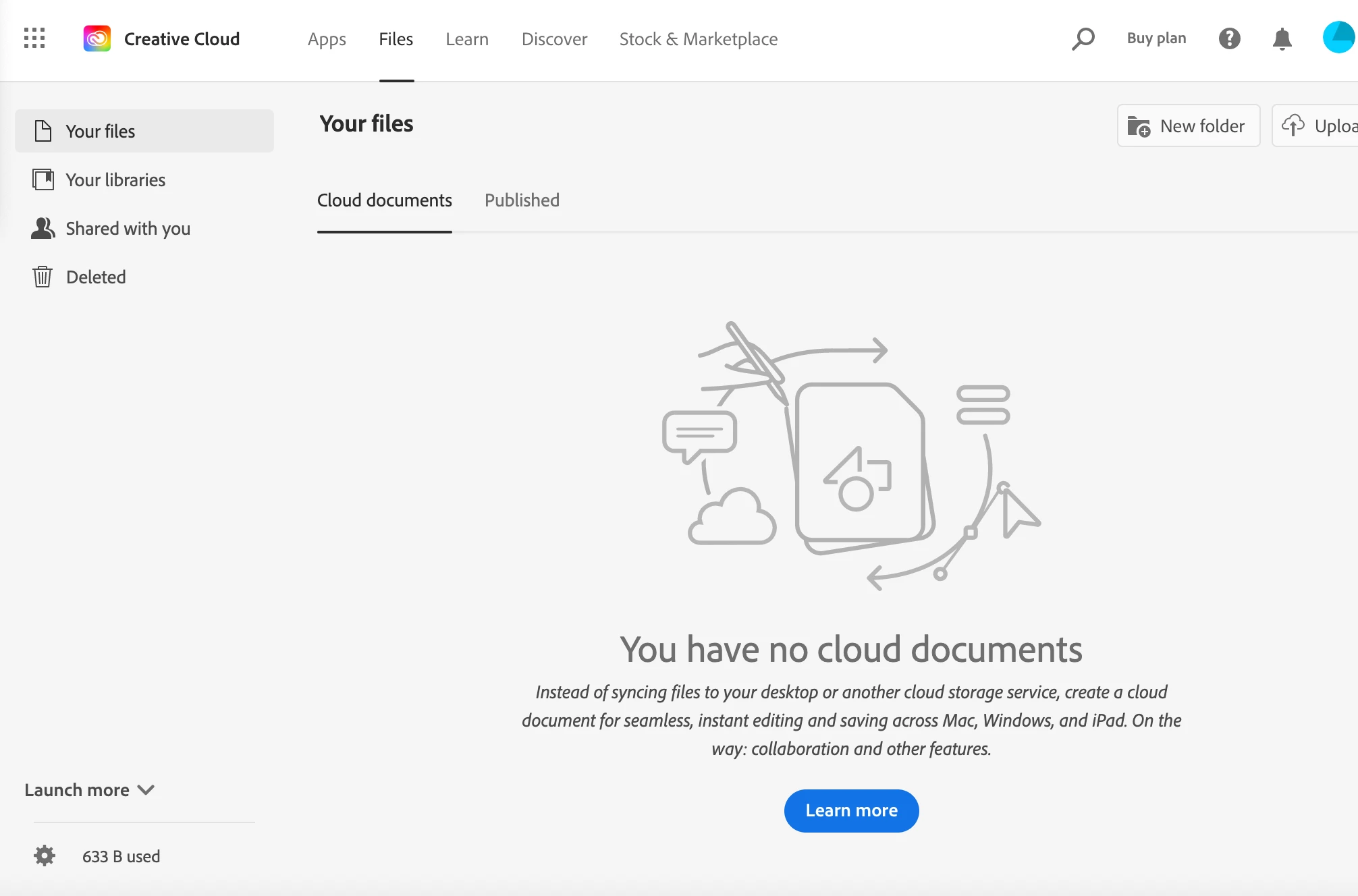
Since I have my email, I'm able to go into my previous adobe account (sans being able to use the programs) but when I look for the files I need, they all seemed to have dissappeared. I've checked other forums and looked through all the different options of where the files might possibly be, but I can't seem to find any evidence that they existed. Did they go alongside my programs? Will I be able to find them after I get the programs back? Is there anyway I can download them from my adobe account?


 AdChoices