Participant
November 25, 2022
Question

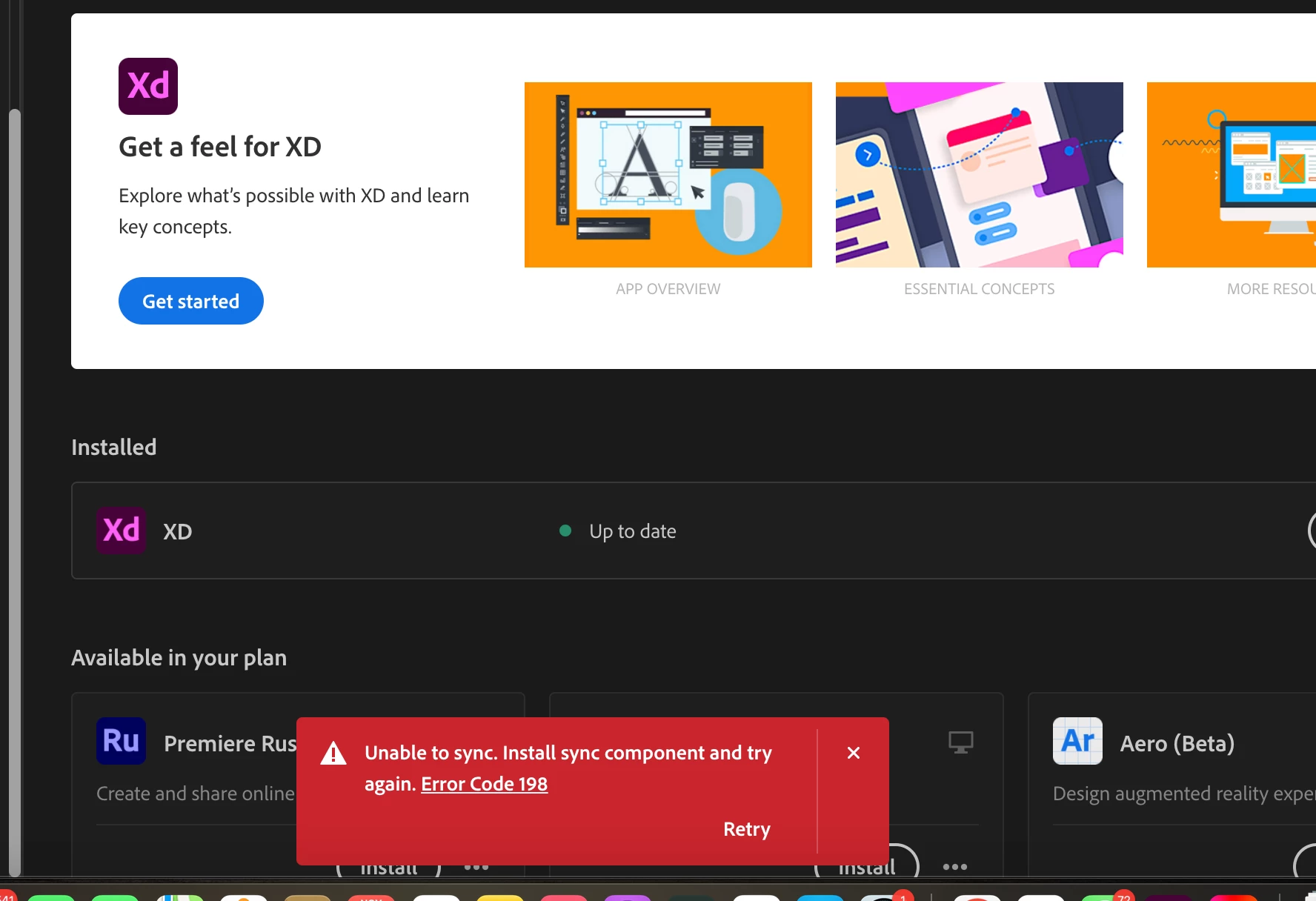
Hi, I've been having issue syncing cloud. I've tried every possible solution I've seen.

  • November 25, 2022
  • 1 reply
  • 550 views

I keep getting the error message "unable to sync, install sync component and try again. Error code 198"

I use a MacBook pro 2014. 
 

This topic has been closed for replies.

1 reply

kglad
Community Expert
Community Expert
November 25, 2022

reset the cc desktop app: make sure it's in the foreground, then press:

Win: Ctrl + Alt + R
Mac: Cmd + Opt + R

if that fails, https://helpx.adobe.com/creative-cloud/kb/troubleshoot-download-install-logs.html#error198

Participant
November 26, 2022

Thanks ... but I've tried and nothing's worked

kglad
Community Expert
Community Expert
November 26, 2022

use a browser that allows popups and cookies and contact adobe support by clicking here, https://helpx.adobe.com/contact.html?rghtup=autoOpen
in the chat field (lower right), type AGENT
be patient, it can take quite a while to reach a human

p.s you can also use phone (but chat is usually quicker), https://helpx.adobe.com/contact/phone.html

p.p.s. you can also use twitter to tweet @AdobeCare

p.p.p.s. if you're contacted by anyone (via email or private message), it's much more likely to be a scammer than an adobe representative. ie, double check for an employee badge if contacted in the forums and look for an adobe.com domain in the email address if you click reply to an email. then check again and be very suspicious. any other method of contacting (or offering to contact you) is almost certainly a scam, https://community.adobe.com/t5/using-the-community-discussions/staying-safe-in-the-adobe-support-community/td-p/12919684/redirect_from_archived_page/true
