


Question
How can I completely disable CC from starting on startup?
As title states, I want to completely disable CC from starting up any of its services as my computer starts up.
I have:
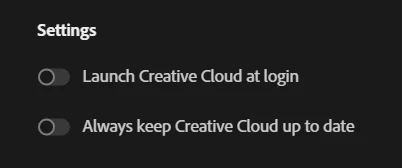
- Turned off "Launch Creative Cloud at login" and "Always keep Creative Cloud up to date".
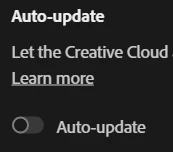
- Turned off Auto-update
- Turned off startup in Task Manager

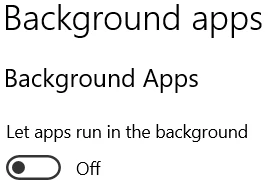
- And I've blocked apps from running in the background via Windows 10 settings.
And yet still, without fail, everytime I turn on my computer and check Task Manager, Creative Cloud always finds a way to persistently run and sap away system resources.
Specs:
Windows 10
AMD Ryzen 5 3500U
Radeon RX Vega 8
8GB
(note: this issue has persisted on past systems I've used Creative Cloud products on)
 AdChoices