


Question
How can I quickly perminantly delete all files in CC's Deleted Files tab?
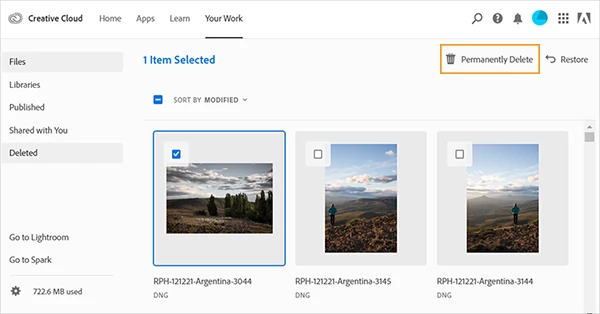
I have a few dozen gigs worth of small, double digit KB files, showing in the Deleted Files tab in the Adobe CC file manager (https://assets.adobe.com/deleted).
I can check these items one by one, but can't figure out a way to purge them all. How can I purge this storage space without having to click one file at a time for the next few weeks?
The documented checkbox next to "Sort by Modified" doesn't seem to exist anymore: https://helpx.adobe.com/creative-cloud/help/delete-files-permanently.html


 AdChoices