
dv8kiwi
Inspiring
January 18, 2021
Question

How do I download folders or multiple files from Cloud to my desktop?

  • January 18, 2021
  • 1 reply
  • 1129 views

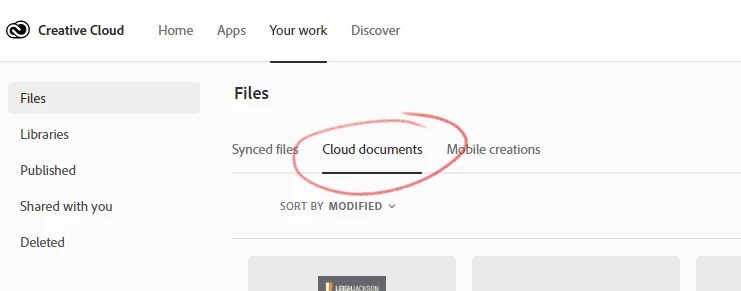
I have sent so much time trying to figure out how to do this basic function. Downloading multiple files from Cloud Documents should be a straightforward basic operation. The idea that I would have to open each file one at a time to download is RIDICULOUS. It is totally putting me off using Cloud apps and documents. What am I missing? Is there something I don't understand?


This topic has been closed for replies.

1 reply

kglad
Community Expert
Community Expert
January 18, 2021

they should be sync'd with a local folder and already on each computer you use to sign in to cc.


On any of those computers open your cc desktop app click file > preferences > sync and check the sent folder..


dv8kiwi
dv8kiwiAuthor
Inspiring
January 18, 2021

Yes. "Synced Files" are synced. As I would expect.


I am talking about "Cloud Documents"


kglad
Community Expert
Community Expert
January 18, 2021

cloud documents are handled differently.  they're to be used for mobile to desktop and back files, not as non-local mass storage.


you might find this informative though i doubt you'll be happy to learn you can't manipulate cloud document files like cc files or dropbox files, Creative Cloud Storage: Where Does It Go? | CreativePro Network