File deletion is a two-step process (think Trash on Mac OS X or Recycle Bin on Windows). You move files to the Archive and then delete them.
With a browser sign in with your Adobe ID to the Assets site at https://assets.adobe.com/files.
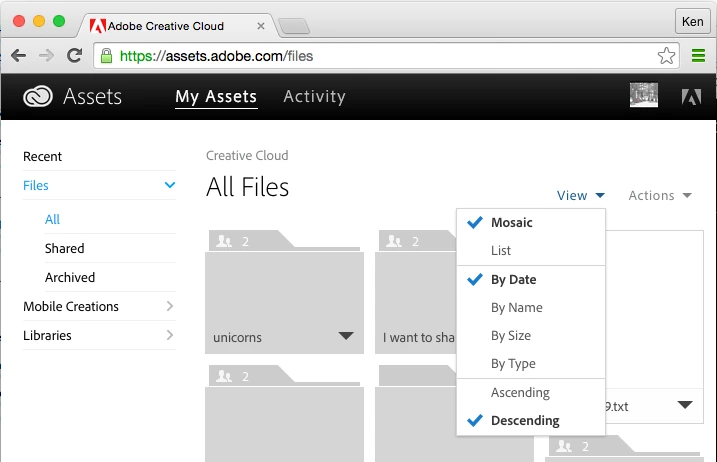
Switch the View from the default of Mosaic to List (so that it is easier to select multiple files at once).
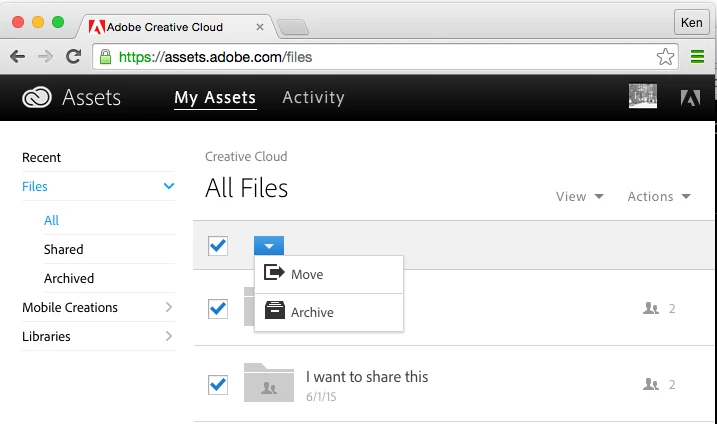
Then click the top check box to select all the files, click on the blue button, and select the Archive action.
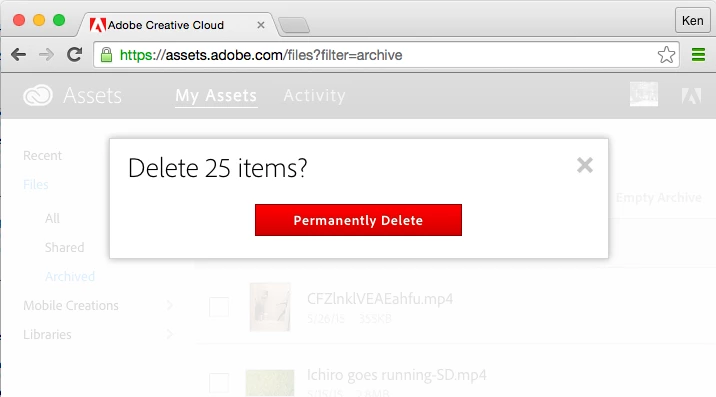
Then in the menu on the left select the Archive filter so you are at https://assets.adobe.com/files?filter=archive. Now click the Empty Archive link near the top left corner. In the overlay dialog that appears click the Permanently Delete button.



 AdChoices