

Participant
Dec 12, 2020 1:25 AM UTC
Answered

I can't see Creative Cloud Drive

I can't see Creative Cloud Drive in my toolbar.
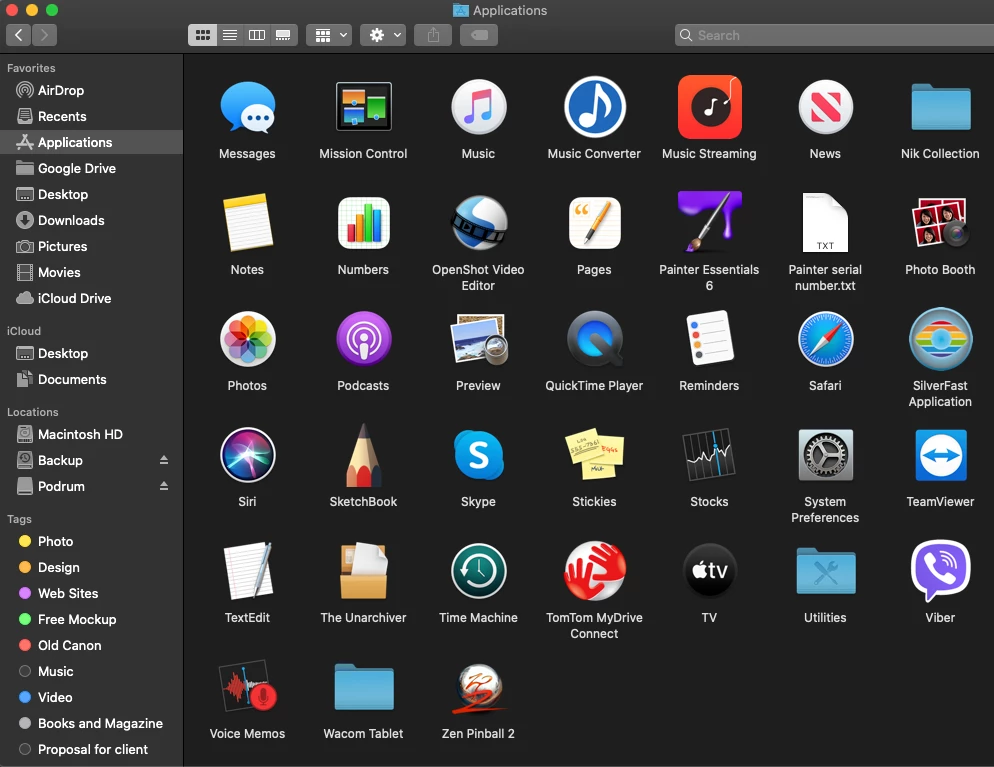
macOS Catalina is my system.
Please help.

This topic is closed to new replies. Start a new post to keep the conversation going.
kglad
kgladCorrect answer
Community Expert
Dec 12, 2020 2:54 PM UTC

a cc desktop app icon is in the tool (by default).  the cc sync'd drive is whatever you set it to in the cc preferences.  and a link to the sync'd cloud files is in the cc desktop app.

1 reply

kglad
Community Expert
kgladCommunity ExpertCorrect answer
Community Expert
Dec 12, 2020 2:54 PM UTC

a cc desktop app icon is in the tool (by default).  the cc sync'd drive is whatever you set it to in the cc preferences.  and a link to the sync'd cloud files is in the cc desktop app.

Translate
