
Participant
June 15, 2021
Question

Icon thumbnail preview issue

  • June 15, 2021
  • 2 replies
  • 726 views

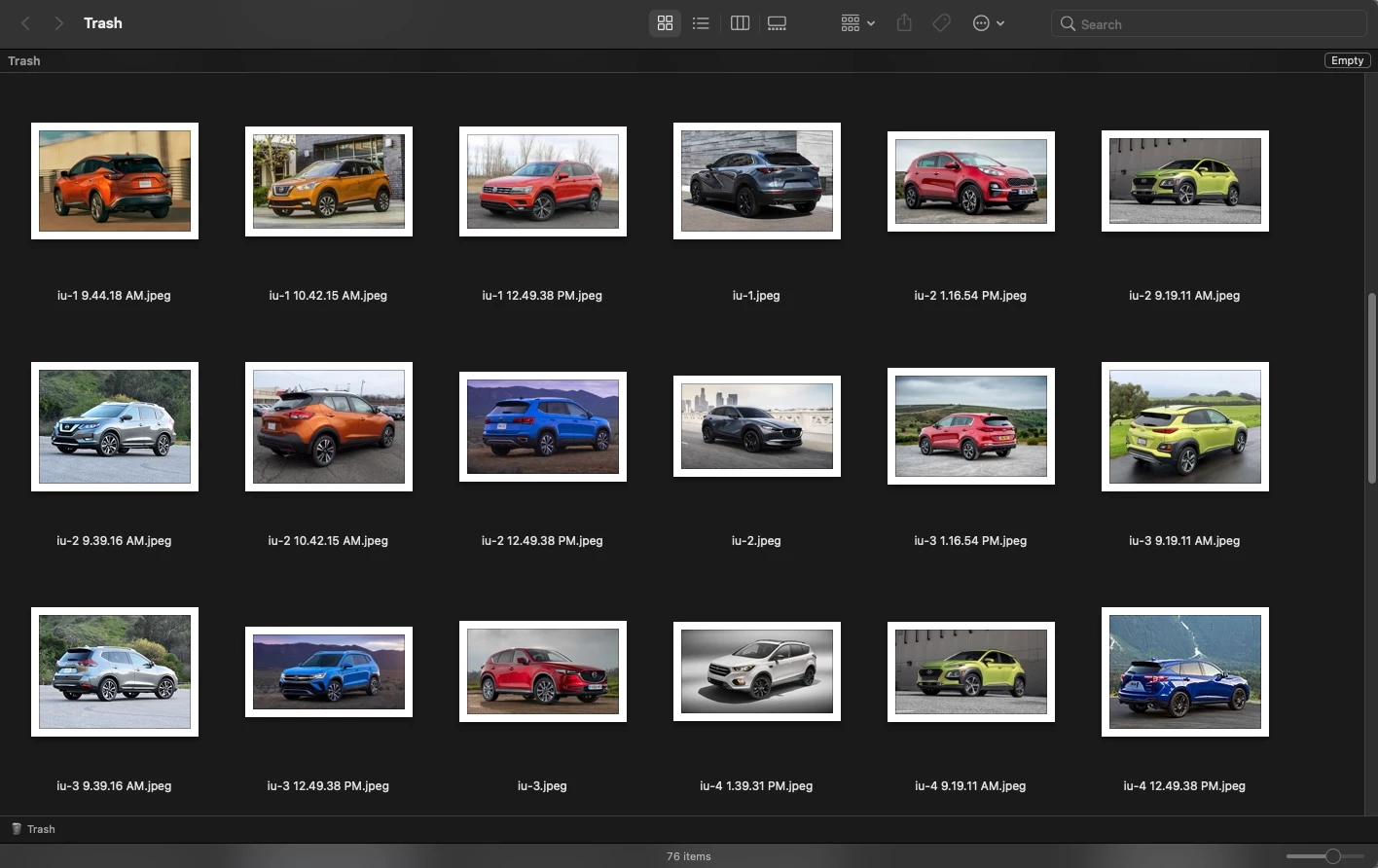
I just got a new workstation, a new M1 Mac Mini with the most current MacOS, Bug Sur. On my previous workstation, I could search for a type of file on my network and Finder would present a field of all of the files that matched with preview thumbnails of the file. This is instrumental for my job, to be able to find a file visually out of hundreds of the same file type. On my new workstation, I am only presented with icons of the applications in which they were saved. Luckily, I was able to retain my previous workstation, so I can visually search using that set-up, but I sure would like to be able to do that on my new one.


I need this...


...not this.
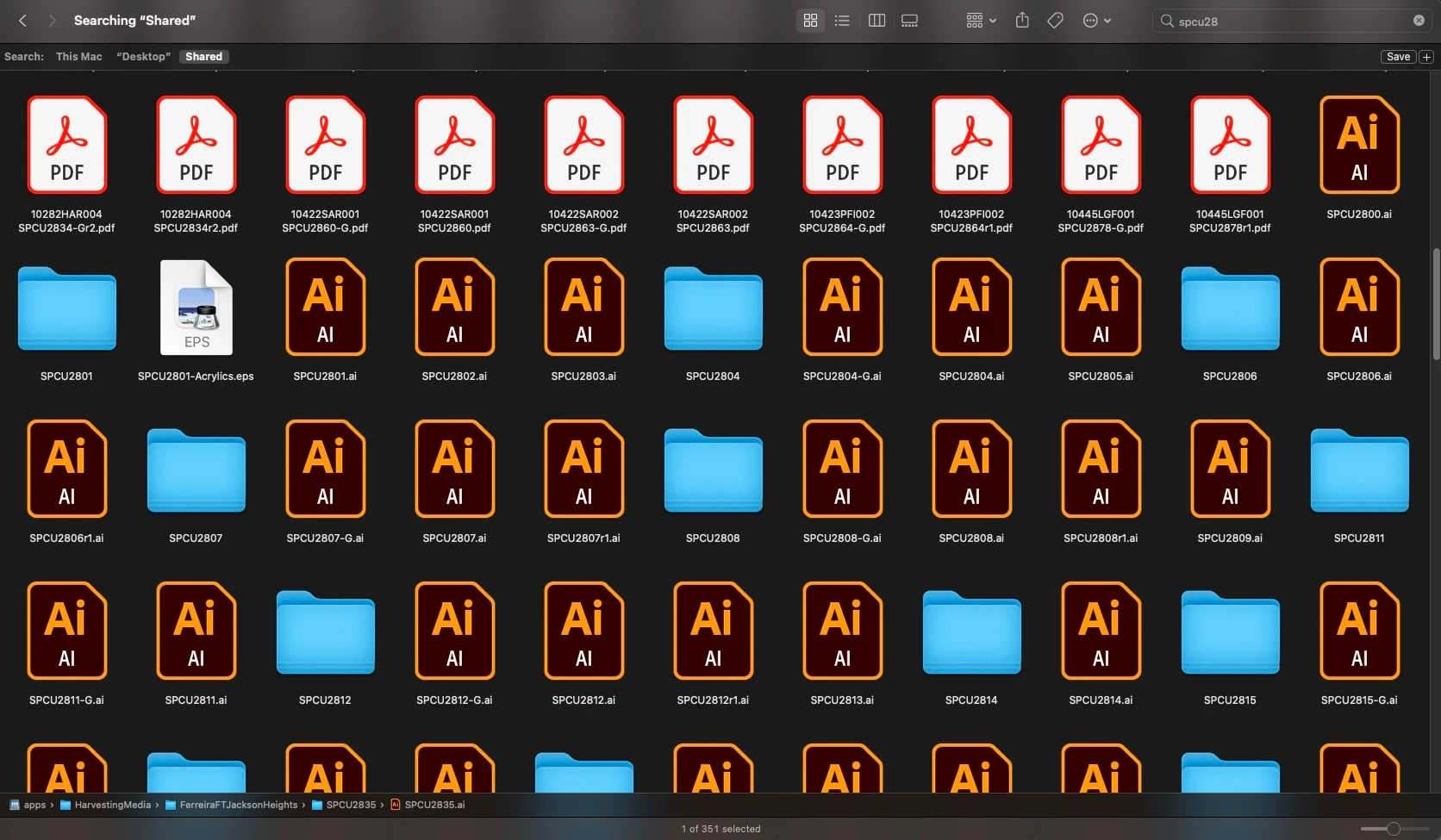


Could this be an Apple OS issue or an Adobe issue? I don't know. I'm just trying to do what I need to.

    This topic has been closed for replies.

    2 replies

    John Waller
    Community Expert
    Community Expert
    June 16, 2021
    quote

    On my new workstation, I am only presented with icons of the applications in which they were saved.


    This is an Apple OS issue (in Finder) rather than Adobe. Thumbnail previews are definitely supported. Should be a simple fix. Just depends on the root cause.


    Try

    https://discussions.apple.com/thread/252295501

    https://apple.stackexchange.com/questions/182536/why-cant-i-see-thumbnails-in-the-finder


    Nancy OShea
    Community Expert
    Community Expert
    June 16, 2021

    I don't use a Mac but it looks like your radically new M1 with Big Sur doesn't support thumbnail previews.   Honestly, it doesn't surprise me given all the problems Apple has been having lately.   That said, try using Adobe Bridge instead of Mac Finder.

    https://helpx.adobe.com/bridge/using/view-files-bridge.html


    Nancy O'Shea— Product User & Community Expert