
Participant
May 2, 2023
Question

Image Sizing Distortion on Certain Images on Grid

  • May 2, 2023
  • 3 replies
  • 1749 views

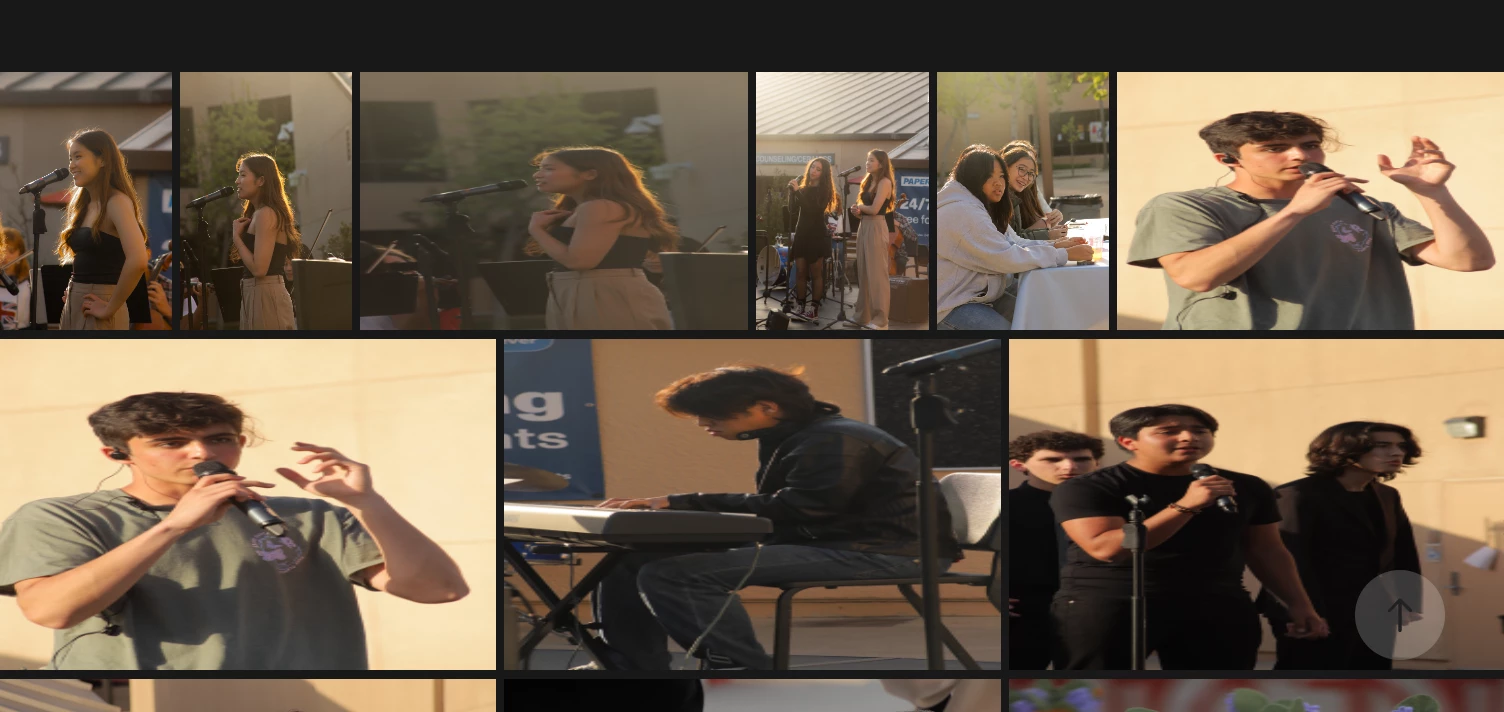
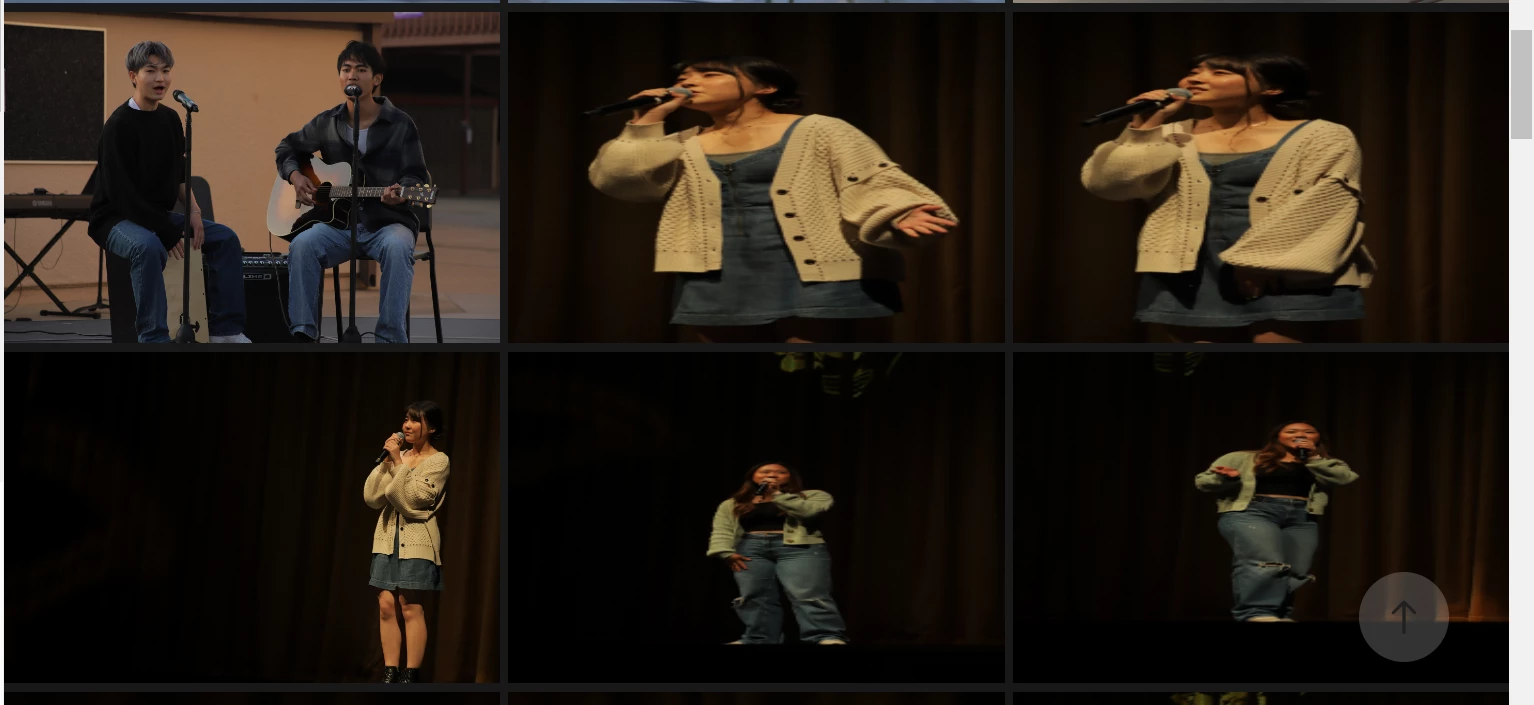
Hi! I recently encountered that some of the images on my Adobe portfolio page under this page became distorted while others did not. I did try to move them around, and it did not seem to fix them.  I am confused about why, and on my other pages, this problem did not occur at all. Please advise on how I can fix this problem. 
This topic has been closed for replies.

3 replies

Participant
August 19, 2024

same thing happened to me 😞

Nancy OShea
Community Expert
Community Expert
August 19, 2024

@garglesss,

Did you optimize your images for the web in Photoshop or Lightroom before uploading them to your Portfolio?

Did you read the Photo Grid help article?

https://help.myportfolio.com/hc/articles/360035920114-Photo-Grid-module


Nancy O'Shea— Product User & Community Expert
Nancy OShea
Community Expert
Community Expert
May 8, 2023

Hi @Olga26565875by34,

For best results, PhotoGrids should contain same sized images that have the same aspect ratio (portrait or landscape). 

Mixing sizes and ratios will produce unexpected results.


See this example.  For the most part, these are all 900px x 900px (square) and optimized for the web in Photoshop.  See screenshot.

https://nancy23e2.myportfolio.com/spirographs


Hope that helps.


Nancy O'Shea— Product User & Community Expert
Tarun Saini
Community Manager
Community Manager
May 2, 2023

Hi @Olga26565875by34,


We're sorry to hear this. Could you please check this community link and try the steps mentioned in it and let us know if that helps: https://community.adobe.com/t5/creative-cloud-services-discussions/adobe-portfolio-image-distortion/td-p/11900945


See Portfolio links:
- FAQ & Knowledgebase for product help - https://help.myportfolio.com/hc/

- Contact Portfolio Support for technical help - https://help.myportfolio.com/hc/requests/new?ticket_form_id=177168


Regards,

Tarun