

Question
Is Creative cloud 4.3.0.256 app in windows working as before?
We have the desktop app for Adobe Creative cloud installed in version 4.3.0.256, which is the latest one as of today. But it did not seem to work as before, for example, whenever we update online the files we used to have in the Asset/Files the files up to date, but this is no longer the case and this is all we got now in that menu:
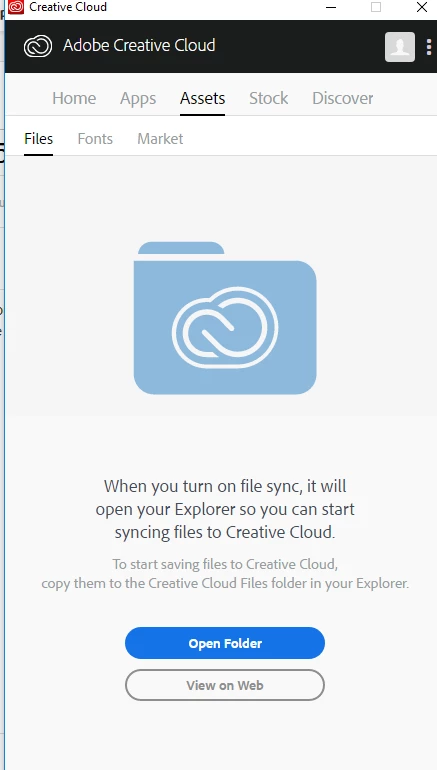
Nevertheless, we have the same version installed in IOS and work normally.
can you please help with this?


 AdChoices