
Participant
February 18, 2020
Question

Issue with all Adobe Programs on Macbook

  • February 18, 2020
  • 3 replies
  • 1075 views

Hi community,


I've been experiencing this same issue across all Adobe programs the past few weeks and it's very frustrating.


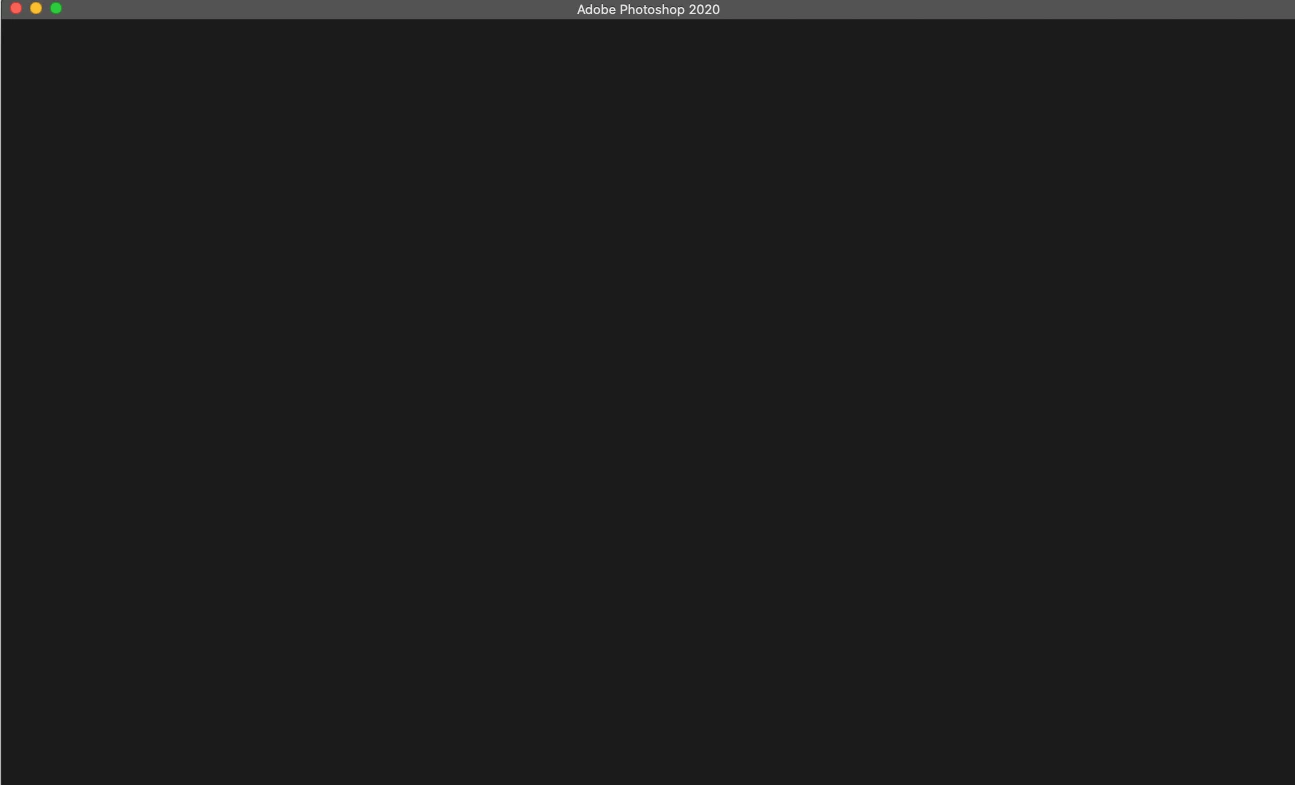
Every time I open a new file in Premiere, Photoshop, etc. I get this blank screen where the welcome screen used to be and nothing changes. The new file button won't work, and it won't load the normal screen when selecting a file to begin.
This topic has been closed for replies.

3 replies

Participating Frequently
February 18, 2020
Participating Frequently
February 18, 2020

Hi! Sorry this is happening. Can you provide us with some additional information?

What OS are you running? What version of PS are you running? And, it's happening with ALL Adobe programs? 

Participant
February 18, 2020

Hi MelissaLA88,


I'm currently running on Photoshop 21.0.3, the latest version. As well as OS 10.15.2.


I've tried uninstalling and reinstalling and it continues. Any help would be amazing!

John T Smith
Community Expert
Community Expert
February 18, 2020

Do not count on Windows to be fully up to date when it comes to device drivers
Go to the vendor site to be sure you have an updated driver for your graphic adapter
•nVidia Driver Downloads http://www.nvidia.com/Download/index.aspx?lang=en-us
•ATI Driver https://www.amd.com/en/support


There are also intermittent reports that the newest driver is not always the best driver due to driver bugs or compatibility issues, so you MAY need to try an earlier driver version