
Participating Frequently
September 29, 2021
Question

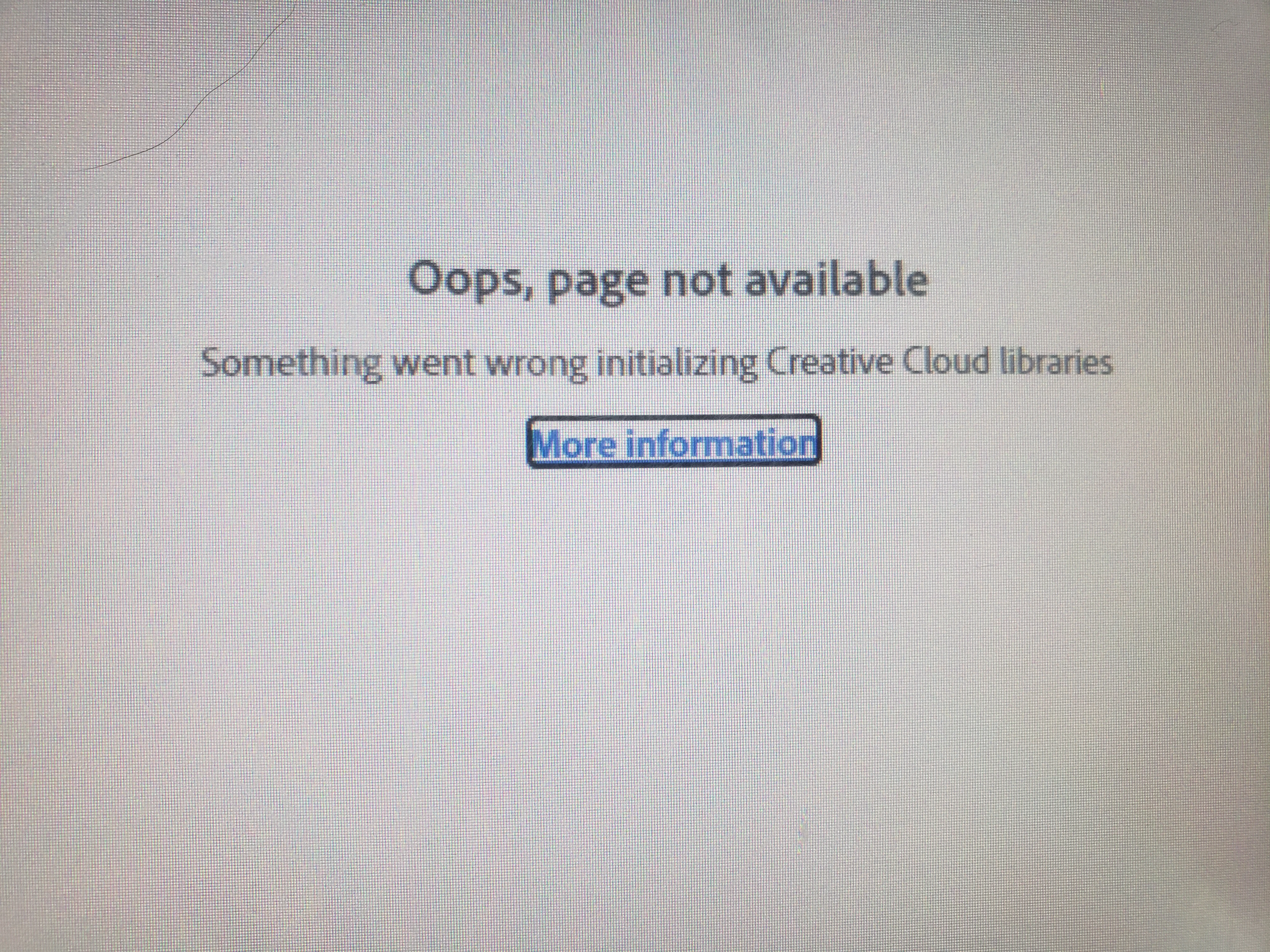
Issue with Creative Cloud Libraries

  • September 29, 2021
  • 2 replies
  • 562 views

Hi! So starting yesterday I saw that my Creative Cloud libraries weren't working. I thought nothing of it so I relaunched but it still didn't go away. Eventually I unistalled then reinstalled Creative Cloud but still the problem persists. The weird thing is, the libraries is showing up on my phone and another computer. So I thought it was the computer I was using however I checked and Windows is up to date. Any help would be appreciated!
This topic has been closed for replies.

2 replies

Mariia Novikova
Adobe Employee
Adobe Employee
October 5, 2021

Hi,

Could you please check the Libraries version you are running on your machine? It is the bottom item in "About Creative Cloud" window in CCD.

Have you tried restarting the machine? This really might help, please try. 
If restarting won't help, can you try running the CCLibraries installer available in this Helpx page (Solution 2 / Step 4): https://helpx.adobe.com/creative-cloud/kb/libraries-panel-not-working.html
Please, restart the machine after installation completed.

Let us know if that helps,

Thank you,
CCLibraries Team
LysaaAuthor
Participating Frequently
October 5, 2021

Yes I had restarted the machine and even uinstalled and reinstalled creative cloud. It was deleting the CC libraries folder that helped. After I did that I restarted my computer and my libraries were back.

Jeffrey_A_Wright
Community Manager
Community Manager
September 30, 2021

Aalyssa, sorry that the Creative Cloud libraries are failing to initialize. Please see https://helpx.adobe.com/creative-cloud/kb/creative-cloud-libraries-panel-doesn-t-load-in-desktop-products.html for additional steps you can take to correct this error. Also, update this public forum discussion if you have any questions or encounter new errors.

LysaaAuthor
Participating Frequently
September 30, 2021

I attempted "relaunching the creative cloud" and the "ensure that your hosts file is properly set up". Neither worked, while trying to do "recreate the Libraries cache" it won't let me delete my creative cloud libraries folder and says I need permission?

Jeffrey_A_Wright
Community Manager
Community Manager
September 30, 2021

Alyssa, did you try using the Go to Folder command in the Finder to go to ~/Library/Application Support/Adobe/?