Answered
It appears that I can update Photoshop and Illustrator, but when I click, nothing happens
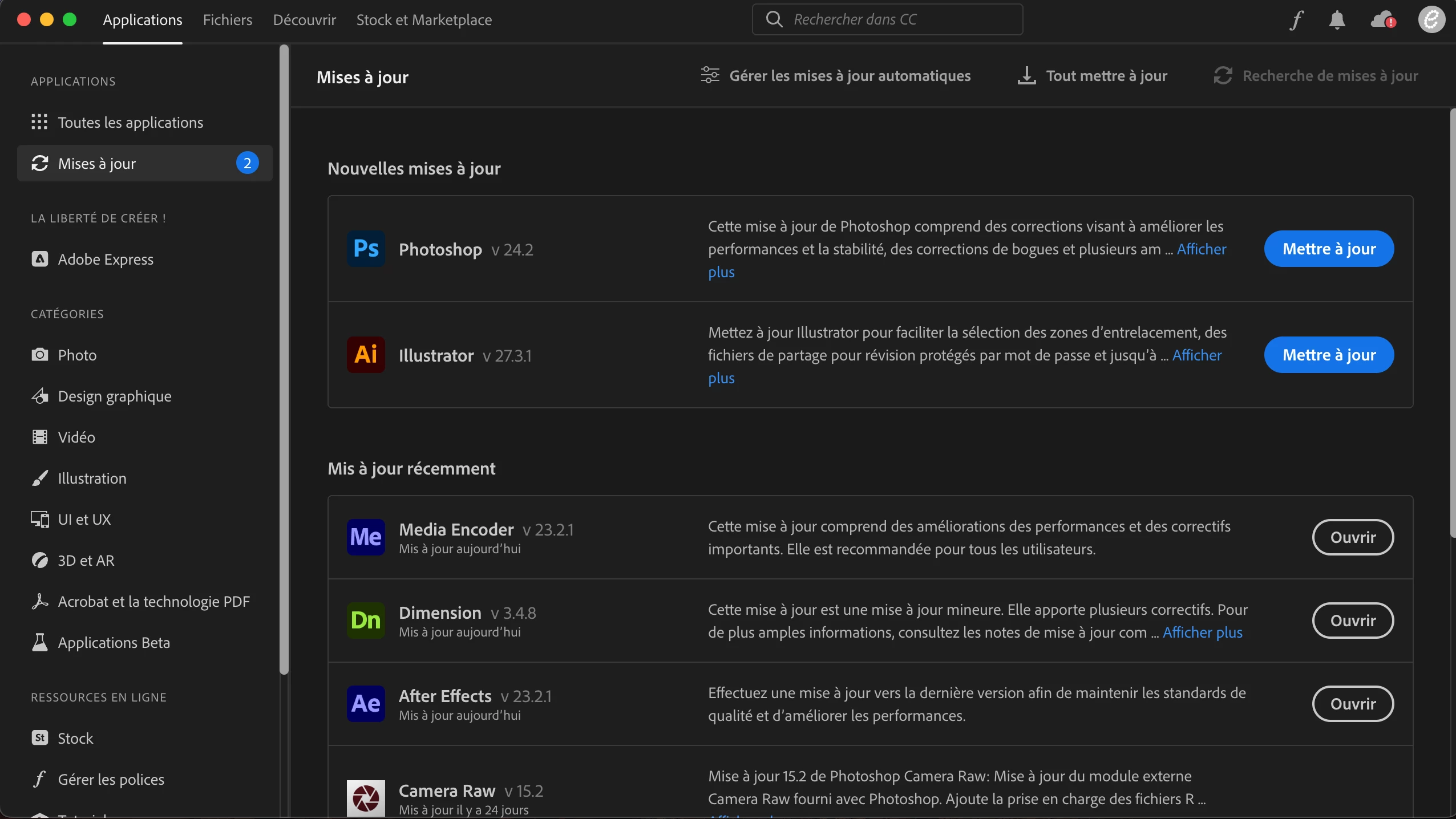
Anyone has an idea on how I could fix that?

Anyone has an idea on how I could fix that?
reset the cc desktop app by making sure it's in the foreground, then press:
Win: Ctrl + Alt + R
Mac: Cmd + Opt + R
if that fails, sign out and then back in to your cc desktop application: http://helpx.adobe.com/creative-cloud/kb/sign-in-out-creative-cloud-desktop-app.html
if that fails, restart your computer and retry updating.
Already have an account? Login
No account yet? Create an account
Enter your E-mail address. We'll send you an e-mail with instructions to reset your password.


 AdChoices