
Participant
May 29, 2023
Question

Libraries

  • May 29, 2023
  • 2 replies
  • 156 views

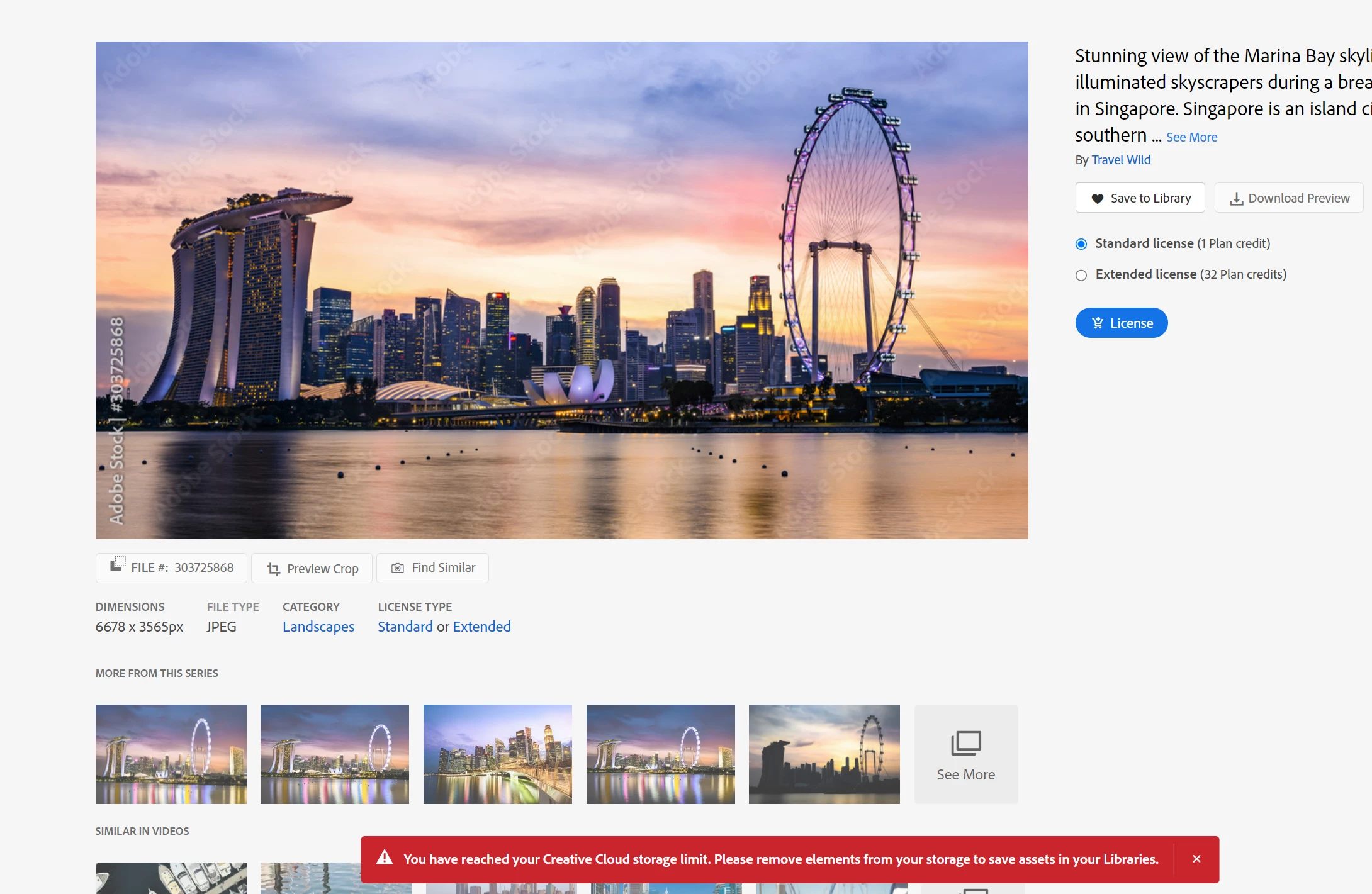
You have reached your Creative Cloud storage limit. Please removeelements from your storage to save assets in your Libraries?Why?I only have 27 pictures
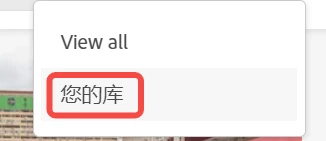
My library is still in Mandarin, and it doesn’t change when I change the language。Could not find previous library


[Moderator moved the thread to the correct forum]

This topic has been closed for replies.

2 replies

kglad
Community Expert
Community Expert
May 29, 2023

to clear or check all files stored on adobe's servers, use a web browser to navigate to the following locations. at each location there are several folders to check.:


https://assets.adobe.com

https://lightroom.adobe.com

https://documentcloud.adobe.com

https://spark.adobe.com


if you delete anything from any of these locations, check for a deleted folder where your file(s) was (were) moved. if you want to clear space you must delete files in the deleted folder.

Abambo
Community Expert
Community Expert
May 29, 2023

The library is shared space with other Creative Cloud space use, including Lightroom and Document Cloud.


ABAMBO | Hard- and Software Engineer | Photographer