
Participating Frequently
May 4, 2022
Question

libraries from https://assets.adobe.com/libraries do not show up in Applications

  • May 4, 2022
  • 2 replies
  • 726 views

Hi.
I have a problem with libraries.
libraries from https://assets.adobe.com/libraries do not show up in Applications.
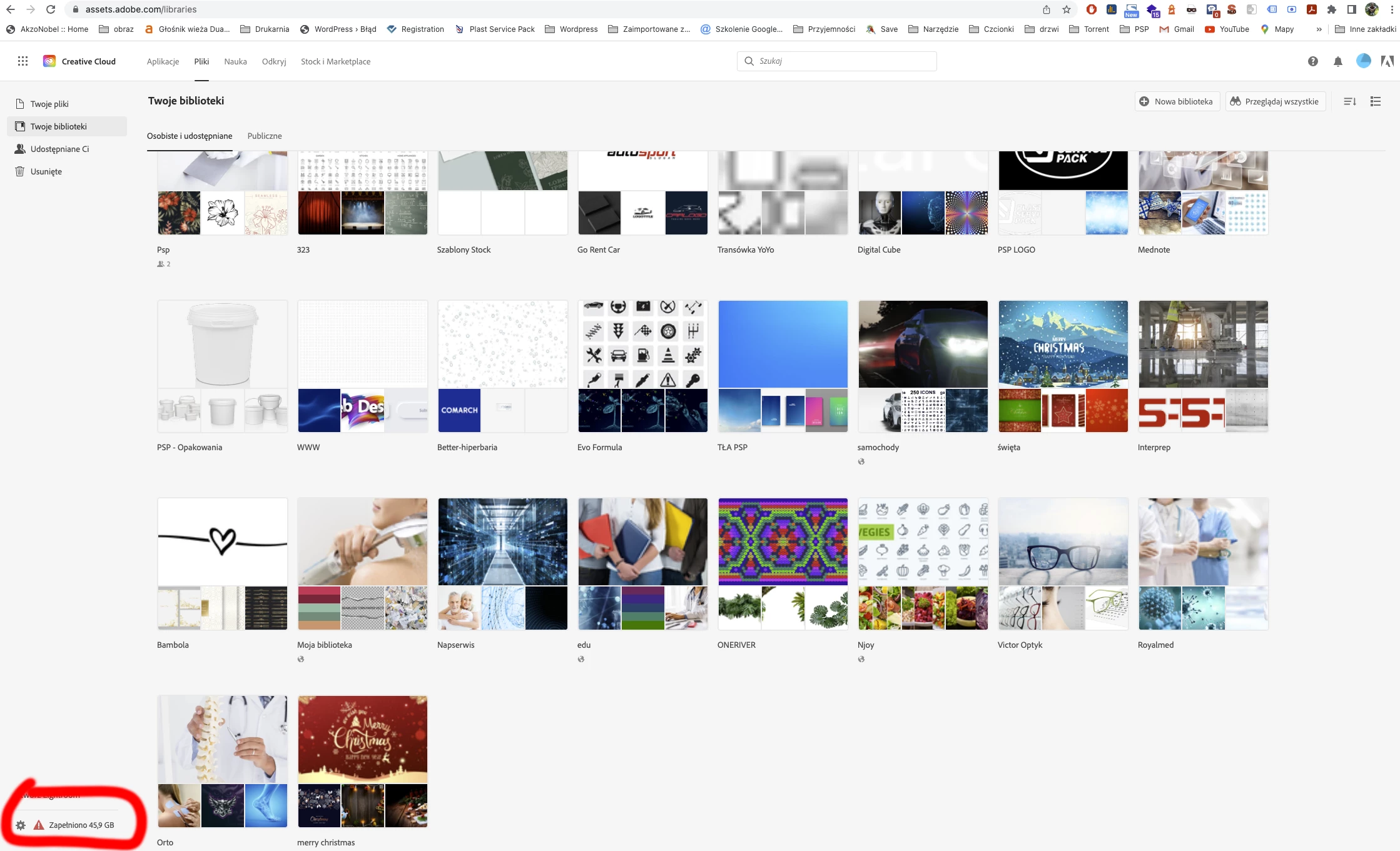
In https://assets.adobe.com/libraries I have a message: "All your cloud storage is full. Extend now to add new works further."
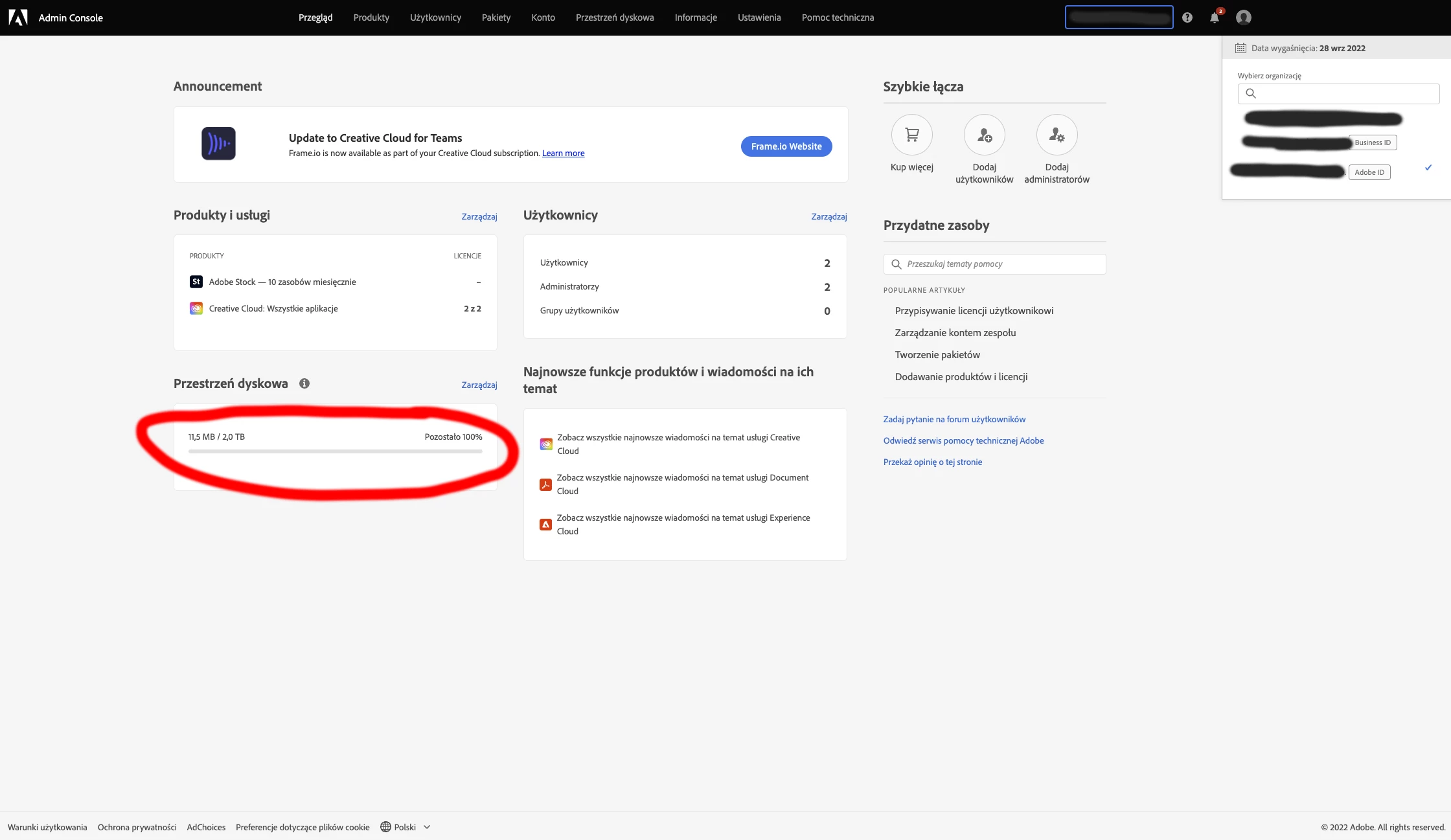
However, in https://adminconsole.adobe.com/ I have 2 TB of free space.
Help.


This topic has been closed for replies.

2 replies

Nancy OShea
Community Expert
Community Expert
May 10, 2022

Reinstall Creative Cloud Desktop App. 

Restart your computer.

That fixes most problems.


Nancy O'Shea— Product User & Community Expert
PSP-123Author
Participating Frequently
May 10, 2022

Why does Adobe assets show me that I have full cloud storage (50GB) as I should have 1TB?

Tarun Saini
Community Manager
Community Manager
May 4, 2022

Hi there,


We're sorry to hear about your difficulties. Would you mind sharing the version of the operating system you're on? Please go to your Creative Cloud Desktop Application > Help > About Creative Cloud option and share that complete screenshot. Also, is CC libraries don't show up in all Adobe apps? Could you please check if CC libraries are running in the background process in your Activity Monitor? What do you see in the libraries panel when you go to any Adobe apps? Please share the screenshot again as it's not opening at our end. We're here to help, just need some info.


You may also check this article & see if that helps: https://helpx.adobe.com/creative-cloud/kb/file-storage-quota.html


Thank's for your patience.


Regards,

Tarun

PSP-123Author
Participating Frequently
May 5, 2022

I have Adobe CC installed on my system
Windows 10 Pro (21h2)
and MacOS Meontery (12.2.1)
The library panel itself is displayed in applications but not the content of what I see in the library
by going to the address https://assets.adobe.com/libraries (Assets-adobe-com-liblares.jpg) 
- Why do i get the message here: "all your cloud storage is full.
In the admine console I have displayed that I used 11 MB?

In applications, I can only see what in (Creative Cloud Liblares.jpg)
And I should see what (Admin-console.jpg)


Tarun Saini
Community Manager
Community Manager
May 5, 2022

Thanks for the info. Could you please try the steps mentioned in this article and let us know if that helps: https://helpx.adobe.com/creative-cloud/kb/creative-cloud-libraries-panel-doesn-t-load-in-desktop-products.html